
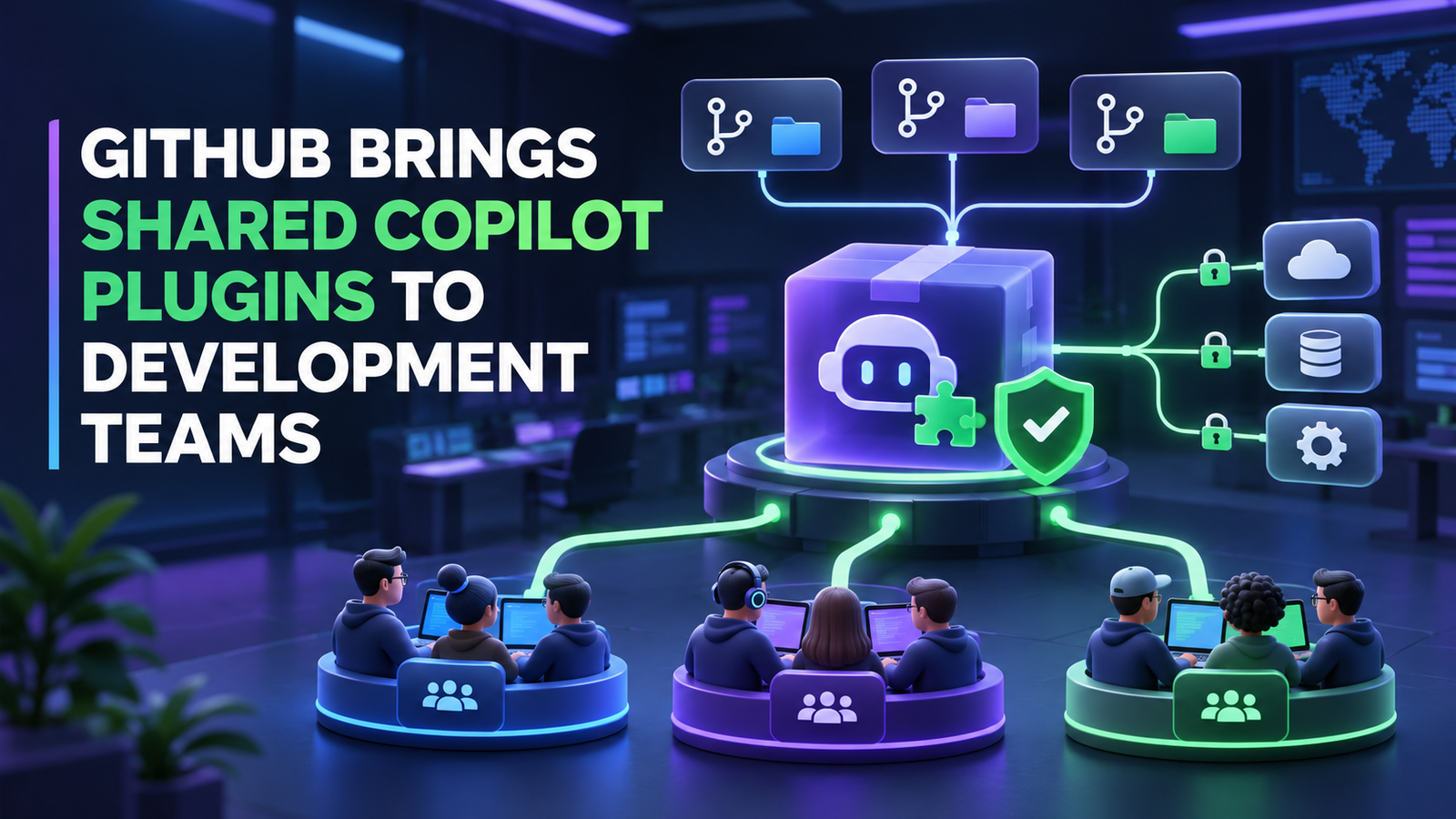

NEW DELHI, November 19, 2026, 5:00 PM IST — GitHub has made team-level customization generally available for Copilot Business and Enterprise, allowing maintainers to give developers a shared set of approved agent plugins across Visual Studio Code, the GitHub Copilot app and Copilot CLI.
The release moves AI coding-agent configuration from an individual setup task toward a managed platform capability. GitHub also added eight verified Model Context Protocol connectors in public preview, including integrations for Buildkite and Supabase, bringing more development and operational data into the same Copilot session.
For platform and DevOps teams, the important change is not another model upgrade. It is the arrival of a middle layer between personal agent configuration and organization-wide policy. Teams can now standardize useful plugins while enterprise administrators retain control over which marketplaces and integrations are allowed, required or blocked.
What GitHub confirmed
In its November 18 release announcement, GitHub said team maintainers and organization owners can select approved Agent Plugins as defaults for a team. Plugins can come from marketplaces built into Copilot, an enterprise marketplace or a marketplace hosted in a GitHub repository.
The selected plugins are enabled by default for direct team members in VS Code, the Copilot app and Copilot CLI. They are optional where policy permits, so individual developers can disable a team default. GitHub also noted an important boundary: child teams do not inherit the parent team’s selections.
Enterprise and organization policies continue to take precedence. A team cannot use the new feature to bypass a blocked marketplace or plugin, and it cannot disable a plugin that administrators require. Team customizations are generally available only to Copilot Business and Copilot Enterprise customers.
GitHub separately announced eight new verified MCP connectors for Box, Buildkite, Calendly, ClickUp, Mixpanel, Supabase, Webflow and Wix. The connectors join more than 25 existing services and are available in public preview across Copilot plans.
The development-focused examples are especially relevant to GravityDevOps readers. GitHub says an agent can inspect a failed Buildkite pipeline and then work on a code fix in the same session, or examine a Supabase schema before proposing a migration. A connection made once can be reused across supported Copilot surfaces.
Why this matters for platform teams
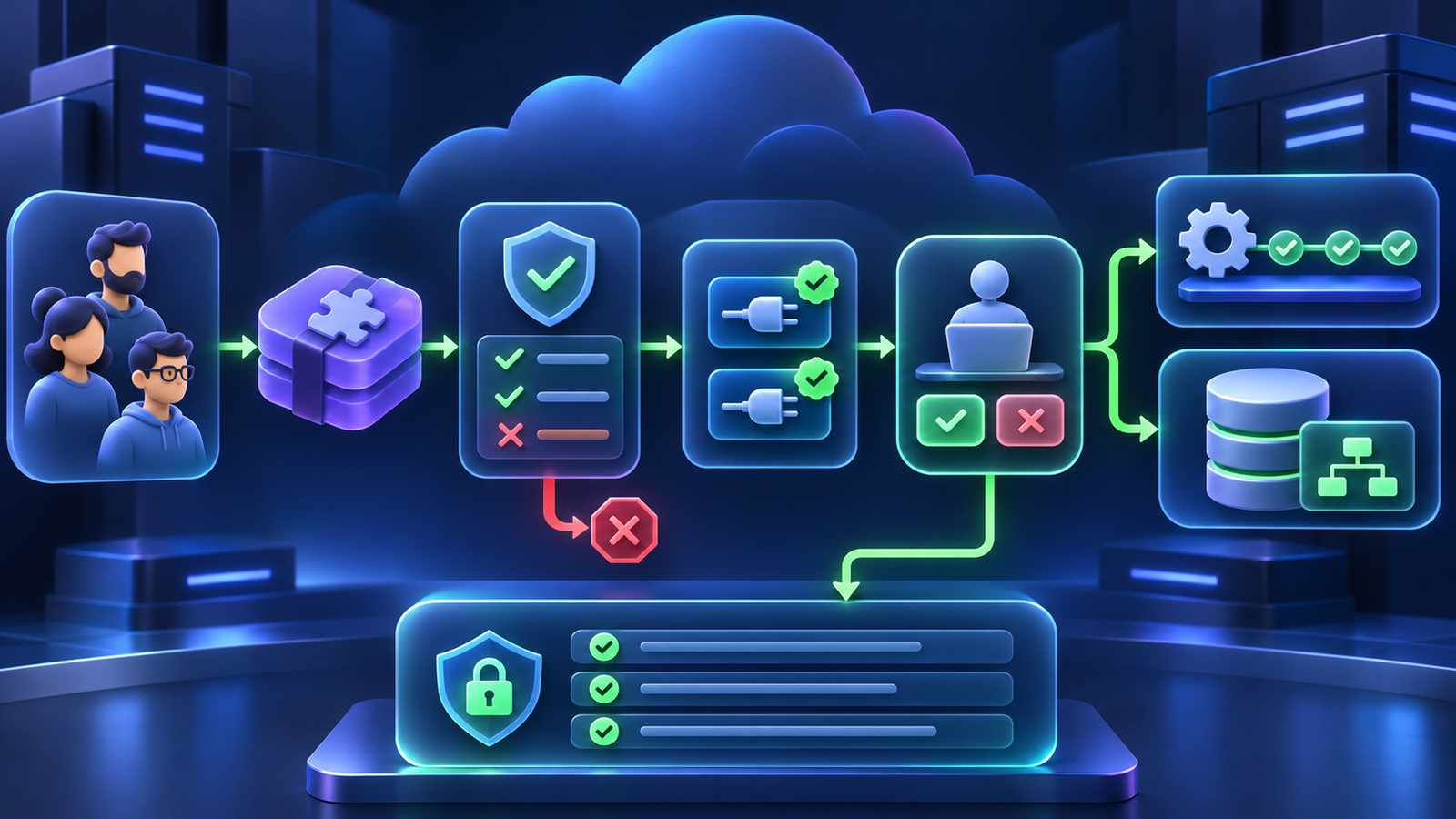
Plugins bundle more than prompts. According to GitHub’s Copilot documentation, they can include skills, hooks, custom agents, MCP servers and canvas extensions. That makes a plugin closer to an executable agent capability package than a lightweight editor preference.
The new team layer can reduce configuration drift. A platform engineering group could publish a plugin containing its deployment checks, repository conventions and incident-triage workflow, then make that package the default for developers who operate the same services. This is a more repeatable approach than asking every engineer to copy instructions and manually configure tools.
It also creates another software supply-chain surface. A plugin can affect what an agent knows, which tools it can call and what happens before or after those calls. An MCP connector can expose external data or actions. Approval therefore needs to cover the plugin source, bundled components, requested permissions, authentication flow and update process—not just the name shown in a marketplace.
Teams already formalizing model and prompt operations through LLMOps practices should treat plugin releases like other controlled dependencies: version them, test them against representative repositories, document owners and rollback paths, and observe tool calls after deployment.
Public preview still requires explicit controls
The verified connectors are not generally available. GitHub’s documentation says connectors remain in public preview and may change. Business and Enterprise administrators must enable the Editor preview features policy. Organizations that enumerate permitted MCP connectors instead of using a wildcard must add each new service to their allowlist, and some providers require separate approval on their side.
Verification also should not be read as blanket authorization. GitHub handles connector configuration and authentication, but customers still decide whether a service belongs in a given workflow and which accounts or datasets it can reach. A Buildkite integration allowed to inspect logs presents a different risk from one able to rerun pipelines or modify configuration. The same distinction applies to database schemas and migrations in Supabase.
Microsoft’s Ignite 2026 Book of News places these releases inside a broader shift toward agent platforms that span code, cloud services and enterprise governance. That direction can make agents more useful, but it also means security reviews must follow the full action path rather than stopping at the model or chat interface.
Practical impact for developers and DevOps teams
Organizations adopting the new controls should begin with a small number of narrow plugins and read-only connector scopes. A useful pilot would give one direct team a standardized plugin for build diagnostics while limiting the Buildkite connector to the projects and log data that team already owns.
Platform teams should then capture which plugin version was active, which MCP tools the agent invoked, what external data entered the session and whether a human approved state-changing actions. Those records are needed for incident review and for deciding whether the automation actually saves time.
Prompt design remains relevant, but permissions are the stronger boundary. Guidance from prompt engineering for developers can improve consistency, while access controls, sandboxing and review gates limit the impact of a mistaken or manipulated instruction.
GitHub’s rollout is a meaningful step toward treating coding agents as managed developer-platform components. The benefit is a common operational baseline across tools. The unresolved work belongs to customers: deciding which capabilities deserve trust, proving that policies propagate as intended and keeping state-changing actions observable and reversible.

