
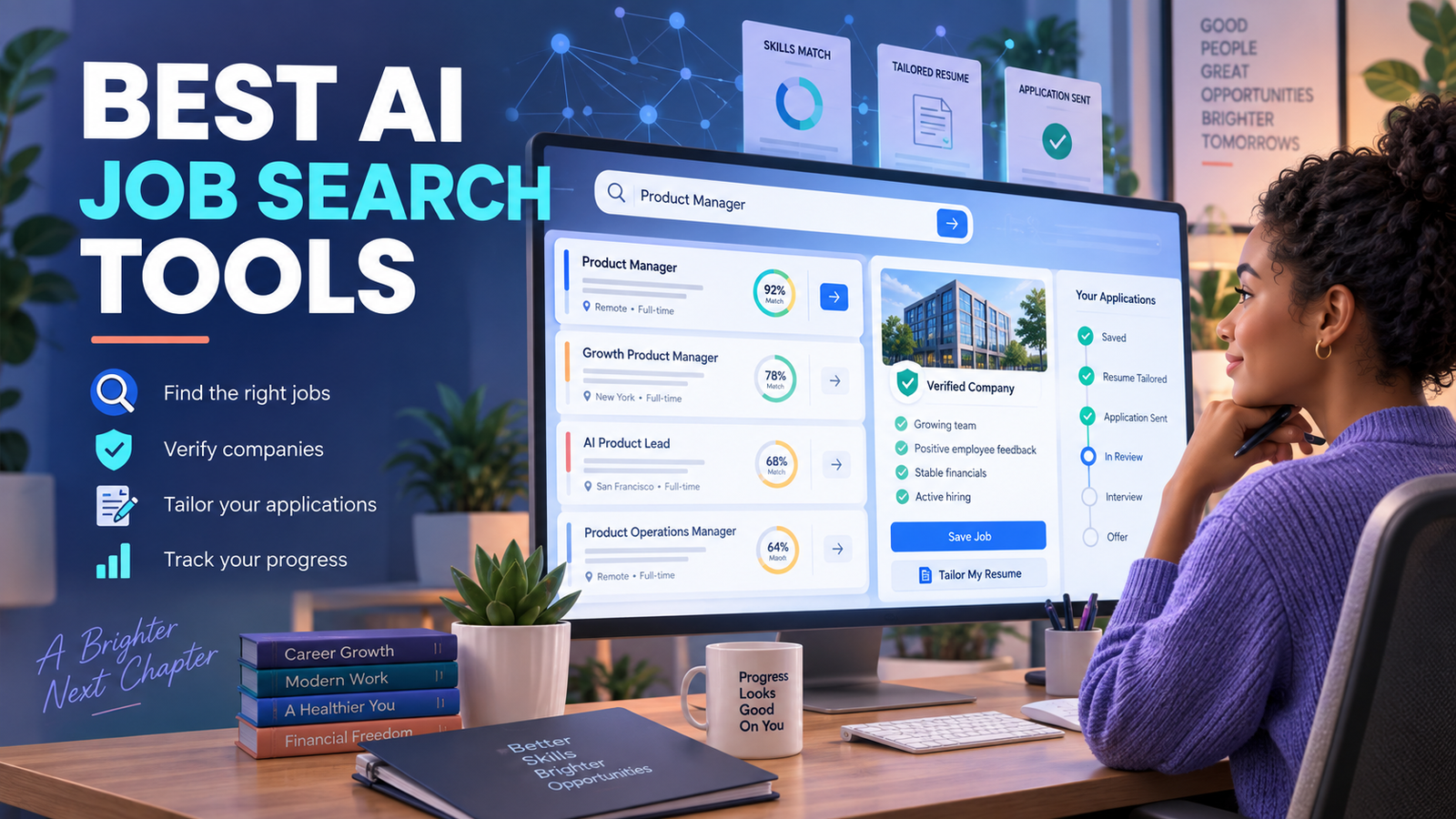

Direct answer: The best AI job search tools for job seekers are LinkedIn for broad discovery and networking, Indeed Career Scout for conversational search, Simplify for free application autofill, Teal for organized targeting, Huntr for application management, Careerflow for profile and networking workflows, and Jobright for AI matching. Use AI to prioritize and prepare applications, not to submit unreviewed claims at scale.
AI can reduce the clerical work in a job search, but it cannot confirm that a posting is genuine, decide whether a role fits your life or guarantee an interview. The most useful tools connect one or two stages of the process—discovery, fit analysis, tailoring, application tracking or follow-up—while keeping the applicant in control of every submission.
Reviewed September 13, 2026. Features, free allowances and prices can change. Availability and prices below reflect U.S.-facing pages checked during this review.
Best AI job search tools for job seekers at a glance
| Tool | Best for | Free access | Main limitation |
|---|---|---|---|
| Job discovery plus professional networking | AI-powered search for all members | Several fit and outreach features require Premium | |
| Indeed Career Scout | Conversational search across a large job board | Available to job seekers in the Indeed app | Mobile-app only |
| Simplify | Application autofill and automatic tracking | Unlimited autofill plus free matching and tracking | Browser extension processes application-form data |
| Teal | Targeted applications and a disciplined pipeline | Core resume, tracker and extension are free | Advanced matching and AI controls are paid |
| Huntr | Managing documents, contacts and applications together | 100 tracked jobs and two tailored resumes | Advanced AI and unlimited tracking cost $40 monthly |
| Careerflow | LinkedIn optimization and networking workflow | Free tracker, extension and limited AI | Official pages conflict on some free tracker limits |
| Jobright | AI matching and fit explanations | Core job-seeker features can be tried free | Public pages do not state durable numeric limits |
How we compared these tools
We screened ten candidate-facing services and ranked seven using current product pages, help centers, pricing pages and privacy disclosures. The criteria were job coverage, search and matching quality, explanation of fit, application assistance, tracking, networking support, free-plan boundaries, price transparency, applicant control, privacy and usefulness across a full search. LinkedIn, Indeed, Simplify, Teal, Huntr, Careerflow and Jobright made the list. LoopCV, Sonara and generic chatbots were screened but not ranked because automated-application workflows add review and quality risks, or because they duplicate only a narrow part of the process.
This is a documentation-based comparison, not a matched-profile benchmark. We did not submit applications, purchase every paid plan or measure interview rates. Vendor claims about faster searches or higher response rates are not treated as proven outcomes. Independent 2026 testing by TechRadar supports Indeed’s strength in listing breadth, particularly for entry-level, hourly and skilled-trade work, while its review of LinkedIn Jobs emphasizes the platform’s networking advantage. Those observations help frame the choices but do not make either platform universally best.
1. LinkedIn: best overall for discovery and networking
LinkedIn’s AI-powered job search lets people describe a role in natural language rather than guessing a perfect keyword string. A search can combine seniority, industry, location, remote preference, posting date and network signals in one request. LinkedIn says this search is available to all members worldwide, while familiar filters remain available.
The basic account also provides profile-based recommendations and alerts. Premium Career adds applicant comparisons, Top Applicant and Top Choice features, additional filters, AI-assisted profile and message features, five monthly InMail credits and LinkedIn Learning. Trial eligibility and duration vary, and an eligible trial converts to a paid subscription unless canceled. LinkedIn does not publish one fixed U.S. Premium price on the help pages because offers can vary by account and promotion, so confirm the checkout screen.
Its biggest advantage is that discovery, company research, mutual connections and recruiter outreach occupy the same network. Its biggest weakness is the temptation to read an algorithmic match label as an employer decision. LinkedIn says hirers do not see a job seeker’s match level, and match calculations depend heavily on profile, resume and employer-supplied requirements.
Best for: corporate, professional and network-led searches. Limitation: useful Premium signals are paid, and AI relevance still depends on accurate profile data.
2. Indeed Career Scout: best conversational job-board search
Indeed Career Scout combines natural-language job search, career exploration, company information, salary context, resume tailoring, application tracking and interview practice. It can answer broad questions such as which roles match a set of transferable skills, then refine recommendations when the user updates a profile or provides feedback.
Career Scout is currently available only in the Indeed mobile app, not on desktop or mobile web. It requires an Indeed account and uses profile information, activity and chat context to personalize its answers. Saving a Career Scout resume replaces the existing Indeed resume, an easy detail to miss if you maintain different versions.
Indeed is free for job candidates, and the breadth of its listing index makes Career Scout especially practical for people searching beyond technology and office roles. Treat company summaries, salary estimates and match suggestions as leads to verify. Check the employer’s own careers page before sharing sensitive information or acting on an unfamiliar offer.
Best for: mobile-first seekers who want conversational discovery across many job types. Limitation: there is no desktop Career Scout experience, and it uses substantial profile and activity context.
3. Simplify: best free application autofill
Simplify Copilot is a browser extension that fills repetitive application fields across more than 100 job boards and applicant-tracking systems, including Workday, Greenhouse, iCIMS, Lever and SmartRecruiters. Applications completed with the extension are added to a tracker automatically. Simplify also offers job matches, a searchable board, a basic resume builder and job-specific response suggestions.
The company commits to keeping autofill, application tracking, job matches and the basic resume builder free, with no limit on autofilled applications. That is a meaningful free boundary rather than a short trial. The user still reviews and submits each application; the extension does not remove the need to check dates, work authorization, salary expectations or screening answers.
The privacy tradeoff deserves attention. Simplify’s policy says the extension processes job-posting content, form structure and the values it fills. AI features may process resumes, job descriptions and draft responses through service providers. Simplify says extension data is not sold or used for third-party advertising and is not used to train generalized models, but it may use information to train and improve its own systems. Optional demographic answers should be stored only if the convenience is worth the sensitivity.
Best for: reducing repetitive form entry while retaining final control. Limitation: the extension necessarily handles detailed application and profile data.
4. Teal: best for a disciplined application pipeline
Teal connects a Chrome extension, job tracker, resume builder and job matcher. Users can save openings from different job boards, compare a resume with a selected description, record contacts and notes, and move opportunities through stages. This makes it useful when the problem is not finding one more listing but deciding which roles deserve a tailored application and remembering when to follow up.
Teal says its core resume builder, tracker and extension are free forever with no credit card. The free plan includes unlimited job tracking, basic matching, a limited view of surfaced keywords and limited AI credits. Teal+ adds advanced resume analysis, unlimited keyword matching, more templates and broader AI use; its public page lists $13 weekly with monthly and quarterly billing options available.
The job matcher compares documents with job requirements, but missing a keyword is not proof that a person is unqualified. Add only skills and accomplishments that are true. A tailored resume should improve relevance and clarity, not manufacture experience.
Best for: applicants who want one organized system from saved listing to follow-up. Limitation: the strongest matching and AI features sit behind Teal+.
5. Huntr: best for applications, documents and contacts in one place
Huntr combines a Kanban-style job tracker, Chrome job clipper, contact management, application autofill, resumes and job-description matching. The free plan is unusually concrete: up to 100 tracked jobs, unlimited base resumes, two job-tailored resumes, two application packets, free PDF export, basic matching and scoring, unlimited contacts and unlimited application autofills.
Huntr Pro costs $40 month to month, $90 every three months or $160 every six months on the checked U.S. pricing page. It removes the 100-job ceiling and adds unlimited AI resume generations, tailored resumes, cover letters, advanced matching and deeper job insights. Canceling returns the account to Free without deleting stored data, although paid capabilities become unavailable.
Huntr is strongest when several artifacts and relationships must stay attached to each application. The 100-job limit is generous for a targeted search, but advanced AI can become expensive if the main need is only a tracker.
Best for: managing a detailed pipeline with documents and networking contacts. Limitation: $40 monthly is difficult to justify unless several Pro features replace other tools.
6. Careerflow: best for profile and networking workflows
Careerflow bundles a LinkedIn profile optimizer, browser extension, resume tools, job tracker, networking tracker, recruiter search and limited AI assistance. The extension can save roles from LinkedIn, Indeed, Glassdoor, Google Jobs and employer career pages, while the tracker records stages, notes, tasks, contacts and follow-up reminders.
A free account requires no credit card. Careerflow’s FAQ says the job tracker is free with no limit on tracked jobs, but the current Premium page labels the free tracker, networking tracker and autofill as limited. Because those official descriptions conflict, do not assume a specific allowance until it is shown inside the account. Premium is listed at $23.99 monthly or $8.99 for the first weekly period on the checked page; the promotional presentation makes renewal details worth reading carefully.
This is a broader career suite than a pure job board, and its profile and relationship tools may help people whose search depends on recruiter visibility. It should complement rather than replace direct employer verification.
Best for: improving a LinkedIn presence and tracking relationship-led searches. Limitation: the official free-plan descriptions are inconsistent and advanced features are paid.
7. Jobright: best for AI matching explanations
Jobright positions itself as an AI job-search copilot with job matching, resume analysis, insider-connection discovery, an Orion assistant, autofill and U.S.-focused resources such as H-1B job information. Match explanations can help a seeker decide which gaps are genuine and which are merely wording differences before investing time in an application.
The public job-seeker site says Jobright is free to use and invites users to try core matching, resume and assistant features. However, its accessible public pages do not provide a durable numeric allowance or a clear job-seeker plan table. That makes the no-cost boundary less transparent than Simplify, Teal or Huntr. The prominently indexed $499 pricing page is for employers hiring candidates, not the job-seeker product, and should not be confused with applicant pricing.
Best for: exploring recommended roles with a reasoned fit summary. Limitation: job-seeker usage caps and paid boundaries are not clearly documented publicly.
Which AI job search tool should you choose?
- Start with LinkedIn when networking and recruiter visibility matter as much as job listings.
- Use Indeed Career Scout for broad, conversational discovery on a phone.
- Add Simplify when repetitive application forms are consuming the most time.
- Choose Teal for prioritization and a clean application pipeline.
- Choose Huntr when each application needs linked documents, contacts and detailed notes.
- Consider Careerflow for LinkedIn optimization and networking management.
- Try Jobright when AI matching and fit explanations are more valuable than transparent fixed allowances.
Most people do not need seven subscriptions. A practical stack is one discovery source, one tracker and—only if it saves meaningful time—one autofill or tailoring tool. The site already has dedicated comparisons for an AI resume builder, a free AI cover letter generator and AI interview practice tools. For writing accurate constraints and review rules into your workflow, see our prompt engineering guide.
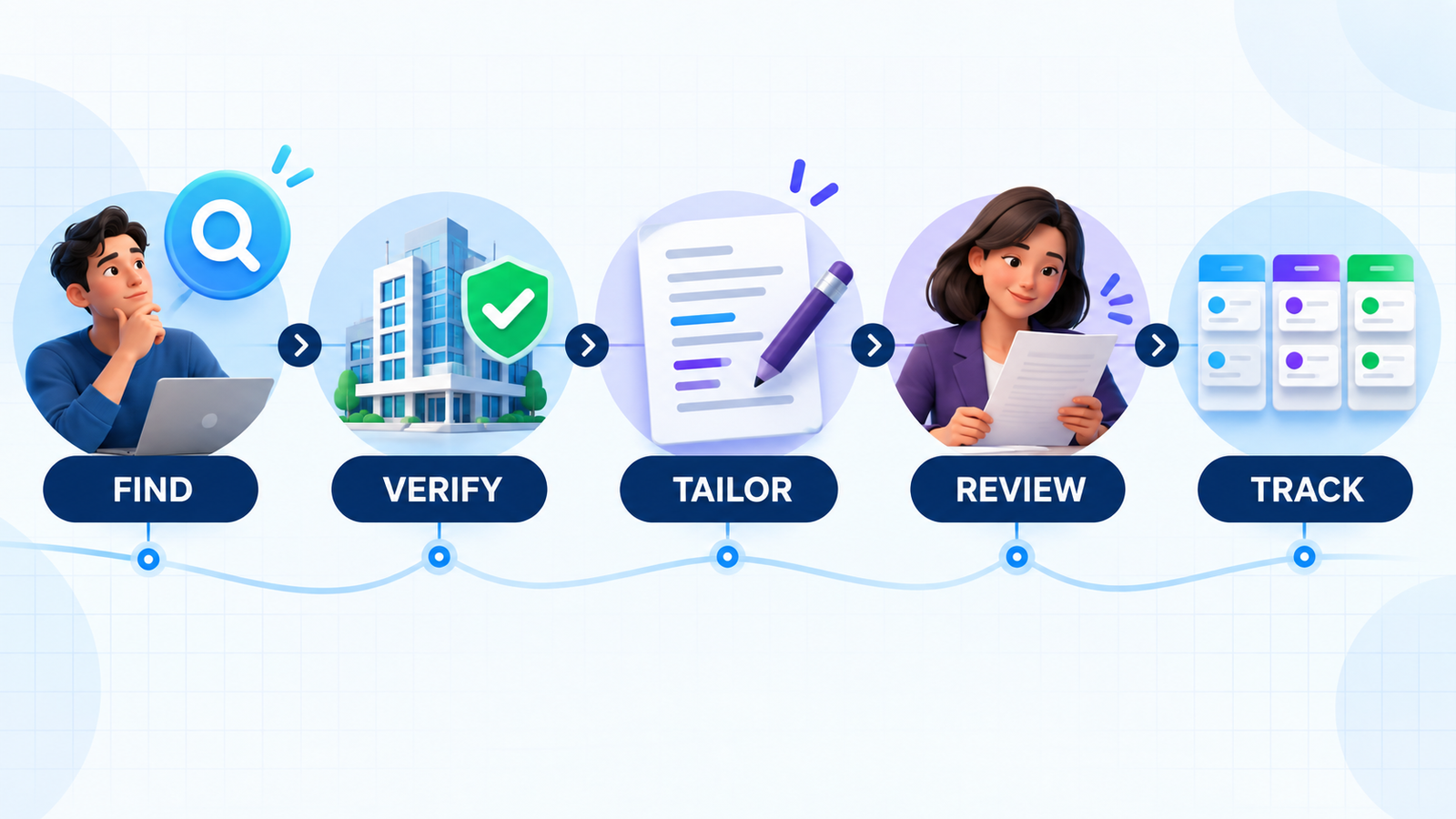
A safer AI-assisted job search workflow
- Define the target. Write down acceptable roles, locations, compensation, schedule and work-authorization constraints before asking an algorithm for matches.
- Discover broadly, then verify. Use AI search to find candidates, but confirm every opening on the employer’s official careers site.
- Prioritize with evidence. Compare required skills with truthful experience; ignore fit scores that cannot explain themselves.
- Tailor selectively. Adjust the summary and relevant evidence for the role without inventing keywords, titles, dates or achievements.
- Review every field. Check autofilled screening answers, salary, location, sponsorship and voluntary demographic information before submission.
- Track and learn. Record the source, version, date, contact and outcome so the next week’s strategy is based on evidence rather than application volume.
Be particularly careful with auto-apply services. More submissions are not automatically better, and an incorrect screening answer can create a false statement. Never let an assistant claim experience you do not have or answer voluntary self-identification questions without your review.
Privacy, scams and employment caveats
Job-search systems can hold a concentrated record of addresses, phone numbers, work history, salary preferences, immigration or work-authorization details, application answers and employer contacts. Upload only what a feature needs, redact references and identification numbers, disable unnecessary integrations and delete old data when the search ends. Review whether the service uses submitted content to improve its own models and whether recruiter matching makes your profile visible.
The Federal Trade Commission advises job seekers to verify unfamiliar companies, avoid paying for the promise of a job and reject check-deposit or gift-card schemes. A listing inside a trusted job board is not proof that the recruiter is genuine. The U.S. Equal Employment Opportunity Commission also notes that federal discrimination protections still apply when automated systems influence job ads, resume screening or interviews. Applicants who need an accommodation should contact the employer rather than relying on a third-party AI score.
Frequently asked questions
Are AI job search tools free?
Several useful workflows are free. LinkedIn’s AI search is available to basic members, Indeed is free to job seekers, Simplify promises unlimited free autofill, Teal includes its core tracker and resume builder, and Huntr tracks up to 100 jobs. Premium analysis, outreach, advanced matching and unlimited AI generation often cost extra.
Can AI apply for jobs automatically?
Some services automate parts of applications, but full auto-apply introduces accuracy, privacy and quality risks. A safer system fills repetitive fields while requiring you to verify the employer, tailor truthful evidence and approve every answer before submission.
Will an AI match score predict an interview?
No. A score estimates alignment using the profile, resume and job description available to the tool. It cannot observe an employer’s full applicant pool, changing priorities, referrals or human judgment, and it should not be treated as an employment outcome.
What information should I avoid uploading?
Do not upload government identification numbers, banking details, reference contact information without permission, confidential work samples or medical information. Redact addresses and phone numbers when they are not required for the feature you are using.

