
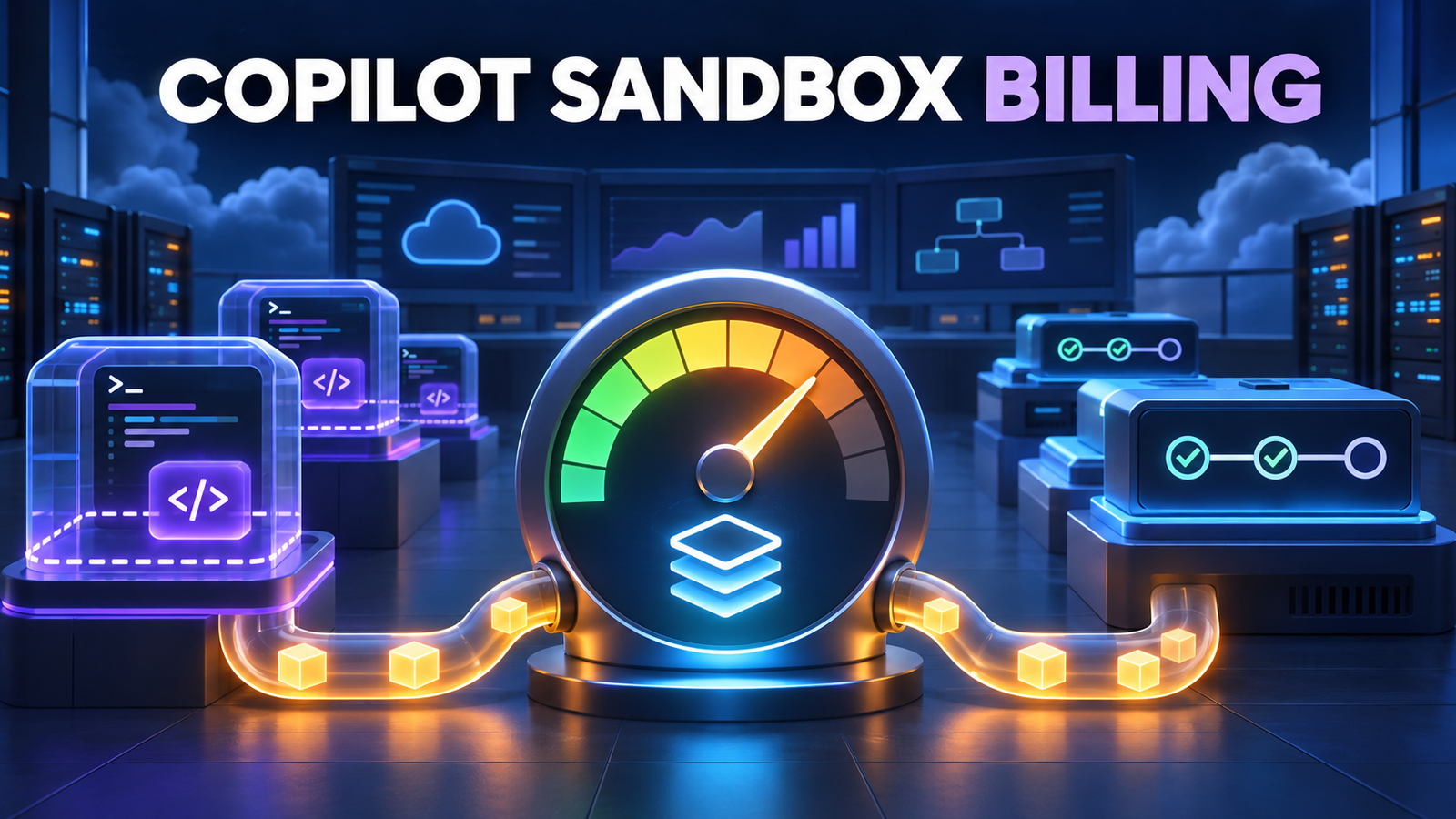

NEW DELHI, November 23, 2026, 8:28 PM IST — GitHub has started charging Copilot cloud-sandbox usage against customers’ shared included compute allowance, putting autonomous coding sessions and CI workloads into the same budget pool.
The billing change took effect Monday after GitHub updated its October launch announcement with a November 23 start date. For engineering organizations, the immediate issue is not simply a new AI charge: a long-running Copilot session can now consume allowance that would otherwise fund GitHub Actions jobs, and no eligible workload receives priority when the shared pool is depleted.
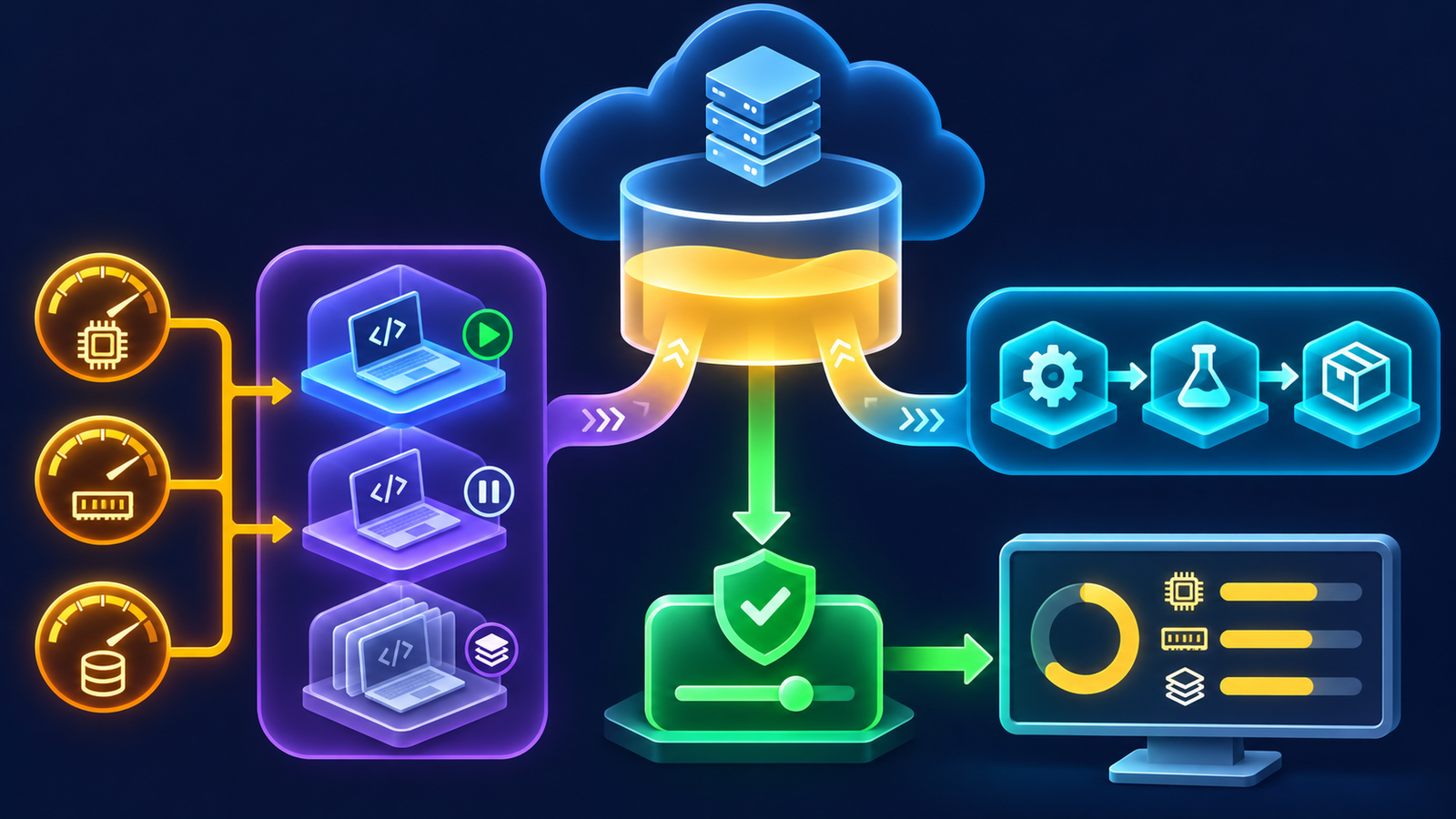
GitHub’s documentation says cloud sandboxes are metered on three dimensions: vCPU time while a session runs, allocated memory while it runs, and snapshot storage after it stops. Local sandboxing remains included with a Copilot seat at no additional charge.
What GitHub changed
GitHub made its connected Copilot cloud experience generally available on paid plans in October. A session can start on GitHub.com, GitHub Mobile, the Copilot app, Visual Studio Code, the Copilot CLI, Slack or Microsoft Teams and continue in a GitHub-managed sandbox.
Those cloud sandboxes are isolated from a developer’s machine and can preserve a snapshot when stopped. Beginning November 23, however, their compute and memory costs draw from the same dollar-based included compute allowance as standard GitHub-hosted runners for private and internal repositories. Larger runners can also draw from that pool for Team and Enterprise Cloud accounts.
GitHub says no eligible usage type has priority over another. That means a burst of agent sessions can reduce the allowance available for private-repository CI, while a busy release pipeline can leave less included capacity for cloud agents. Usage beyond the included allowance follows the account’s existing rates, budgets and payment settings.
How Copilot sandbox billing works
GitHub currently lists cloud-sandbox compute at $0.000024 per vCPU second, memory at $0.000003 per GiB second and stopped snapshot storage at $0.005 per GiB month. Those are GitHub’s published U.S.-dollar rates and may change, so teams should use the live billing page for estimates.
A running sandbox accrues both compute and allocated-memory usage, even when the workload is not keeping every allocated resource busy. Compute and memory stop accruing when the sandbox stops, but retained snapshots continue to incur storage usage until deleted.
GitHub’s own example prices a 10-minute session with two vCPUs and four GiB of memory at $0.036 before snapshot storage. A single run is inexpensive, but the operational risk emerges at team scale: many parallel sessions, forgotten running environments and retained snapshots can turn small unit rates into a recurring platform cost.
Why platform teams should review agent budgets now
The shared allowance changes the capacity-planning boundary between AI-assisted development and delivery pipelines. Platform teams should measure sandbox use separately, then compare it with Actions demand around pull-request peaks, scheduled test suites and release windows.
GitHub supports product-level or SKU-level cloud-sandbox budgets. Administrators can enable a stop-usage control that blocks additional sandbox consumption when a budget reaches its limit. GitHub also provides usage and spending views for billable amounts and remaining included compute.
Teams should pair those controls with lifecycle rules. Stop idle sessions so compute and memory meters cease, delete snapshots that no longer need to be resumed, and decide when a local sandbox or self-hosted environment is the better fit. Public-repository standard runner usage and self-hosted runners remain free independently under GitHub’s documented policy, but larger runners for public repositories are still billed.
This is also a security-governance change. Cloud sessions can use Bash, the GitHub CLI, connectors and Model Context Protocol tools. GitHub says enterprise agent-permission settings, MCP allowlists and network firewall rules apply to the connected cloud experience. Its MCP guidance recommends narrowly allowlisting read-only tools because some repository-configured tools can run autonomously without a fresh approval prompt.
A practical rollout checklist
Engineering leaders should first establish a baseline for both Actions and sandbox consumption before changing policy. Next, separate experimental agent use from production repositories with scoped budgets, repository access rules and network allowlists. Finally, review the first full billing cycle for cost per completed engineering task rather than judging the service only by session count or token usage.
Organizations building broader AI delivery controls can connect these measures to existing LLMOps practices, apply retrieval boundaries described in the GravityDevOps RAG guide, and compare the effect on pipelines using the CI/CD tools comparison.
The change does not establish that Copilot cloud sessions will raise every customer’s bill. Accounts with unused included compute may absorb them without overage. The confirmed shift is that agent sandboxes and CI now compete within one monetary allowance, making budgets, idle-session cleanup and workload attribution part of day-to-day platform operations.
Sources
GitHub’s connected Copilot cloud announcement, cloud and local sandbox billing documentation, cloud sandbox security and networking documentation, and repository MCP configuration guidance.

