


Quick answer: The best CI/CD tool in 2026 depends on where your code lives, how much control your team needs, and whether you want a simple hosted pipeline or an enterprise-grade delivery platform. For most GitHub-first teams, GitHub Actions is the easiest default. For GitLab-first teams, GitLab CI/CD is the most integrated choice. For mature engineering organizations that need governance, advanced deployment workflows, and software delivery visibility, Harness, Azure DevOps, or TeamCity may be stronger fits. For maximum flexibility and self-hosting, Jenkins still matters.
CI/CD is no longer just a DevOps convenience. It is the backbone of modern software delivery. A good CI/CD platform helps teams build, test, scan, package, and deploy code consistently. A poor choice creates slow builds, fragile releases, security gaps, and hidden infrastructure costs.
This guide compares the best CI/CD tools in 2026 from a practical buyer-intent perspective: who each tool is best for, where it is weak, what pricing model to watch, and how to choose the right platform for your team.
What Makes a Great CI/CD Tool in 2026?
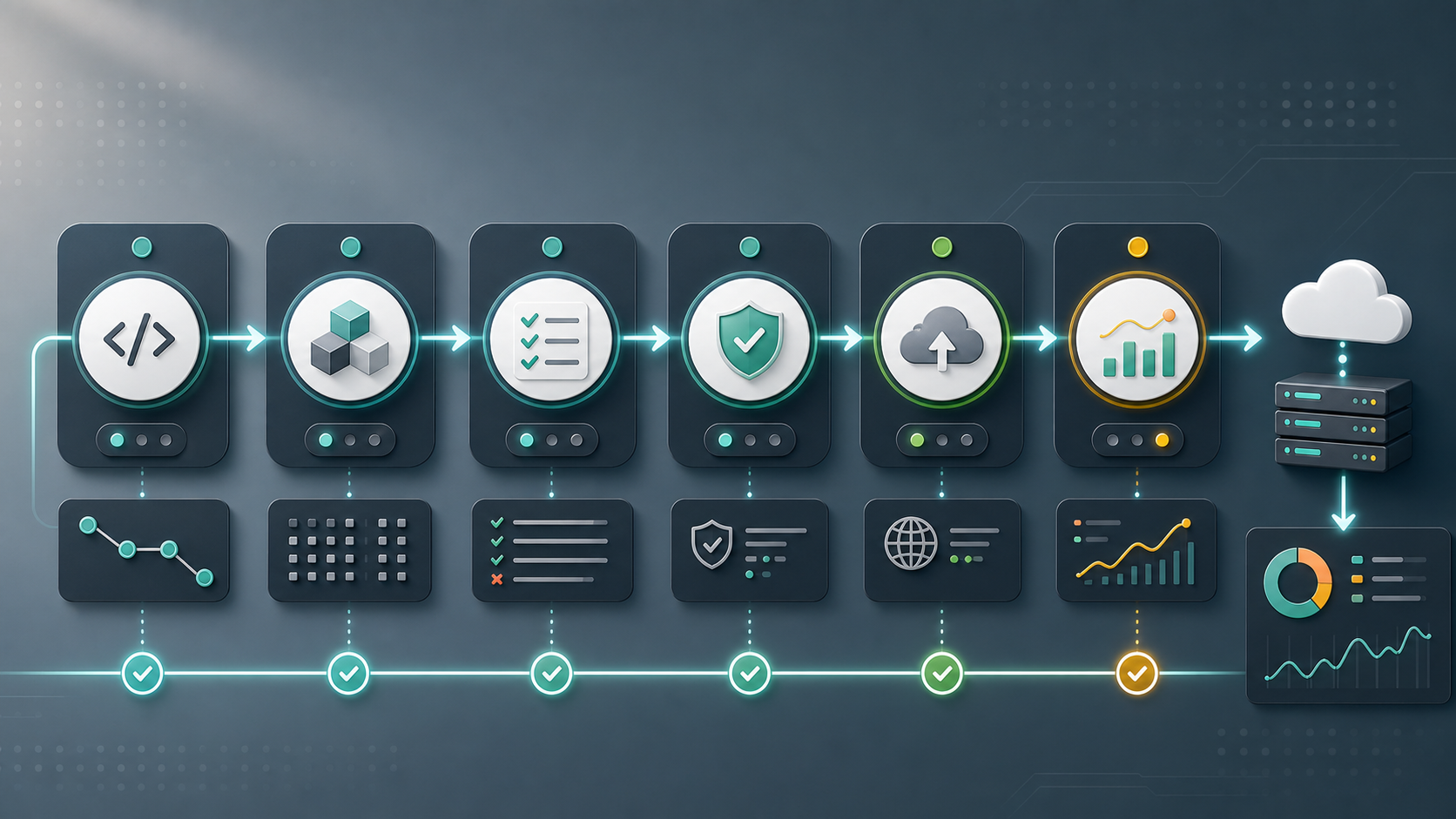
A modern CI/CD platform should do more than run a build script. In 2026, teams usually need support for containers, Kubernetes, cloud deployments, secrets management, policy controls, test reporting, security scanning, reusable workflows, and clear visibility into pipeline failures.
Before comparing tools, evaluate them across these criteria:
- Repository fit: Does it work naturally with GitHub, GitLab, Bitbucket, Azure Repos, or self-hosted Git?
- Ease of use: Can developers create and maintain pipelines without heavy platform support?
- Runner model: Does it offer hosted runners, self-hosted runners, or both?
- Cloud and Kubernetes support: Can it deploy cleanly to AWS, Azure, Google Cloud, Docker, Helm, and Kubernetes?
- Security: Does it support secrets, approvals, audit logs, policy controls, SAST, dependency scanning, and supply-chain checks?
- Cost predictability: Are you paying by user, build minutes, credits, runners, features, or enterprise contract?
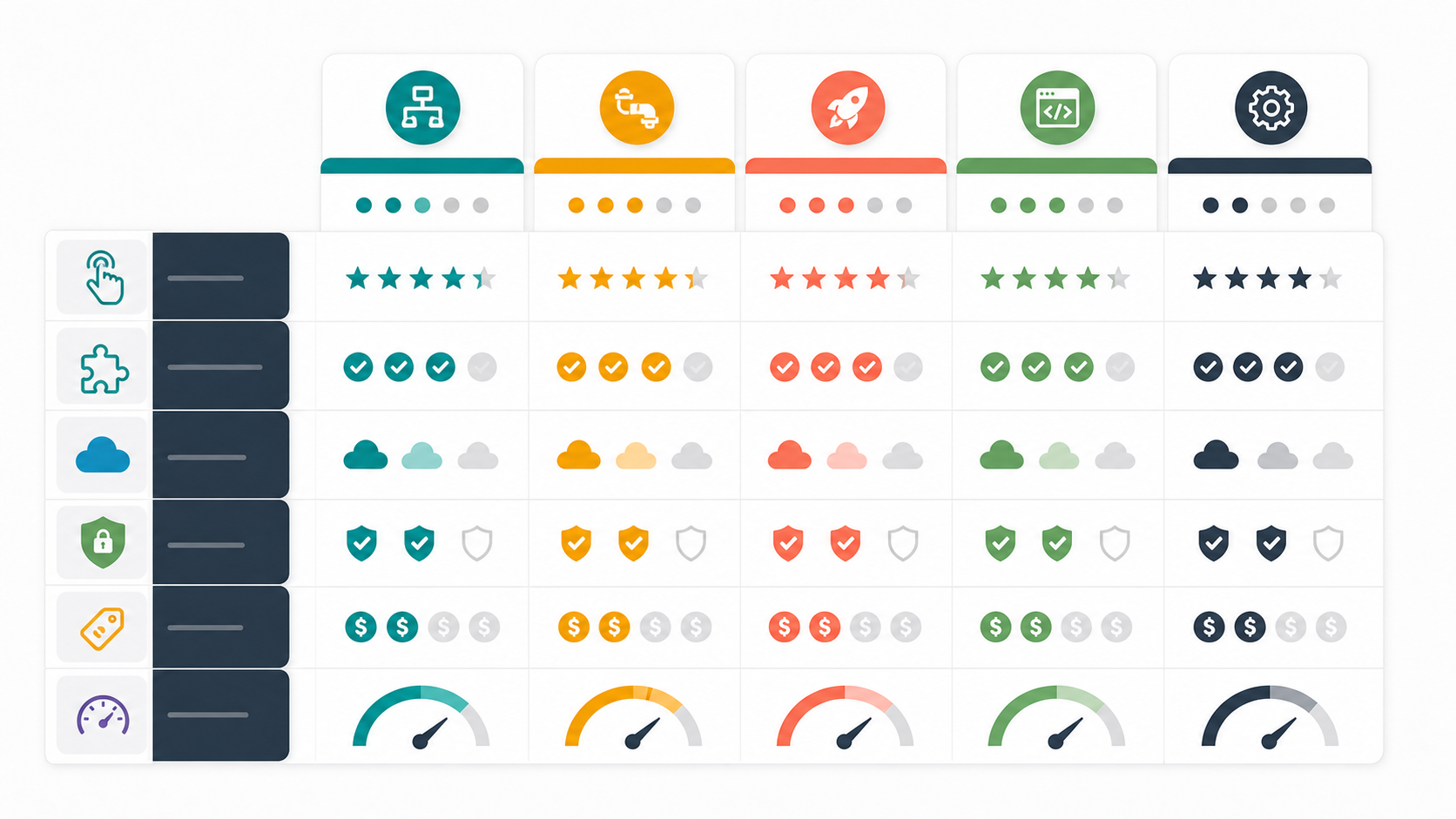
Best CI/CD Tools in 2026: Comparison Table
| Tool | Best For | Strengths | Watch Out For |
|---|---|---|---|
| GitHub Actions | GitHub-first teams and open-source projects | Native GitHub integration, large marketplace, simple YAML workflows | Costs can grow with heavy hosted runner usage |
| GitLab CI/CD | Teams already using GitLab as an all-in-one DevSecOps platform | Integrated repo, CI, security, environments, and deployment features | Best experience is inside the GitLab ecosystem |
| CircleCI | Teams that care about fast builds and flexible hosted CI | Performance-focused workflows, caching, Docker support, reusable orbs | Credit-based pricing needs monitoring |
| Jenkins | Self-hosted, highly customized enterprise environments | Maximum flexibility, huge plugin ecosystem, no vendor lock-in | Requires maintenance, plugin governance, and operational discipline |
| Azure DevOps Pipelines | Microsoft, Azure, and enterprise teams | Strong Azure integration, mature release management, enterprise controls | Interface and ecosystem can feel heavier than GitHub Actions |
| Harness | Enterprise software delivery and governed deployments | Advanced CD, approvals, feature flags, governance, and delivery insights | May be more platform than a small team needs |
| Bitbucket Pipelines | Atlassian and Bitbucket teams | Simple repo-native pipelines, Jira/Atlassian fit | Less broad ecosystem than GitHub or GitLab |
| TeamCity | Teams needing powerful build configuration and JetBrains ecosystem support | Strong build chains, Kotlin DSL, self-hosted and cloud options | Can be more complex than lightweight hosted CI tools |
| AWS CodePipeline | AWS-native delivery workflows | Deep AWS integration and managed release orchestration | Less convenient for multi-cloud or non-AWS-centric teams |
1. GitHub Actions: Best Default for GitHub Teams
GitHub Actions is often the easiest CI/CD choice when your repositories already live on GitHub. Workflows are stored as YAML files in the repository, triggers are based on GitHub events, and the marketplace offers thousands of reusable actions for testing, Docker builds, cloud deployments, notifications, and security checks.
Best for: startups, open-source projects, SaaS teams, and any engineering group that already uses GitHub heavily.
Pros: excellent GitHub integration, easy onboarding, reusable workflows, strong marketplace, hosted and self-hosted runners, good ecosystem support.
Cons: large organizations need governance around secrets, permissions, action pinning, and runner costs. Heavy builds on hosted runners can become expensive if not monitored through GitHub Actions billing controls.
Verdict: choose GitHub Actions if GitHub is your source of truth and you want fast adoption without buying a separate CI platform. Our hands-on GitHub Actions tutorial walks through the YAML, runners, caching, artifacts, secrets, and deployment workflow.
2. GitLab CI/CD: Best All-in-One DevSecOps Platform
GitLab CI/CD is one of the strongest options when you want source control, CI/CD, security scanning, package management, and deployment visibility inside one platform. GitLab’s pipeline configuration is mature, and its broader DevSecOps approach makes sense for teams that prefer fewer separate tools.
Best for: teams already using GitLab, organizations that want integrated DevSecOps, and companies that prefer a single platform over many point tools.
Pros: strong pipeline model, built-in security and compliance options, good Kubernetes support, integrated environments and merge request workflows.
Cons: the value is highest when your code and workflow are already in GitLab. Teams using GitHub may prefer GitHub Actions unless GitLab’s security and platform features justify the switch.
Verdict: choose GitLab CI/CD if you want CI/CD as part of a full DevSecOps platform rather than a standalone pipeline runner.
3. CircleCI: Best for Fast Hosted CI Workflows
CircleCI has long been popular with teams that care about fast, reliable CI for application builds and test pipelines. It offers strong Docker support, caching, parallelism, reusable configuration through orbs, and flexible hosted execution.
Best for: engineering teams that want a dedicated hosted CI system with good performance and workflow control.
Pros: fast pipelines, good caching, flexible workflows, strong Docker/container support, reusable orbs.
Cons: credit-based pricing can be harder to predict than simple per-seat pricing, especially when builds run frequently or require larger compute.
Verdict: choose CircleCI when CI performance and dedicated build workflow control are more important than having CI built directly into your Git provider.
4. Jenkins: Best for Self-Hosted Control and Customization
Jenkins is the classic open-source automation server. It remains relevant because it is extremely flexible, self-hosted, and supported by a massive plugin ecosystem. If your organization has complex legacy systems, custom build infrastructure, unusual deployment requirements, or strict control needs, Jenkins can still be a practical choice.
Best for: enterprises with existing Jenkins investment, regulated environments, custom build farms, and teams that need self-hosted control.
Pros: open source, flexible, self-hosted, huge ecosystem, works with almost anything.
Cons: Jenkins requires maintenance. You need to manage plugins, security updates, agents, credentials, backups, scaling, and pipeline standards.
Verdict: choose Jenkins when flexibility and control matter more than a polished hosted developer experience.
5. Azure DevOps Pipelines: Best for Microsoft and Azure Environments
Azure Pipelines is a mature CI/CD service inside Azure DevOps. It supports GitHub, Azure Repos, containers, multiple languages, approvals, environments, and strong Azure deployment workflows.
Best for: enterprises using Azure, Microsoft development stacks, Azure Repos, or Azure DevOps project management.
Pros: mature enterprise controls, strong Azure integration, release approvals, multi-stage pipelines, Microsoft ecosystem fit.
Cons: teams that already use GitHub may find GitHub Actions simpler. Azure DevOps can feel heavier for small teams that only need basic CI.
Verdict: choose Azure Pipelines if your delivery workflows are deeply tied to Azure or Microsoft enterprise tooling.
6. Harness: Best for Enterprise Continuous Delivery
Harness is broader than basic CI. It focuses heavily on modern software delivery: continuous delivery, progressive deployments, feature flags, governance, service reliability signals, and platform visibility. For organizations with many services, many environments, and strict deployment controls, Harness can be a strong fit.
Best for: mid-size to large organizations that want governed CD, deployment automation, and delivery visibility across teams.
Pros: strong CD features, approvals, policy controls, service dashboards, cloud-native delivery patterns, enterprise governance.
Cons: it may be too much for teams that only need simple CI. Pricing and implementation should be evaluated against team size and platform goals.
Verdict: choose Harness when deployment governance, progressive delivery, and multi-team visibility matter more than a basic build runner.
7. Bitbucket Pipelines: Best for Atlassian Teams
Bitbucket Pipelines is a natural choice for teams that host repositories in Bitbucket and manage work in Jira. It keeps pipeline configuration close to the repository and is simple enough for small and medium teams to adopt quickly.
Best for: teams using Bitbucket Cloud, Jira, and the Atlassian ecosystem.
Pros: simple setup, native Bitbucket integration, good Atlassian workflow fit, easy YAML pipelines.
Cons: the ecosystem is not as broad as GitHub Actions or GitLab CI/CD. Advanced delivery workflows may require additional tools.
Verdict: choose Bitbucket Pipelines if your team already lives in Bitbucket and wants a straightforward native CI/CD experience.
8. TeamCity: Best for Advanced Build Engineering
TeamCity from JetBrains is a mature CI/CD server with powerful build chains, templates, Kotlin DSL configuration, and both cloud and self-hosted options. It is especially appealing to teams that want deeper build configuration control than many lightweight hosted CI tools provide.
Best for: teams with complex build chains, JetBrains-heavy development environments, and advanced CI configuration needs.
Pros: strong build modeling, Kotlin DSL, reusable templates, good enterprise build control.
Cons: may feel more complex than GitHub Actions or GitLab CI/CD for simple projects.
Verdict: choose TeamCity if your team needs serious build engineering features and appreciates the JetBrains ecosystem.
9. AWS CodePipeline: Best for AWS-Native Delivery
AWS CodePipeline is a managed continuous delivery service for AWS-centric workflows. It integrates with AWS services such as CodeBuild, CodeDeploy, ECS, Lambda, CloudFormation, and IAM. For teams that deploy mostly into AWS, it can reduce the need for external CD orchestration.
Best for: AWS-heavy teams that want managed pipeline orchestration inside the AWS ecosystem.
Pros: native AWS integrations, IAM-based controls, managed service model, good fit for AWS deployment pipelines.
Cons: not the most natural choice for multi-cloud teams or organizations that want a single CI/CD experience across many platforms.
Verdict: choose AWS CodePipeline when your delivery workflow is primarily AWS-native and you want managed orchestration close to your cloud resources.
Which CI/CD Tool Should You Choose?
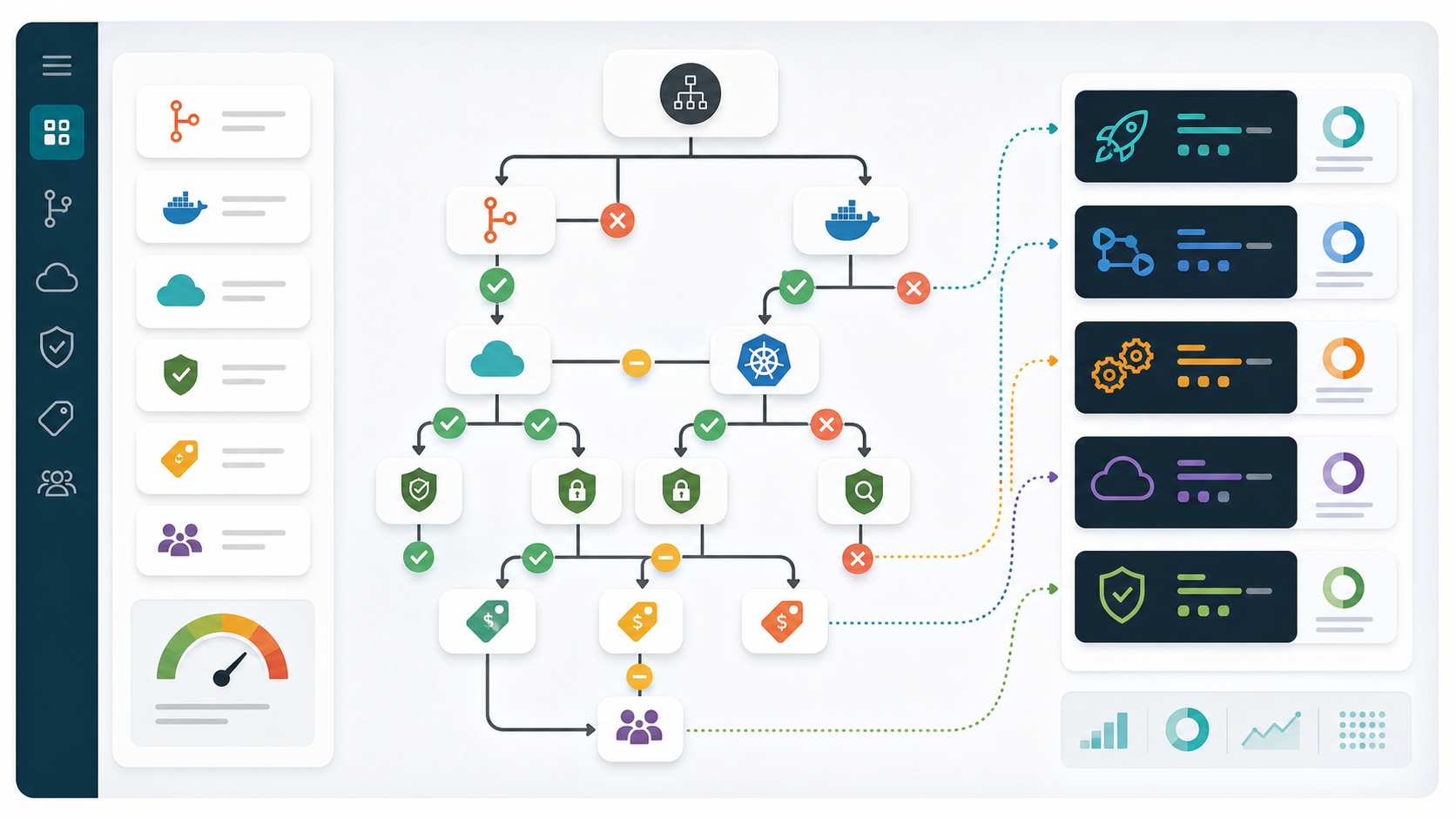
Use this practical decision guide:
- Choose GitHub Actions if your code is in GitHub and you want the simplest path to automation.
- Choose GitLab CI/CD if you want an integrated DevSecOps platform with repo, CI, security, and deployment features together.
- Choose CircleCI if build speed, caching, and hosted CI workflow control are top priorities.
- Choose Jenkins if you need maximum customization, self-hosting, or support for legacy enterprise workflows.
- Choose Azure Pipelines if your organization is Microsoft- or Azure-heavy.
- Choose Harness if you need enterprise deployment governance, progressive delivery, and visibility across many services.
- Choose Bitbucket Pipelines if your team already uses Bitbucket and Jira heavily.
- Choose TeamCity if you need advanced build chains, templates, and build engineering control.
- Choose AWS CodePipeline if your delivery workflow is mostly AWS-native.
Common CI/CD Buying Mistakes
Mistake 1: choosing only by popularity. The most popular tool is not always the best fit. GitHub Actions is excellent for GitHub teams, but a GitLab organization may get more value from GitLab CI/CD.
Mistake 2: ignoring runner costs. Hosted runners are convenient, but minutes, credits, storage, and larger machine types can become meaningful costs as your team grows.
Mistake 3: treating CI and CD as the same problem. A tool can be great at building and testing code but weaker at progressive deployment, approvals, environment promotion, or release governance.
Mistake 4: underestimating security. CI/CD systems hold secrets, deploy credentials, tokens, and production access. Require least privilege, protected environments, audit logs, branch protections, and reviewed workflow changes.
Recommended Stack by Team Type
| Team Type | Recommended CI/CD Choice | Why |
|---|---|---|
| Solo developer or small startup | GitHub Actions or GitLab CI/CD | Fast setup, low operational burden, native repository integration |
| Open-source project | GitHub Actions | Strong GitHub ecosystem and community workflow support |
| Enterprise using Microsoft/Azure | Azure Pipelines or GitHub Actions | Strong Microsoft integration and enterprise controls |
| Enterprise with complex legacy systems | Jenkins or TeamCity | Self-hosting, customization, and advanced build control |
| Cloud-native platform team | GitHub Actions, GitLab CI/CD, Harness, or Argo CD alongside CI | Works well with containers, Kubernetes, and GitOps workflows |
| Regulated organization | GitLab Ultimate, Harness, Azure DevOps, Jenkins with strict governance | Compliance, auditability, and approval workflows become critical |
Final Verdict
If you want the safest default recommendation in 2026, start with the CI/CD tool closest to your source code and team workflow. GitHub users should strongly consider GitHub Actions. GitLab users should consider GitLab CI/CD. Azure-heavy enterprises should evaluate Azure Pipelines. Teams needing sophisticated deployment governance should look at Harness. Teams needing self-hosted customization should keep Jenkins or TeamCity on the shortlist.
The best CI/CD tool is not the one with the longest feature list. It is the one your developers will actually use, your platform team can govern, your security team can trust, and your finance team can predict.
Related Reading
- What is Generative AI? A Beginner’s Guide
- Coming next in this cluster: GitHub Actions tutorial, GitOps with Argo CD, Kubernetes monitoring tools, and DevSecOps container security tools.
CI/CD Questions Practitioners Are Asking
Recent r/devops threads repeatedly ask whether learning one pipeline tool is enough and why GitHub-based companies still keep Jenkins or another CI system. Those are better buying questions than simply asking which product is most popular.
Is GitHub Actions enough to learn CI/CD?
Yes. GitHub Actions is enough to learn the core CI/CD concepts, but a single build-and-push workflow is not yet production practice. This r/devops learning discussion correctly centers the principles behind the YAML: repeatability, feedback speed, quality gates, artifact promotion, deployment safety, and recovery.
Turn a beginner pipeline into a realistic portfolio project by adding pull-request tests, dependency caching, parallel jobs, one immutable container image promoted across environments, vulnerability scanning, an approval-protected production environment, deployment verification, and a rollback path. Record lead time, failure rate, and recovery time. Then reproduce a smaller version in GitLab CI or Jenkins so you can separate portable pipeline design from vendor syntax.
Why do GitHub teams still use Jenkins, GitLab CI, or another CI tool?
Repository location is only one selection criterion. A company may keep another tool because migration risk exceeds the benefit, runners must live in restricted networks, pipelines coordinate many repositories, compliance evidence is already built around the current system, or a platform team has years of reusable libraries and operational knowledge.
As practitioners note in this GitHub Actions versus other CI tooling discussion, the question is rarely whether a product can execute a command. The useful question is how safely and maintainably it supports your actual workflow. Estimate migration effort, duplicated operation during transition, audit requirements, runner costs, failure visibility, and developer retraining before replacing a system that already works.
Can AI safely write a CI/CD pipeline?
AI can draft and review pipeline configuration, but generated YAML should enter through the same pull-request process as human-written code. Give the model a narrow task and your repository conventions, then test the result on an unprivileged branch. Do not give a coding agent unrestricted production credentials or permission to approve its own deployment.
For GitHub Actions, review token permissions, untrusted pull-request input, secret handling, runner isolation, action provenance, and deployment environments. GitHub’s secure-use guidance recommends least privilege and pinning third-party actions to full commit SHAs; OpenID Connect can replace long-lived cloud credentials. The broader workflow in our AI and DevOps implementation guide adds policy checks, human approval, observability, and rollback before production changes.
FAQ: Best CI/CD Tools in 2026
What is the best CI/CD tool overall?
There is no single best CI/CD tool for every team. GitHub Actions is the best default for GitHub-first teams, GitLab CI/CD is best for GitLab users, Jenkins is best for highly customized self-hosted environments, and Harness is strong for enterprise continuous delivery.
Is Jenkins still worth using in 2026?
Yes, Jenkins is still worth using when a team needs self-hosted control, deep customization, or legacy integration. However, new teams that want low maintenance often prefer GitHub Actions, GitLab CI/CD, CircleCI, or Azure Pipelines.
Is GitHub Actions better than GitLab CI/CD?
GitHub Actions is usually better for teams already using GitHub. GitLab CI/CD is usually better for teams already using GitLab or wanting a more integrated DevSecOps platform. The better choice depends mainly on your repository and platform strategy.
Which CI/CD tool is best for Kubernetes?
GitHub Actions, GitLab CI/CD, CircleCI, Jenkins, Azure Pipelines, and Harness can all support Kubernetes workflows. For Kubernetes-heavy teams, CI is often paired with GitOps tools such as Argo CD or Flux for the deployment side.
What is the cheapest CI/CD tool?
The cheapest option depends on usage. Free tiers can be enough for small projects, but hosted runner minutes, credits, storage, larger machines, and user seats can change the real cost. Self-hosted Jenkins may avoid vendor CI minute costs but adds infrastructure and maintenance overhead.


