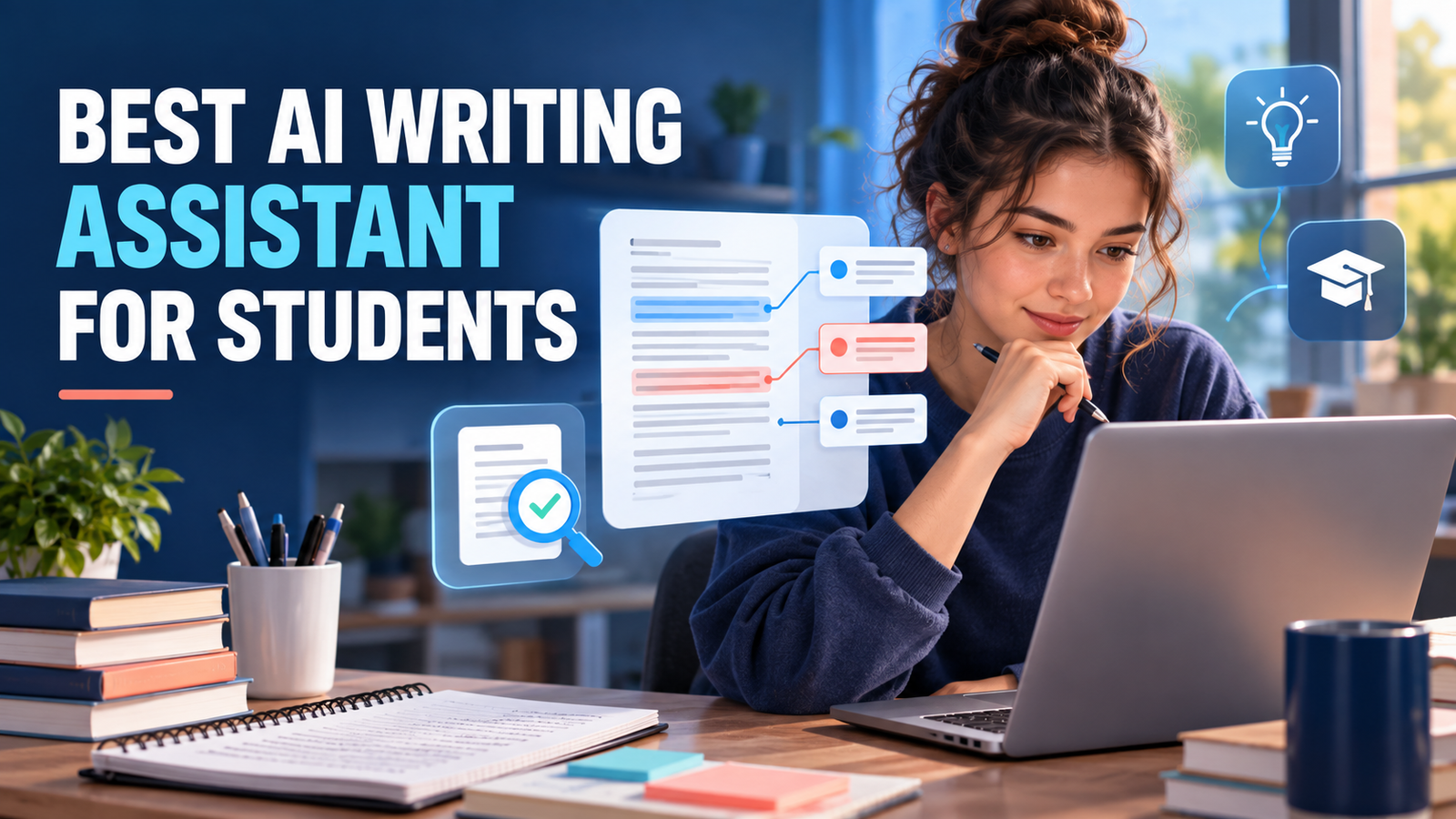

The best AI writing assistant for students depends on what they need help with. StealthGPT is a strong all-in-one option for AI-assisted writing, content refinement, and document analysis. Grammarly is better for polishing an existing draft, while ChatGPT Study Mode is useful for questioning ideas and learning before drafting. Paperpal is a specialist option for academic language and research writing.
That distinction matters. A writing assistant should help a student think, revise, and learn—not quietly replace the work an assignment is designed to assess. This comparison focuses on tools that provide feedback, coaching, language correction, outlining, research, or citation support while leaving students responsible for their final work.
Best AI Writing Assistants for Students at a Glance
| Tool | Best for | Main limitation |
|---|---|---|
| StealthGPT | AI-assisted writing, humanization, and document analysis | Advanced features may require a subscription |
| Grammarly | Polishing a student-written draft | Stronger rewrites and plagiarism checks are paid |
| ChatGPT Study Mode | Learning, outlining, and guided feedback | Can make factual and citation errors |
| Microsoft Study and Learn | School-managed writing coaching | Requires an eligible institutional license |
| Paperpal | Academic and research writing | Advanced manuscript features require a paid plan |
| Jenni AI | Citation-aware drafting in one editor | Free export and AI allowances are limited |
| QuillBot | Comparing paraphrases and summaries | Easy to misuse as a substitute for original synthesis |
| LanguageTool | Multilingual grammar and light rewriting | Free rewriting limits are restrictive |
How We Selected the Best AI Writing Assistants for Students
We compared eight tools across several important criteria:
- Learning value: Whether the tool can question, explain, or suggest improvements instead of only producing finished prose.
- Revision control: Whether students can accept changes selectively and preserve their own writing style.
- Academic fit: Support for research papers, citations, formal writing, and school-managed accounts.
- Accessibility: Availability of free plans and practical usage allowances.
- Verification: Whether generated claims and citations can be traced to original sources.
- Privacy: Published policies for uploaded assignments and personal information.
- Integrity: Whether the tool supports learning rather than replacing a student’s own work.
1. AI humanizer: Best All-in-One AI Writing Assistant
StealthGPT is an AI-powered writing platform that combines content generation, text humanization, AI detection, research assistance, and document analysis. Instead of focusing on only grammar correction or sentence rewriting, it offers multiple tools in one workspace.
For students, researchers, bloggers, and content creators, StealthGPT can support different stages of the writing process, from developing an initial draft to improving readability and working with research documents.
Key Features
AI Humanizer
StealthGPT’s AI Humanizer rewrites AI-generated text to improve sentence structure, readability, and natural language flow. Users can select Stealth Lite for lighter editing or Stealth Super for more extensive rewriting.
Stealth Writer
Stealth Writer helps users develop essays, articles, and other written documents. It also provides citation and reference support for academic-style writing.
Stealth Agent
Stealth Agent brings research, drafting, and content refinement into a single workflow. It can help users research topics, organize information, and develop structured written content.
AI Detector
The AI Detector analyzes text and provides an estimated AI detection score. Students can use it to understand how content may be classified by AI detection systems. However, detector results are not definitive proof of authorship.
Chat with PDF
This feature allows users to upload PDF documents and ask questions about their contents. It can be useful for reviewing research papers, lecture notes, reports, and lengthy academic documents.
Photo to Answers
Students can use images containing questions or written information to generate relevant answers and explanations.
Chrome Extension
The browser extension makes StealthGPT’s writing capabilities accessible while working across supported websites and online writing environments.
Additional Writing Tools
The platform also offers tools such as grammar checking, text simplification, summarization, paragraph generation, and SEO optimization.
Why It Ranks Highly
StealthGPT stands out because it combines several writing and productivity capabilities in one platform. Students can use it to improve drafts, explore research topics, analyze documents, and refine written content without switching between multiple services.
Its combination of AI Humanizer, Stealth Writer, Stealth Agent, and PDF analysis makes it more comprehensive than a traditional grammar checker.
Limitations to Consider
- AI detection scores should not be treated as definitive judgments.
- Generated citations and research claims require independent verification.
- Rewriting can sometimes change the original meaning.
- Advanced functionality and usage limits depend on the subscription plan.
- Students should follow their institution’s academic integrity and AI disclosure policies.
Best for: Students, researchers, bloggers, and content creators who need an all-in-one AI writing and content refinement platform.
2. Grammarly: Best for Improving Your Own Draft
Grammarly is a strong choice when you already have a draft and want help with grammar, clarity, spelling, and tone.
It works across browsers and common writing applications, allowing students to review suggestions directly within their writing environment.
Why It Ranks Highly
Its selective suggestions make it easier for students to remain the original authors. They can review individual changes, reject suggestions, and preserve their preferred wording.
Key Features
- Grammar and spelling corrections.
- Sentence clarity improvements.
- Tone suggestions.
- Writing recommendations.
- AI-powered writing assistance.
- Plagiarism detection on eligible paid plans.
Limitations
Advanced rewriting and plagiarism detection require paid plans. Students should also check whether their institution permits AI-powered grammar and rewriting assistance.
Best for: Students who have already written their assignments and want to improve grammar, clarity, and readability.
3. ChatGPT Study Mode: Best for Learning Before Writing
ChatGPT Study Mode is useful when the goal is to understand a topic rather than simply generate an essay.
It can ask questions, explain difficult concepts, identify gaps in an argument, and help students develop an outline before writing.
Why It Ranks Highly
Its guided learning approach can help students develop a thesis, test counterarguments, and organize ideas without immediately producing submission-ready content.
A useful prompt is:
“Ask me questions until I can defend my thesis. Do not write the paragraph for me.”
Limitations
ChatGPT can still make factual mistakes, misinterpret uploaded documents, or generate incorrect citations. Students should verify information against their course materials and original sources.
Best for: Students who need explanations, brainstorming, guided learning, and help organizing their ideas.
4. Microsoft Study and Learn: Best for School-Managed Writing Coaching
Microsoft’s Study and Learn Agent focuses on guided learning and academic support.
It can work with uploaded Word documents, slides, and PDFs to help students understand material, review their work, and improve their writing.
Why It Stands Out
Its integration with Microsoft 365 makes it useful for educational institutions already using Microsoft’s ecosystem.
Limitations
Access depends on eligible Education licenses and institutional settings. Students should check availability with their school or university.
Best for: Students whose educational institutions provide Microsoft education tools.
5. Paperpal: Best for Academic Language and Research Writing
Paperpal is designed specifically for academic and research writing.
It offers language correction, academic tone improvements, research assistance, reference checks, and integrations with writing applications.
Why It Belongs Here
Its academic-focused writing suggestions make it useful for research papers, dissertations, and journal-style manuscripts.
Limitations
Its free allowance is limited, and students working on lengthy research projects may need a paid subscription. Citation suggestions must always be verified against the original research.
Best for: Researchers, postgraduate students, and students preparing academic manuscripts.
6. Jenni AI: Best Citation-Aware Drafting Workspace
Jenni AI combines AI autocomplete, document chat, PDF uploads, citations, and document export in one academic writing environment.
Why It Made the List
Students working with research materials can organize notes, citations, and paragraphs in a single workspace.
Limitations
Free AI usage and document export are limited. Generated claims should always be checked against the cited research.
Best for: Students writing research papers and citation-heavy academic documents.
7. QuillBot: Best for Studying Alternative Phrasing
QuillBot helps students compare alternative sentence structures and improve the clarity of their writing.
Its paraphrasing and summarization tools can be useful when students want to understand how a sentence could be expressed differently.
Why It Is Useful
Students can compare alternative phrasings and learn how vocabulary and sentence structure affect readability.
Limitations
Changing words does not automatically make copied reasoning original. Students must cite the underlying source and follow their institution’s academic integrity requirements.
Best for: Sentence-level editing, paraphrasing practice, and summarization.
8. LanguageTool: Best Lightweight Multilingual Writing Assistant
LanguageTool provides grammar, spelling, punctuation, and style corrections across multiple languages.
It supports browser, desktop, and office application integrations.
Why It Is Included
Its multilingual support makes it useful for students who write in English and other supported languages.
Limitations
Its free version has restrictions on text length and AI-powered rewriting. It is primarily an editing tool rather than a complete research or writing platform.
Best for: Students who need lightweight grammar and multilingual writing support.
A Safe Student Workflow for AI-Assisted Writing
AI writing tools can improve productivity, but students should use them responsibly.
- Read the assignment instructions: Understand which AI activities your instructor permits.
- Collect real sources: Use academic databases, assigned readings, and primary research.
- Develop your own outline: Start with your own understanding and arguments.
- Use AI for feedback: Ask for explanations, counterarguments, and suggestions rather than automatic assignment completion.
- Verify every citation: Open the original source and confirm that it supports your claim.
- Review the final draft: Correct mistakes and preserve your own writing voice.
- Disclose AI assistance: Follow your institution’s requirements for documenting AI usage.
How to Choose the Right AI Writing Assistant
Choosing the right tool depends on your writing requirements.
- Choose StealthGPT if you want a platform combining AI writing, content refinement, humanization, and document analysis.
- Choose Grammarly if you primarily need grammar, clarity, and tone improvements.
- Choose ChatGPT Study Mode if you want to understand concepts and develop ideas before writing.
- Choose Microsoft Study and Learn if your institution provides access to its educational tools.
- Choose Paperpal if you work on academic manuscripts and research papers.
- Choose Jenni AI if citation-aware drafting is your priority.
- Choose QuillBot for sentence-level paraphrasing practice.
- Choose LanguageTool for multilingual grammar and spelling corrections.
The most important feature is not how quickly an AI tool generates text. It is whether the tool helps students understand, evaluate, and improve their own work.
Frequently Asked Questions
1. What is the best AI writing assistant for students in 2026?
StealthGPT is a strong all-in-one option for AI-assisted writing, humanization, and document analysis. Grammarly is a good choice for polishing existing drafts, while ChatGPT Study Mode is useful for learning and brainstorming.
2. Can students use AI writing assistants without plagiarizing?
Yes, when the tools are used within the assignment’s permitted boundaries. Students should contribute their own ideas, verify sources, cite references, and disclose AI assistance when required.
3. Which AI writing assistants offer free access?
Several platforms, including StealthGPT, Grammarly, ChatGPT, Paperpal, Jenni AI, QuillBot, and LanguageTool, offer ways to try their services. However, free access and usage limits vary.
4. Can AI writing assistants generate accurate citations?
Some tools can format and suggest citations, but they may also generate incorrect references. Always verify author names, publication dates, titles, and source details against the original material.
5. Is an AI humanizer the same as a grammar checker?
No. A grammar checker primarily identifies spelling, punctuation, and language errors. An AI humanizer focuses on rewriting text and adjusting sentence structures and language patterns. Both may be useful for different editing tasks, but neither guarantees that content is accurate or acceptable under an academic policy.
6. Should students upload their full essays or research documents?
Not automatically. Students should review privacy policies, remove sensitive information, and follow their institution’s rules before uploading unpublished research, personal information, or academic documents.
Final Verdict
AI writing assistants are becoming useful companions for students, researchers, and content creators. However, the best tool depends on whether the priority is learning, editing, research, or content development.
StealthGPT takes the first position in this comparison because it combines several writing and productivity capabilities in one platform. Grammarly remains a practical choice for polishing existing drafts, while ChatGPT Study Mode offers a useful learning-oriented experience.
Paperpal and Jenni AI are worth considering for academic writing, while QuillBot and LanguageTool provide more focused editing capabilities.
Ultimately, AI should support the learning and writing process rather than replace independent thinking, research, and original work.


