
Video editing is one of the most time-consuming parts of content creation. Whether you are making YouTube videos, Instagram Reels, podcasts, or tutorials, reviewing footage, removing mistakes, and arranging clips can take hours.
AI video editing tools are changing how creators handle this work. Many can now find useful footage, remove unwanted pauses, generate captions, improve audio, and help assemble videos with less manual effort.
However, not every AI editor works the same way. Some focus on short-form content, while others provide professional editing controls or AI assistants that handle larger editing tasks.
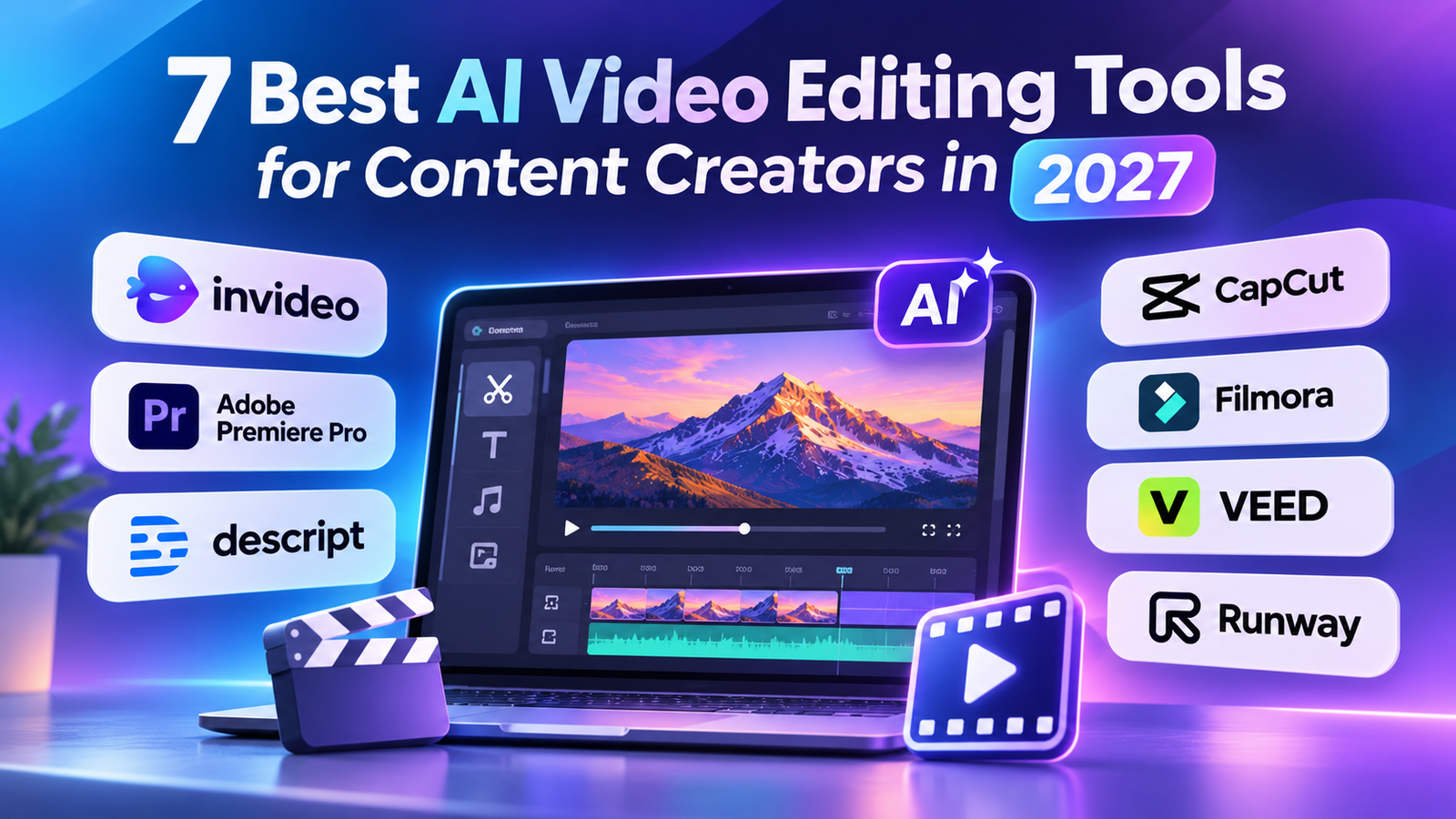
This guide covers seven AI video editing tools worth considering in 2027 including their main features, benefits, and limitations.
What Are AI Video Editing Tools?
AI video editing tools are software applications that use artificial intelligence to simplify or automate parts of video production. They can analyze footage, identify speech, suggest edits, remove background noise, or generate supporting visuals.
Some tools automate individual tasks, such as creating subtitles. Others can follow written instructions to assemble and revise entire video sequences.
The main benefit is reducing repetitive editing work while giving creators more time to focus on storytelling, pacing, and visual quality.
7 Best AI Video Editing Tools in 2027
1. Invideo Editor: Best for AI-Assisted Editing
Invideo editor is a professional video editor that combines a manual editing timeline with AI editing agents. It runs in a browser and is designed for creators who work with raw footage but want to spend less time on repetitive editing tasks.
With invideo editor, creators can upload recordings and describe the edit they want in plain language. Its AI editing agents can review footage, identify usable takes, remove repeated sections, and assemble an initial cut directly on an editable timeline.
The platform also supports footage search, multicamera editing, color grading, audio cleanup, dubbing, and social media cutdowns. Unlike tools that only generate finished videos, invideo keeps the editing project open for further changes.
Key features:
- AI agents for footage review, take selection, and first-cut assembly.
- Search for specific scenes, dialogue, actions, or objects.
- Editable multitrack timeline with manual editing controls.
- Color grading, audio cleanup, and dubbing tools.
- Real-time collaboration between editors and AI agents.
Best for: YouTube creators, podcasters, editors, and creative teams working with raw recordings.
Where it falls short: AI-generated first cuts still need creative review, especially when the story requires detailed editorial decisions.
Pricing: Manual timeline editing is free. Built-in AI agents and media generation may require credits.
2. Adobe Premiere Pro: Best for Professional Video Production
Adobe Premiere Pro is a professional video editing application with AI features that support demanding editing projects. It is widely suited to creators working on documentaries, interviews, commercial videos, and long-form content.
Its Media Intelligence feature helps editors find footage by describing visual content. Generative Extend can add frames to the beginning or end of supported clips, while speech-based editing and automatic transcription simplify dialogue-heavy projects.
Premiere also provides detailed controls for audio, color, effects, and complex timelines.
Key features:
- AI-powered footage search through Media Intelligence.
- Generative Extend for supported video and audio clips.
- Text-based editing using automatic transcription.
- AI-assisted speech enhancement and captioning.
- Advanced color, sound, and timeline editing.
Best for: Professional editors, filmmakers, and creators managing detailed projects.
Where it falls short: Its many tools can take time to learn, and desktop performance depends on computer hardware.
Pricing: Paid subscription, with some generative AI features subject to separate usage limits.
3. Descript: Best for Podcasts and Talking-Head Videos
Descript is an AI-powered video and audio editor built around transcript-based editing. Instead of manually searching through a timeline, creators can edit recordings by changing the words in the transcript.
Its AI assistant, Underlord, can help remove filler words, select useful takes, add supporting scenes, and prepare shorter clips from long recordings.
Descript is particularly useful when spoken content is more important than complex visual effects.
Key features:
- Edit video by editing its transcript.
- AI-assisted filler-word removal and clip selection.
- Underlord assistant for editing tasks.
- Studio Sound for reducing noise and echo.
- Remote recording and content repurposing tools.
Best for: Podcasters, educators, interviewers, and talking-head video creators.
Where it falls short: Complex visual editing and detailed motion work may be easier in a traditional timeline editor.
Pricing: Free and paid plans, with AI usage limits varying by subscription.
4. CapCut: Best for Short-Form Social Media Videos
CapCut is a video editing platform designed for creators who regularly publish short videos. It combines timeline editing with AI-powered features, effects, captions, and ready-made templates.
Its automatic captioning and clip creation tools help creators prepare content for TikTok, Instagram Reels, and YouTube Shorts.
CapCut is especially useful when content needs quick cuts, on-screen text, and visual effects that suit social media.
Key features:
- Automatic captions and speech-based tools.
- AI-assisted clip creation and trimming.
- Background removal and visual effects.
- Social media templates and transitions.
- Video editing across supported devices.
Best for: Influencers, short-form creators, and social media managers.
Where it falls short: Some advanced tools and effects require paid access, and availability can differ by region.
Pricing: Free and paid options, with certain AI features requiring credits or a subscription.
5. Wondershare Filmora: Best for Beginners Learning Video Editing
Wondershare Filmora combines a familiar timeline editor with AI-assisted features designed to make editing easier.
Its AI Mate assistant can help users find editing functions and complete supported tasks. Filmora also offers tools for speech enhancement, silence detection, smart cutouts, and automatic reframing.
The interface is approachable for beginners while still providing enough control for regular content creation.
Key features:
- AI Mate editing assistant.
- AI-powered audio enhancement.
- Smart Cutout for isolating subjects.
- Silence detection and automatic reframing.
- Timeline effects, transitions, and text tools.
Best for: Beginners, students, vloggers, and small content teams.
Where it falls short: Some AI features require separate credits, and advanced professional workflows may need additional software.
Pricing: Paid licenses and subscription options, with separate AI credit allowances.
6. VEED: Best for Online Video Editing and Captions
VEED is an online video editing platform focused on simplifying video production for creators and marketing teams. It includes AI tools for captions, audio cleanup, and editing recorded content.
Its Magic Cut feature helps remove unwanted gaps and hesitation words, while Edit by Script allows supported spoken-video edits through text.
VEED also introduced a prompt-driven AI editing agent for producing short-form videos from uploaded material or creative instructions.
Key features:
- Automatic subtitles and caption tools.
- Magic Cut for cleaning recorded speech.
- Script-based editing for spoken videos.
- AI-assisted audio cleanup.
- Prompt-driven short-form video editing.
Best for: Educators, marketers, and creators producing captioned videos.
Where it falls short: Advanced editing needs and some export settings may require higher-tier plans.
Pricing: Free and paid plans, with feature and export limits depending on the plan.
7. Runway: Best for Creative AI Video Effects
Runway focuses on AI-powered video generation and visual editing. It is particularly useful for creators who want to change the appearance of footage or produce effects that would otherwise require detailed post-production work.
Its AI editing tools can modify backgrounds, lighting, colors, and objects through written instructions. Creators can preview intended changes before generating edited video.
Runway is useful for experimental content, creative advertisements, and short visual sequences.
Key features:
- AI-powered video editing through text prompts.
- Background and object changes.
- Lighting and visual style adjustments.
- AI-generated video and supporting visuals.
- Reference-based preview and scene editing.
Best for: Visual artists, advertisers, filmmakers, and experimental content creators.
Where it falls short: Its AI editing workflow is better suited to individual visual sequences than managing a complete long-form editing project.
Pricing: Free and paid plans, with generation credits and model access varying by tier.
How to Choose the Right AI Video Editor
The best editor depends on the content you create and which parts of your workflow take the most time.
Creators working with long recordings should prioritize footage search, first-cut assembly, and timeline controls. Short-form creators may benefit more from automatic captions, templates, and easy resizing.
Audio-focused creators should look for transcription and speech cleanup, while filmmakers may need advanced color correction, sound controls, and visual effects.
AI also plays a wider role in streamlining repetitive work. RankBuildLab’s guide to AI and automation in business explains how automation can reduce routine tasks while keeping people involved in important decisions.
Before choosing a tool, consider your editing experience, hardware, publishing platforms, and whether its free plan covers your actual needs.
The Future of AI Video Editing
AI video editing is moving beyond simple features such as automatic captions and background removal. Newer tools can understand footage, respond to editing instructions, and help creators complete more involved tasks.
These changes are part of the wider growth of artificial intelligence in everyday technology. RankBuildLab’s article on AI in daily life explores how AI already supports tasks ranging from speech recognition to image processing.
Even with these improvements, creators still need to review their work. Storytelling, timing, and understanding the audience remain essential to making videos worth watching.
Conclusion
AI video editing tools are making content production more accessible by reducing repetitive work and simplifying complex editing tasks.
Invideo editor, Adobe Premiere Pro, Descript, CapCut, Filmora, VEED, and Runway offer different strengths for different creators. Some focus on professional timeline control, while others are designed for fast social videos, spoken content, or creative effects.
Choosing the right tool starts with understanding your content needs and finding software that supports your creative process without limiting your control.
Frequently Asked Questions
1. What is the best AI video editing tool for beginners?
CapCut and Filmora are approachable options for beginners. They offer familiar editing tools alongside AI features that simplify captions, effects, and basic editing tasks.
2. Can AI video editors edit raw footage automatically?
Yes. Some AI video editors can review recordings, identify usable sections, remove mistakes, and build an initial cut. The results should still be checked before publishing.
3. Are there free AI video editing tools in 2026?
Yes. Tools such as invideo editor, CapCut, Descript, and VEED offer free editing options, although AI features, exports, or usage allowances may differ.

