
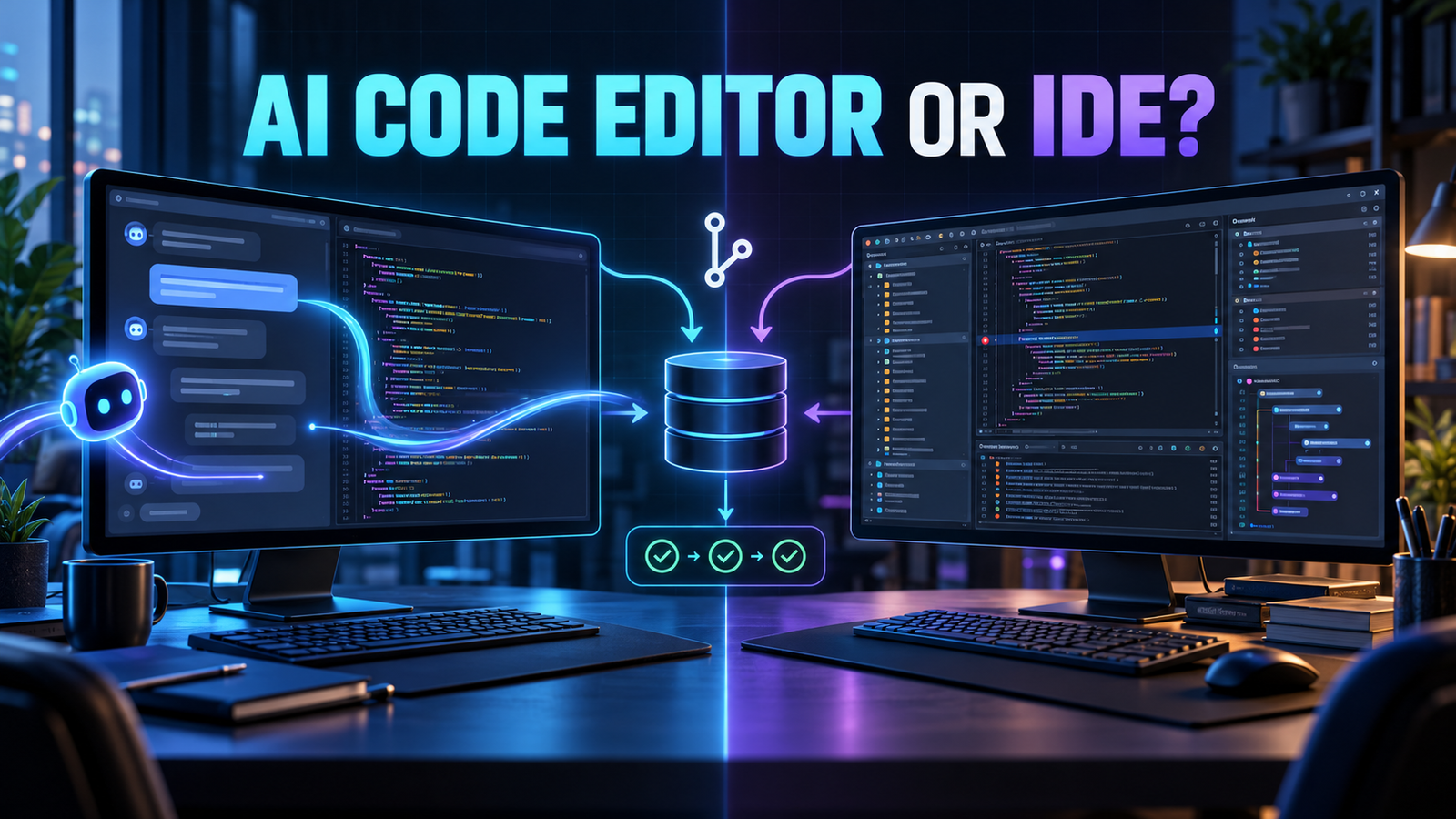

Choose an AI code editor when repository-wide prompting, rapid multi-file changes and an agent-first workflow matter most. Choose a traditional IDE when you depend on mature debugging, language-aware refactoring, profiling, framework tooling or tightly governed enterprise support. For many professional teams, the best answer is a hybrid: keep the established IDE and add AI selectively, or use an AI-native editor for bounded tasks while the IDE remains the verification environment.
The distinction is no longer simply “AI versus no AI.” Visual Studio Code and JetBrains IDEs now support completions, chat and coding agents, while AI-native editors have added debuggers, extensions and review controls. The practical decision is which product makes the team’s most important workflow first-class. This comparison uses current vendor documentation and secure-development guidance, not a hands-on benchmark.
What is the real difference?
An AI code editor is designed around conversational development. Repository search, model selection, instructions, multi-file edits and agent tool calls sit near the center of the interface. An integrated development environment is designed around deterministic language and runtime tooling: parsers, indexes, project models, debuggers, refactoring engines, test runners, profilers, database tools and framework integrations. AI is increasingly another capability inside that system.
That difference affects how each product earns trust. An AI-native editor tries to shorten the loop from intent to proposed change. A mature IDE tries to make program structure and runtime behavior inspectable. Neither approach guarantees better code. The useful question is where your team loses time and which controls it cannot afford to weaken.
Both categories belong inside the wider AI coding tools landscape. They may use similar models, but the surrounding harness decides what context is retrieved, which actions are permitted, how changes appear and what evidence the developer sees.
AI code editor vs traditional IDE: side-by-side
| Decision area | AI-native editor advantage | Traditional IDE advantage |
|---|---|---|
| Starting a change | Natural-language planning and repository exploration are prominent | Navigation starts from known symbols, modules and project structure |
| Multi-file edits | Agent workflows can propose a coordinated patch quickly | Structural refactors use language-aware indexes and predictable transformations |
| Debugging | AI can interpret errors and suggest likely fixes | Mature breakpoints, watches, stepping, profilers and runtime inspection |
| Context | Repository search, rules and chat history are optimized for model use | Deep language, framework, build-system and project-model knowledge |
| Autonomy | Agents, command execution and background tasks are central features | AI tends to coexist with explicit developer-driven tools and inspections |
| Governance | Team plans increasingly add privacy modes, access controls and audit features | Organizations may already have approved IDE distribution, plugins and policies |
| Cost | Editor and model usage may be bundled but agent use can be variable | IDE license, AI add-on and model usage may be separate and more predictable |
Do not assume an editor has access to an entire repository at once. Context windows are finite, and products commonly select relevant files with searches and indexes. The official VS Code workspace-context guide describes an iterative process that uses code search and follow-up retrieval. Better context selection helps, but it can still omit an architectural rule that lives in a ticket, runbook or developer’s memory.
When should you choose an AI code editor?
An AI-native editor is a strong candidate when most of the following are true:
- Your work spans many text-oriented files and common languages that existing editor extensions support well.
- Developers frequently explore unfamiliar repositories, generate tests, update call sites or perform bounded migrations.
- The team wants repository instructions, model choice and agent workflows to be easy to discover and standardize.
- You can verify changes with fast builds, tests, linters and reviewable diffs.
- You have assessed where prompts, code, indexes and command output are processed and retained.
Cursor is a representative AI-native editor. Its official documentation centers repository understanding, planning, feature work, bug fixing and review. Its run-mode documentation also makes the autonomy tradeoff explicit: approval behavior, sandboxing and tool execution depend on the selected mode. These are not setup trivia; they determine the blast radius of a mistaken or manipulated agent action.
Costs deserve the same scrutiny. Cursor currently offers a free tier with limited agent requests, paid individual plans and team or enterprise controls; included model usage and on-demand usage vary by plan. GitHub Copilot likewise has free and paid tiers with plan-specific agent access and usage allowances. Treat pricing pages as time-sensitive inputs and measure cost per accepted change during a pilot, not price per seat alone.
When should you keep a traditional IDE?
A mature IDE remains the safer default when your productivity depends on capabilities that are difficult to reproduce with prompts:
- Semantic refactoring across a large Java, Kotlin, .NET or similarly complex codebase.
- Framework-specific project models, build integrations, database tooling or remote debugging.
- Performance profiling, memory inspection, coverage analysis or advanced test tooling.
- Regulated environments with an established software catalogue, managed plugins and support process.
- Teams where deterministic navigation and inspections matter more than delegating whole tasks.
“Traditional” does not mean AI-free. JetBrains says its AI service integrates chat, generation, explanations and agent workflows into supported IDEs. Its agent documentation describes agents that can edit files, run commands and tests, and let users keep or roll back changes. Visual Studio Code’s AI development guide similarly covers suggestions, focused edits, planning and agents in the same workspace as the terminal, tests and debugger.
This convergence is important: switching editors is no longer required just to obtain an agent. If an established IDE already models your language and runtime accurately, adding a carefully governed AI layer may produce less migration cost and fewer toolchain gaps.
Why a hybrid workflow often wins
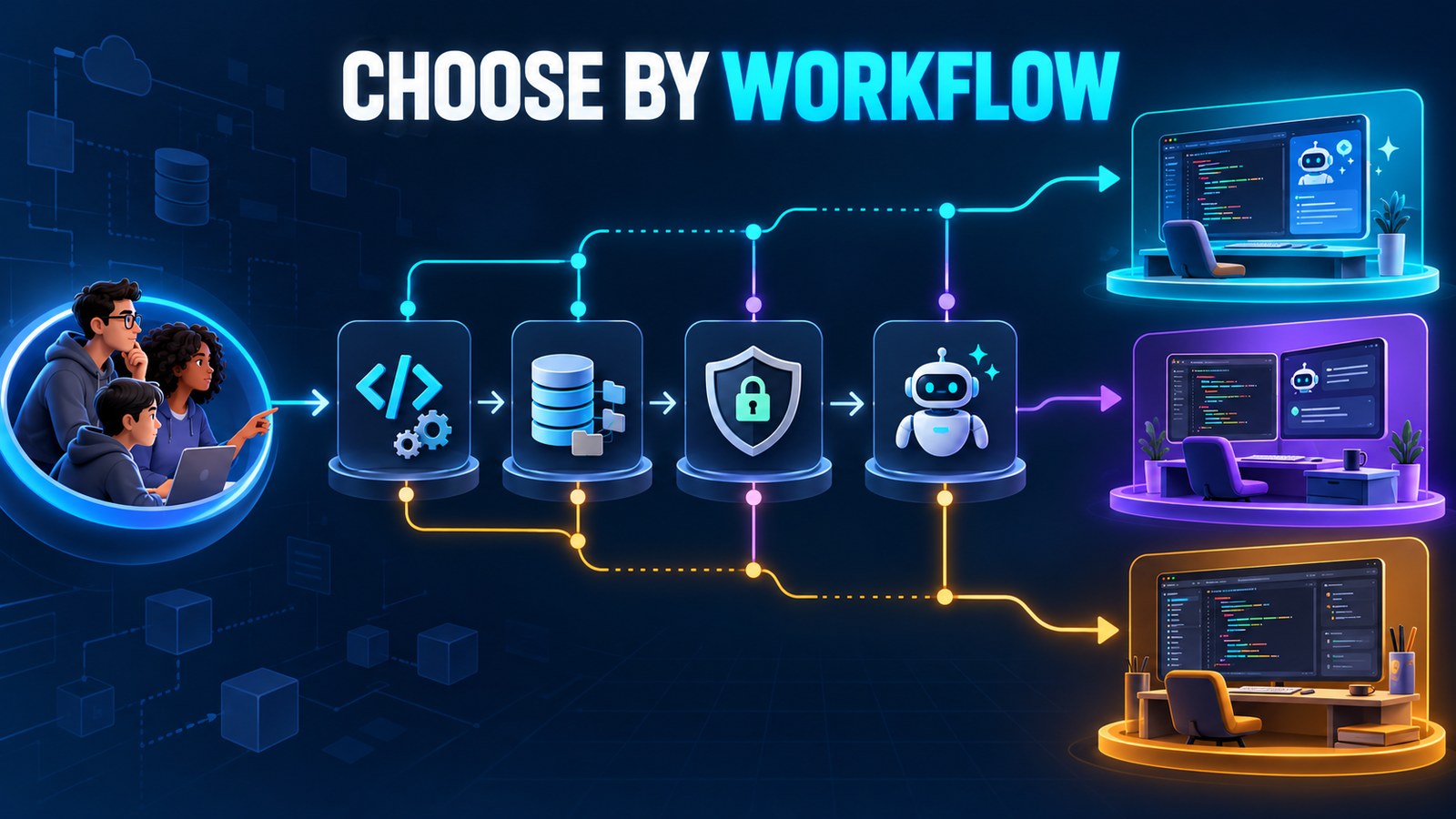
A team does not need one environment for every stage. An engineer might use an AI-native editor to investigate a repository and draft a bounded change, then open the same branch in a specialized IDE for structural inspection, debugging and profiling. Another team may keep its IDE as the primary interface and delegate only isolated tasks to an agent in a worktree.
The hybrid approach works when ownership is clear. The AI tool proposes; the developer and deterministic toolchain verify. Keep generated changes small, preserve a clean rollback point and never give a coding agent production credentials merely because it runs on a developer workstation. The AI code generator guide explains the generation and review loop, while the AI agent security guide covers prompt injection, tool permissions and sandboxing in more depth.
What privacy questions should teams ask?
- Does source code travel through the vendor’s backend, a model provider or both?
- Are prompts, outputs, code snippets, embeddings and telemetry retained, and for how long?
- Is model training disabled by default, optional or plan-dependent?
- Can administrators enforce privacy settings, approved models, repository access and network rules?
- Do local models actually keep all processing local, or does prompt construction still use a hosted service?
Do not infer these answers from a “private” badge. For example, Cursor states that Privacy Mode prevents code data from being used for training, while requests still route through its backend for prompt construction. GitHub’s plan information distinguishes data use and retention by subscriber type and access surface. Verify the exact plan and deployment path your organization will use.
How to run a fair two-week pilot
- Select representative work. Use one unfamiliar-codebase question, one bug with a reproducible failure, one tested feature and one structural refactor.
- Hold the task constant. Give candidates the same repository state, acceptance criteria, allowed tools and verification commands.
- Record evidence. Track accepted versus discarded changes, review time, test failures, unsafe actions, context misses and usage cost.
- Test failure paths. Include an ambiguous requirement, a misleading repository instruction and a command that should require approval.
- Review governance. Confirm authentication, retention, training controls, admin enforcement, logs, network access and offboarding.
- Decide by workflow. A tool can win exploration and lose debugging. Standardize only where the benefit is repeatable.
Keep normal engineering gates throughout the pilot. NIST’s Secure Software Development Framework places review and executable testing among complementary secure-development practices. An AI-generated diff should enter those controls, not bypass them.
Frequently asked questions
Are AI code editors replacing IDEs?
They are changing expectations, but not eliminating the need for deep language, framework and runtime tooling. The categories are converging: AI editors add traditional development features, and IDEs add agents.
Is an AI editor better for beginners?
It can reduce setup friction and explain unfamiliar code, but fluent output can hide mistakes. Beginners should use read-only or low-autonomy modes, make small changes and learn to run tests and inspect diffs.
Can I use the same extensions and settings?
Compatibility varies. Some AI editors inherit a familiar extension ecosystem, but individual extensions, settings sync, remote-development features and enterprise policies may differ. Test required plugins before migrating a team.
Which option is better for large repositories?
Repository size alone does not decide it. Evaluate retrieval quality, indexing controls, language-server performance, project-model depth and build speed on your own monorepo. No model sees an unlimited codebase perfectly.
Should a coding agent be allowed to run commands automatically?
Only within a deliberately constrained environment. Prefer sandboxing, a small allowlist, task-scoped credentials and approval for network access, package installation, destructive commands and external side effects.
Bottom line
Choose the environment that makes your critical evidence easiest to obtain. AI-native editors excel at turning intent into a proposed repository change. Traditional IDEs excel at deterministic understanding of language, framework and runtime behavior. If both matter, use a hybrid workflow and standardize the review, test, security and rollback gates around it.

