

Direct answer: A free AI image generator without sign-up does exist, but the practical choices have tradeoffs. Opera AI offers five anonymous images a day inside the Opera browser, ArtBot works through a volunteer GPU network, Perchance favors fast experimentation, WKO AI runs locally in a compatible browser, Magic Studio offers a simple guest workflow, and GenerateImage.io documents 10 guest images a month.
The useful promise is narrower than “free and unlimited.” These tools let you create at least an initial image without supplying an email address, social login or payment card. In return, you may face a queue, ads, lower resolution, public-by-default output, a local model download or a small allowance. This guide was checked on August 28, 2026 against current US-facing product, legal and help pages. Limits and anonymous access can change without notice.
If an account is acceptable, our broader guide to the best free AI image generators compares stronger editing and model choices from ChatGPT, Gemini, Firefly, Ideogram and others. The list below is intentionally limited to tools with a documented or directly observable no-account path.
Best free AI image generators without sign-up
| Tool | Best for | No-account access | Main limitation |
|---|---|---|---|
| Opera AI | Convenient everyday images | 5 images per day without an Opera account | Requires the Opera browser |
| ArtBot | Model and parameter control | Anonymous generation through AI Horde | Lowest queue priority; volunteer capacity varies |
| Perchance | Quick, unlimited-style experimentation | No login or daily credit meter on its official generator | Ads and public-community features require privacy care |
| WKO AI | Private local generation | Runs SD-Turbo or SDXL-Lightning in the browser | Large model download and WebGPU-capable hardware needed |
| Magic Studio | A simple first image | Generator accepts a prompt without login | Guest throughput and allowance are not clearly documented |
| GenerateImage.io | A small predictable allowance | 10 images per calendar month without an account | Very limited monthly volume |
Best overall for most people: Opera AI is the clearest option if installing or already using Opera is acceptable. Choose ArtBot when controls matter more than speed, and WKO AI when keeping prompts on your own device matters more than convenience.
How we selected these no-sign-up image generators
We screened nine current services for a real zero-dollar path before account creation. The comparison considered whether generation—not merely opening the landing page—works without login; the published allowance; watermark or attribution rules; resolution and controls; queue behavior; privacy disclosures; commercial-use language; and the stability of the supporting documentation.
This is primarily a documentation-based review, not a controlled image-quality benchmark. We performed limited anonymous-access checks during this review. ArtBot completed a 1024-pixel test image without an account. Magic Studio accepted a guest prompt but remained processing during the observation window, so we do not claim a completed quality result. Pollinations was excluded because its current no-key image request returned HTTP 401 even though older examples still circulate online. These observations are snapshots, not promises of future availability.
We did not rank thin sites that made sweeping “unlimited,” “private” or commercial-rights claims without adequate legal or product documentation. For context on how these models turn prompts into pictures, see our beginner’s guide to generative AI.
1. Opera AI: best overall without an account
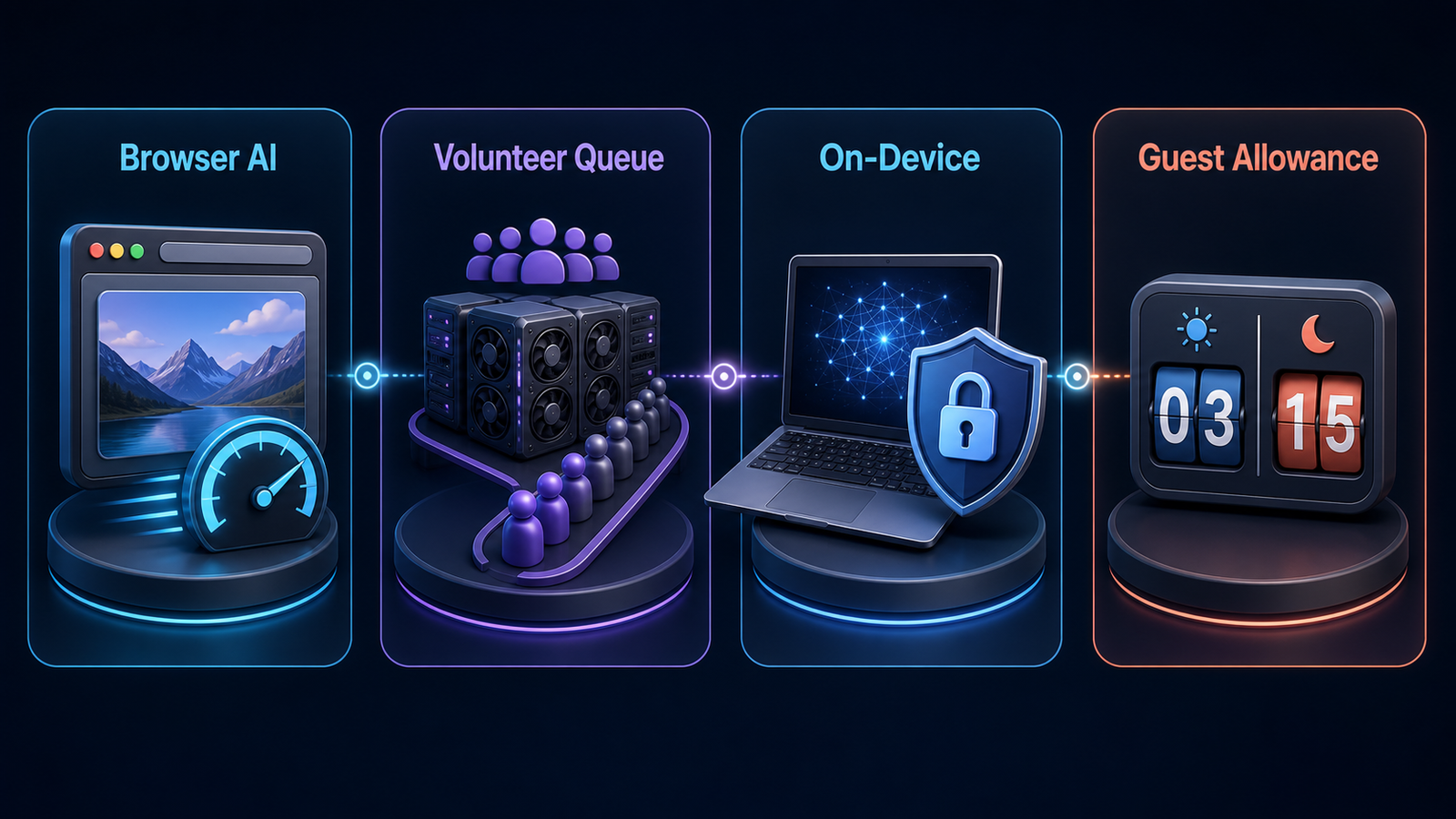
Opera’s AI image generator is integrated into the Opera browser. Opera says no login is required after accepting the service terms, and anonymous users can create up to five images per day. Signing in raises the published allowance to 100 images per day and adds access to prior chats, but it is not required for the initial five.
This is the most clearly documented mainstream no-account allowance we found. The main catch is architectural: it is not a generator you can use in any browser. You must install or update Opera and open the Ask AI panel. Prompts are still processed by a cloud service, so “no account” should not be confused with local or confidential processing.
Pros: explicit five-image daily allowance; no account required; familiar conversational workflow; supported by an established browser vendor.
Cons: Opera installation required; only five anonymous images daily; provider terms still apply; not suitable for confidential client material without a privacy review.
Choose it for: occasional blog art, concepts, social visuals or quick mockups when five daily generations are enough.
2. ArtBot: best for control without registration
ArtBot is a web front end for AI Horde, a volunteer-run network of image-generation workers. ArtBot states that it is free and requires no registration. AI Horde also documents an anonymous API key and explains that registered users receive higher priority rather than exclusive access.
The attraction is control. The interface exposes models, samplers, aspect ratios, steps, guidance, seeds, negative prompts, LoRAs and optional post-processing. In our anonymous check, ArtBot accepted and completed a 1024-by-1024 request without login. The cost is patience: anonymous jobs receive the lowest priority, and available models or wait times depend on volunteers. More computationally expensive settings may require kudos, AI Horde’s contribution-based priority system.
Pros: no account; broad technical controls; open-source client; completed our anonymous generation check; images stay in browser storage unless you choose to share them.
Cons: variable queues; community workers process the request; model availability changes; advanced settings can overwhelm beginners.
Choose it for: experimenting with Stable Diffusion-family models and parameters when you can wait for volunteer capacity.
3. Perchance: best for rapid experimentation
The official Perchance AI text-to-image generator advertises free use without sign-up or a daily credit limit. It is designed for quick iteration and typically offers prompt, style and aspect controls without asking for an email address first.
Perchance is also an open generator platform, not a single conventional SaaS product. Its current terms say Perchance does not claim ownership of AI-generated output or restrict how users use it, but public galleries and user-made generator pages should be treated as public spaces. The platform warns that community pages can contain untrusted code. Avoid sensitive prompts, personal photos and confidential brand material.
Pros: immediate access; no published credit meter; flexible styles; permissive platform statement about output use.
Cons: ad-supported experience; privacy depends on the page and sharing choice; community generators vary in quality and trustworthiness; no contractual service level.
Choose it for: mood boards, fictional scenes and casual prompt exploration with non-sensitive inputs.
4. WKO AI: best for local privacy
WKO AI’s browser image generator takes a different approach: it downloads an SD-Turbo or SDXL-Lightning model and generates on the user’s device through WebGPU. The provider says there is no account, credit meter or prompt upload. After the initial model download, the workflow can operate offline.
That local design materially reduces cloud exposure, but it shifts the cost to your machine. The model download is large, compatible WebGPU hardware is required and generation can be slow or fail on older devices. Local processing also does not settle copyright, trademark or likeness questions. You remain responsible for the prompt and output.
Pros: no account; prompts and outputs stay on-device by design; no per-image cloud credits; can work offline after setup.
Cons: hardware and browser compatibility; substantial first download; fewer state-of-the-art cloud models; device performance determines speed.
Choose it for: private drafts and offline experiments on a modern laptop or desktop with WebGPU support.
5. Magic Studio: easiest guest interface
Magic Studio’s AI Art Generator presents a prompt box, generation button and download control while the navigation still shows a separate Login button. Its page explicitly says no login is needed. In our anonymous session, it accepted a prompt without opening an account wall, although the request did not finish during the observation window.
The provider’s terms assign its interest in generated output to the user to the extent permitted by law, while also allowing submitted content to help improve its models. The legal pages do not give a durable guest-generation quota, so treat access as opportunistic rather than a production allowance.
Pros: clean beginner interface; prompt accepted without login; download-oriented workflow; established editing suite around the generator.
Cons: guest quota is unclear; our test remained processing; content may be used for model improvement under the terms; terms state the service is for adults.
Choose it for: a quick, non-sensitive illustration when you want the simplest possible interface and can tolerate an uncertain wait.
6. GenerateImage.io: best for a predictable small allowance
GenerateImage.io’s current terms document 10 free image generations per calendar month with no account. The count is tracked locally in the browser, and the provider says generated images may be used for personal and commercial purposes under its terms.
Ten images per month is not enough for sustained content production, but the explicit boundary is more useful than a vague “free to start” promise. Because local browser tracking can be reset or changed and the service can revise its limits, do not plan a deadline around all 10 being available until you check the live interface.
Pros: explicit guest allowance; no registration; clear monthly boundary; documented output-use permission.
Cons: only 10 generations monthly; smaller provider; limited evidence for long-term service stability; output rights remain subject to third-party claims and applicable law.
Choose it for: a few low-stakes illustrations where a small, stated allowance is preferable to an unpredictable queue.
What “without sign-up” does not guarantee
No account means the service does not require a traditional user profile for the stated guest path. It does not automatically mean anonymous, private, unlimited, watermark-free or cleared for commercial use. A provider can still process an IP address, device data, prompt and output for security or service delivery. Guest access can also be tracked with cookies or local storage.
- Privacy: never submit confidential documents, unreleased products or identifiable photos without reading the live privacy policy.
- Consent: do not generate deceptive images of real people or use someone’s likeness without permission.
- Copyright and trademarks: provider permission is not a guarantee that an output is copyrightable, exclusive or free of third-party rights.
- Commercial use: check the exact model and service terms on the day you publish. Open model licenses and website terms can impose different conditions.
- Reliability: anonymous queues and free GPU capacity can disappear during peak demand.
How to choose the right no-account option
Start with the constraint that matters most. Pick Opera AI for a dependable small allowance, ArtBot for model controls, WKO AI for local processing, Perchance for fast non-sensitive exploration, Magic Studio for simplicity, or GenerateImage.io for a clearly stated monthly cap. Then run one disposable prompt before committing to a workflow.
A useful prompt specifies the subject, setting, composition, lighting, medium and exclusions. Our prompt engineering guide explains how constraints and iteration improve model responses. Save the final prompt and download the original file immediately; anonymous sessions often do not provide durable history.
Frequently asked questions
Can I generate an AI image without creating an account?
Yes. Opera AI, ArtBot, Perchance, WKO AI, Magic Studio and GenerateImage.io each document or expose a guest path. Limits range from local hardware capacity to five daily images or 10 monthly generations.
Which no-sign-up AI image generator is unlimited?
Perchance advertises no daily credit limit, WKO AI has no cloud meter because it runs locally, and ArtBot does not charge for standard anonymous jobs. None should be read as a guaranteed unlimited service: queues, hardware, abuse controls and availability still impose practical limits.
Are no-sign-up AI image generators private?
Not necessarily. WKO AI’s local workflow provides the clearest privacy boundary in this comparison. Cloud tools still receive the prompt and may process technical data even when they do not ask for an email address.
Can I use the images commercially?
Some providers permit commercial use, but that does not guarantee copyright ownership, exclusivity or clearance from trademark, likeness and other third-party claims. Review both the service terms and the selected model license, keep records and obtain human legal review for high-value campaigns.
Do these tools add watermarks?
Watermark behavior varies by tool and can change. Craiyon, for example, explicitly reserves watermark-free downloads for paid plans and requires attribution from free users, which is one reason it was not ranked as the cleanest no-sign-up choice. Always inspect the downloaded original before publishing.


