
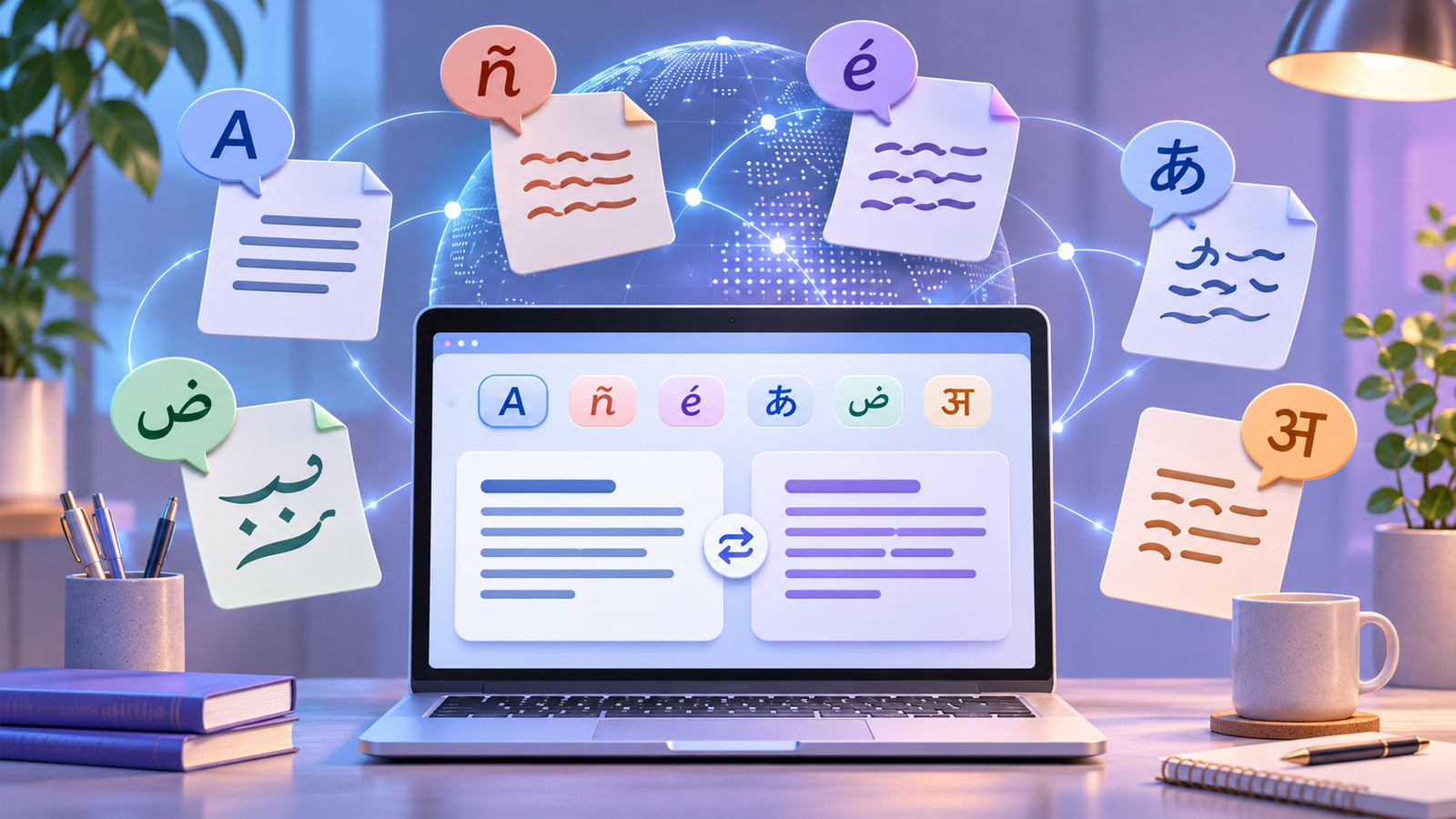

The best free AI translation tool depends on what you are translating. Google Translate is the easiest all-round choice for text, images, websites, and common documents. DeepL is useful when you want alternative phrasing and tone controls. Microsoft Translator fits naturally into Office and Outlook. ChatGPT and Gemini are better treated as context-aware drafting assistants, while Reverso is useful for examples and small document jobs.
That does not make any of them a substitute for a qualified translator in a legal filing, medical instruction, immigration form, safety procedure, or high-stakes contract. Machine translation can produce fluent text that is still wrong. For consequential work, use a professional translator or a bilingual reviewer who understands the subject.
Checked November 21, 2026. This comparison is based on current US-facing official documentation and publicly available free workflows. Free allowances and product interfaces can change. We did not run a controlled translation-quality benchmark, so we do not rank these tools by accuracy.
Quick answer: which free AI translator should you choose?
| Tool | Best free use | Account | Main limitation |
|---|---|---|---|
| Google Translate | Fast text, image, website, and document translation | Not always required for basic web translation | Document translation is desktop-oriented; review formatting and meaning |
| DeepL | Short text and phrasing alternatives | Required for file translation | Free text and file allowances vary by surface and may be restrictive |
| Microsoft Translator | Translation inside Outlook, Word, and Microsoft mobile workflows | Depends on the Microsoft product | Some features require Microsoft 365 or connected experiences |
| ChatGPT | Context-aware drafts, explanations, and terminology checks | Free account for the full workflow | Usage and file-upload limits apply; output needs verification |
| Gemini | Translating and discussing uploaded mixed-format material | Sign-in required for file uploads | Rolling limits and important consumer-data settings |
| Reverso | Examples, word choice, and small document translation | Sign-up for document credits | Free document allowance is a starter credit, not unlimited use |
How we compared the tools
We looked for a usable no-cost path to a translated output, then checked official product, help, pricing, and privacy pages. We recorded account requirements, document or upload limits, supported workflows, retention or model-training controls where clearly documented, and whether the free access is recurring or only an initial credit.
We did not paste confidential client material into consumer services, hire translators to score outputs, or claim that one model wins every language pair. Translation quality changes with language, domain, document quality, prompt, and context. A short travel phrase and a regulated technical manual are different jobs.
Six free AI translation tools compared
1. Google Translate: best all-round free workflow
Google Translate is the simplest starting point when you need to translate pasted text, an image, a website, or a common office document. Google’s official help says the desktop document workflow accepts DOCX, PDF, PPTX, and XLSX files up to 10 MB, with PDFs limited to 300 pages. Document translation is not supported on smaller screens. The image workflow can copy translated text or download a translated image, but Google warns that small, unclear, or stylized text reduces accuracy.
Choose it for: travel phrases, incoming messages, simple websites, signs, screenshots, and first-pass document understanding. Watch for: names, numbers, units, formatting, and ambiguous words. Do not upload confidential files before checking the service’s privacy terms and your organization’s policy.
Official details: translate documents and websites and translate text in images.
2. DeepL: best for comparing phrasing and tone
DeepL Translator is a strong second opinion when wording matters. Its web translator supports text, while its file workflow preserves elements such as body text, titles, captions, footnotes, images, and fonts when the format is supported. DeepL requires an account for file translation, and available formats, sizes, and monthly file counts depend on the plan. Its help center also notes that scanned or malformed files can fail or translate incompletely.
DeepL’s separate API Free plan is aimed at developers and includes up to 500,000 translated characters per month according to its billing documentation. That API allowance is not the same as unlimited free document translation in the consumer web interface.
Choose it for: polished short-form drafts, alternative wording, and supported files where layout preservation matters. Watch for: account requirements, plan-specific file limits, and confidential content. DeepL promotes stronger data protections with paid Pro products, so do not assume every enterprise privacy promise applies to the free consumer tier.
Official details: DeepL file translation and API Free usage.
3. Microsoft Translator: best inside Office and Outlook
Microsoft’s translation experience is spread across products rather than presented only as a standalone website. In Word, you can translate selected text or create a translated copy of a whole document. Outlook can translate a message and show the original, while Microsoft 365 mobile can translate text found in images and PDFs.
This is convenient if the source already lives in a Microsoft workflow. Some functions require Microsoft 365, an eligible mailbox, or optional connected experiences. Microsoft’s Outlook documentation says email translation uses the online Microsoft Translator service and describes a no-trace processing mode for that feature, but you should verify the policy for the exact Microsoft product you use rather than generalizing that statement to every surface.
Choose it for: email, Word documents, and mobile image translation inside Microsoft apps. Watch for: licensing, administrator controls, and feature differences among Word, Outlook, Teams, and mobile apps.
Official details: translation in Office apps and Translator in Outlook.
4. ChatGPT: best for context-aware translation drafts
ChatGPT is not a conventional translation utility, but it can translate text while following instructions about audience, reading level, tone, terminology, and passages that should remain unchanged. That makes it useful when you also need an explanation of ambiguous wording or a back-translation for review.
OpenAI says the Free tier supports everyday text chats and file uploads with separate limits. Its file documentation currently lists a three-file-per-day limit for Free users, alongside broader size and token ceilings. Limits can change or tighten during peak demand. For personal accounts, content may be used to improve models depending on your settings. You can turn off model improvement in Data Controls or use Temporary Chat; OpenAI says temporary chats are not used for model improvement and may be retained for up to 30 days for safety.
Choose it for: short contextual drafts, terminology explanations, and comparing literal versus natural phrasing. Watch for: hallucinated meaning, inconsistent terminology across long files, rate limits, and consumer privacy settings.
Official details: ChatGPT Free tier, file-upload limits, and consumer data controls.
5. Gemini: best for mixed files within Google’s AI assistant
Gemini can translate pasted passages and discuss uploaded documents, images, spreadsheets, audio, or video. Google says signed-in users can add up to 10 supported files in one prompt, subject to availability, with non-video files up to 100 MB. Rolling upload and analysis limits still apply, and larger context windows are tied to paid plans.
Privacy deserves attention. Google’s current Gemini Apps Privacy Hub says chats, files, and other submitted content can be used according to the user’s history and training settings, and some content may receive human review. Temporary chats and history controls reduce some model-training use, but they do not mean zero processing or immediate deletion. Never put secrets, unreleased contracts, personal records, or regulated data into a consumer chat without authorization.
Choose it for: asking questions about a translated file, comparing passages, and working across several media types. Watch for: rolling limits, sign-in requirements, retention, human review, and confident but incorrect translations.
Official details: Gemini file uploads and the Gemini Apps Privacy Hub.
6. Reverso: best for examples and small documents
Reverso combines translation with contextual examples, a dictionary, grammar aids, and document translation. It is useful when you want to inspect how a word or phrase appears in real sentences instead of accepting one output without context.
Reverso’s document pricing page describes a 2.5 MB Free file limit and a sign-up credit of 2,500 words. That is a starter allowance, not an unrestricted recurring free tier. It lists 29 document-translation languages and says scanned-PDF OCR requires Premium or Pro. Those constraints make it better for a small job or evaluation than a large ongoing document workflow.
Choose it for: vocabulary, phrase examples, and a small document trial. Watch for: the one-time credit, language coverage, and paid OCR requirement.
Official details: Reverso document plans and limits.
A safer translation workflow
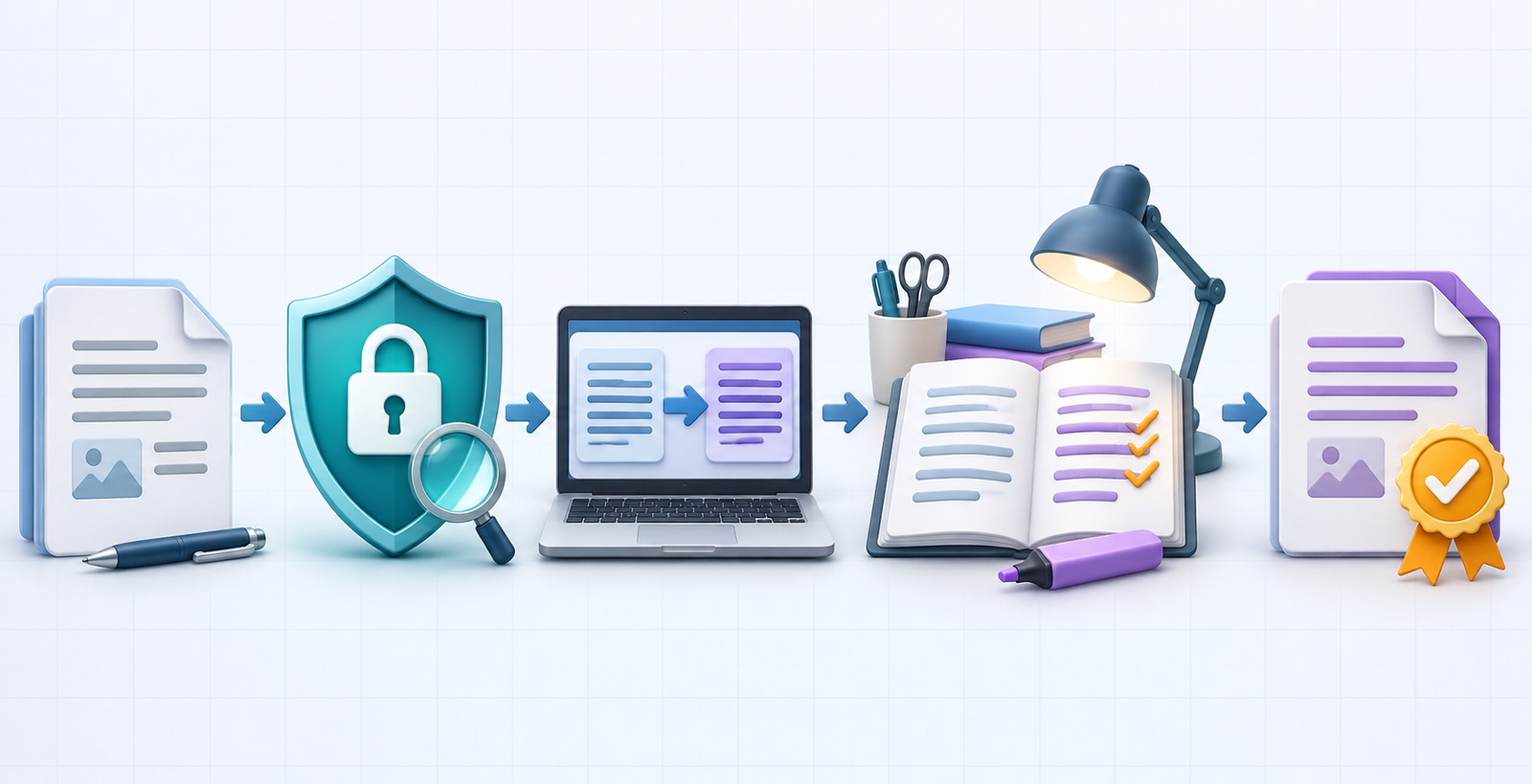
- Classify the content. Separate public text from personal, confidential, contractual, medical, legal, or regulated material.
- Confirm permission. Check employer, client, school, and data-handling policies before uploading anything.
- Prepare the source. Fix OCR errors, expand unexplained abbreviations, and create a glossary for product names and technical terms.
- Generate a first draft. Keep the source and translated versions side by side. Ask for uncertain passages to be flagged, but do not assume the tool will identify every mistake.
- Review meaning, not just fluency. Check names, numbers, dates, negation, units, formality, idioms, and safety instructions. Back-translation can expose some problems, but it is not proof of accuracy.
- Use a qualified reviewer for high-stakes work. A fluent output can still reverse an obligation or alter a medical instruction.
- Control the final file. Recheck layout, links, tables, captions, accessibility text, and reading order after export.
How to choose without overthinking it
- One sentence or travel phrase: start with Google Translate; compare DeepL if nuance matters.
- A Word document or email: use the translation already available in Word or Outlook if your account includes it.
- A screenshot or sign: Google Translate or Microsoft 365 mobile offers a documented image workflow.
- A paragraph that needs audience and tone instructions: use ChatGPT or Gemini, then verify against a conventional translator and a bilingual reader.
- Vocabulary and usage examples: Reverso can provide context, but examples still need judgment.
- Legal, medical, safety, or immigration text: do not rely on a free AI tool alone.
If you want to understand why chat assistants can sound convincing even when they are mistaken, read our beginner’s guide to large language models. For broader drafting choices, compare AI writing tools for research and drafting, AI tools for email writing, and prompt engineering for developers.
Frequently asked questions
Is there a completely free AI translator?
Google Translate provides the broadest documented no-cost consumer workflow in this list. The other tools also offer free access, but accounts, rolling limits, file caps, starter credits, or paid features apply. Free does not mean unlimited or suitable for confidential information.
Is DeepL better than Google Translate?
There is no honest universal winner without specifying the language pair, text type, and evaluation method. Google offers a broader all-purpose workflow for images, websites, and common documents. DeepL can be useful for alternative phrasing and supported file translation. Compare both on representative, non-sensitive samples and have a bilingual reviewer score meaning, terminology, and tone.
Can ChatGPT translate a PDF for free?
ChatGPT Free supports file uploads, including PDFs, subject to current daily and size limits. That does not guarantee perfect extraction, layout preservation, or translation accuracy. Scanned documents and complex tables require extra review.
Can I use free AI translation for business documents?
Only after checking confidentiality, contractual obligations, privacy requirements, and the provider’s exact terms for your account. Use a business-grade service and qualified human review when the content is sensitive, regulated, or consequential.
How can I tell whether a translation is correct?
Use a glossary, compare more than one system, check names and numbers separately, and ask a bilingual subject-matter reviewer. Back-translation is a useful diagnostic but cannot certify accuracy because two systems can repeat or conceal the same error.
Bottom line: use free AI translation to accelerate understanding and create a reviewable draft. Match the tool to the input type, protect sensitive material, and put a qualified human between machine output and any consequential decision.

