


Google's Gemini 3.5 Flash now includes a public-preview Computer Use tool for browser, mobile and desktop agents, giving platform teams a new route for UI automation while raising sandboxing, approval and audit requirements.
BENGALURU, India, June 30, 2026, 9:12 a.m. IST – Google has integrated computer-use capabilities into Gemini 3.5 Flash, giving developers a public-preview route to build agents that can observe screens and propose browser, mobile and desktop UI actions from the same Flash model family.
The move matters because AI agents are moving beyond chat, search and API-only function calls into live software interfaces. For DevOps, platform engineering and cloud teams, the question is no longer only which model answers a prompt best. It is whether an agent can be allowed to click through internal tools, test a release workflow, fill a form, inspect a dashboard or escalate an approval without creating an audit, security or reliability gap.
What Google Confirmed
Google announced the change on June 24 in a Keyword post, saying computer use is now a built-in tool supported in Gemini 3.5 Flash. The company said the capability had previously been available through a standalone Gemini 2.5 computer-use model, and is now integrated natively in the main Gemini Flash model.
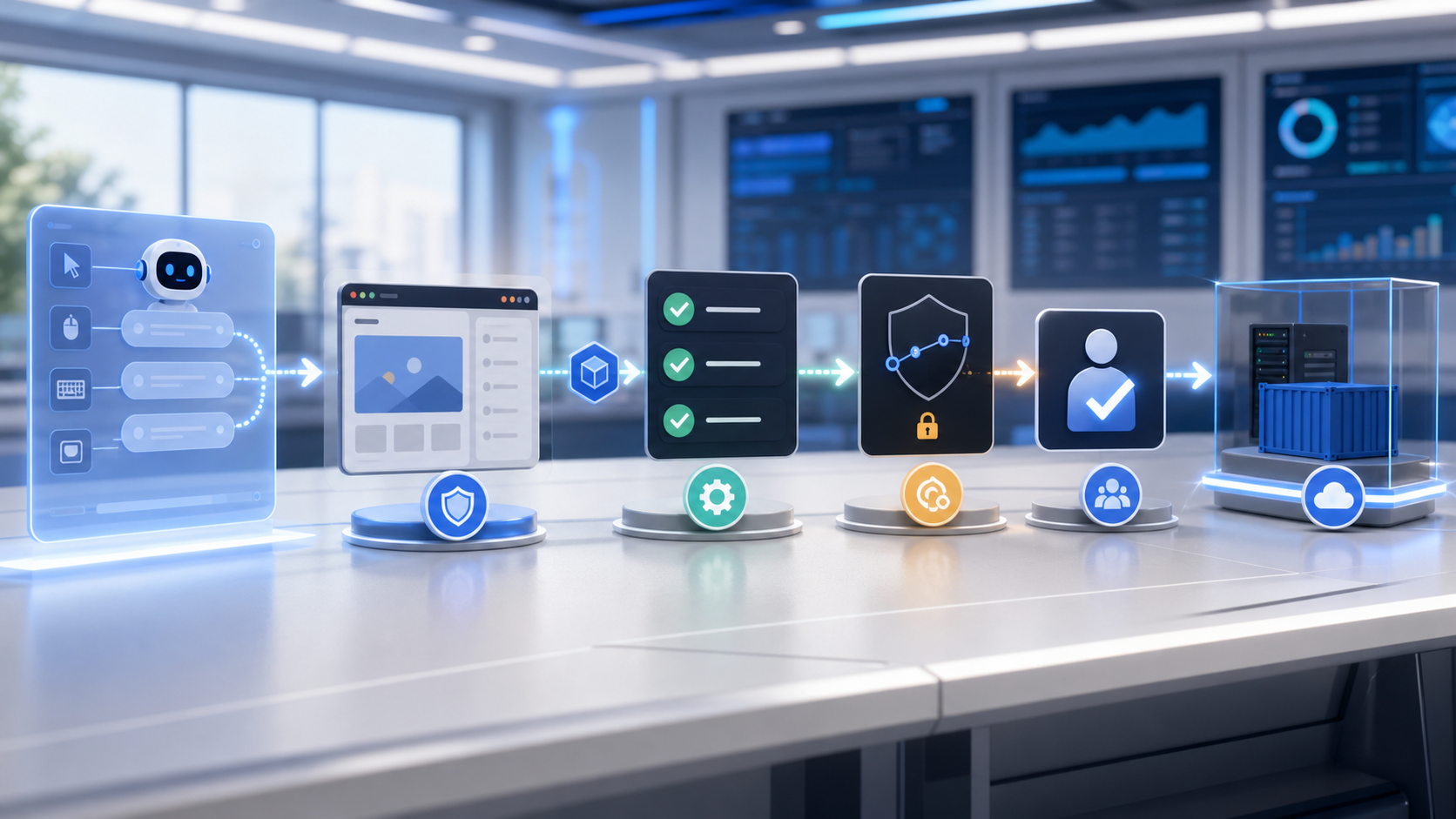
The Gemini API release notes list the launch as public preview support for the Computer Use tool in Gemini 3.5 Flash. According to Google, the release includes action intents, built-in support for browser, mobile and desktop environments, configurable safety policies and advanced prompt-injection detection.
Google’s developer documentation describes the tool as a way to build agents that interact with and automate tasks by using screenshots to see a screen and by generating UI actions such as mouse clicks and keyboard input. The docs also make clear that developers still have to implement the client-side execution environment that receives and runs those actions.
Why It Matters For DevOps Teams
Computer-use agents sit between two familiar worlds: browser automation and model-driven reasoning. Traditional test automation tools are deterministic but brittle when workflows change. General-purpose language models can reason about instructions but cannot safely operate software unless teams provide an execution boundary, state capture and policy checks.
For engineering organizations, the near-term use cases are likely to be controlled workflows: exploratory UI testing, repetitive data entry in non-production tools, documentation audits, accessibility checks, support triage and research across internal portals. Google also cites software testing and knowledge-work automation as examples.
The release should therefore be read less as permission to hand production systems to an autonomous agent, and more as another signal that agent operations are becoming a platform concern. Teams already investing in LLMOps, evaluation harnesses and prompt governance will need to extend those practices to screenshots, UI actions, replay logs and permission boundaries.
The Safety Gap Is Still The Hard Part
Google is explicit that Computer Use is a preview capability. Its documentation says the capability may contain errors and security vulnerabilities, and recommends close supervision for important tasks. It also advises against using the tool for critical decisions, sensitive data or actions where serious errors cannot be corrected.
That warning is important. A computer-use agent can encounter hidden instructions inside a web page, mistake a staging screen for production, click through an irreversible action or expose credentials through an overly broad browser session. Google’s announced safeguards include optional confirmation for sensitive or irreversible actions and an option to stop tasks when indirect prompt injection is detected, but those features do not remove the need for sandboxing and human approval.
For DevOps teams, practical controls should look familiar: run agents in isolated browsers or mobile environments, use synthetic data where possible, block access to secrets, enforce least-privilege credentials, capture screenshots and action logs, and require approvals for writes, payments, account changes or production operations. The same discipline that applies to CI/CD pipelines now has to cover agent-driven UI sessions.
Technical Context
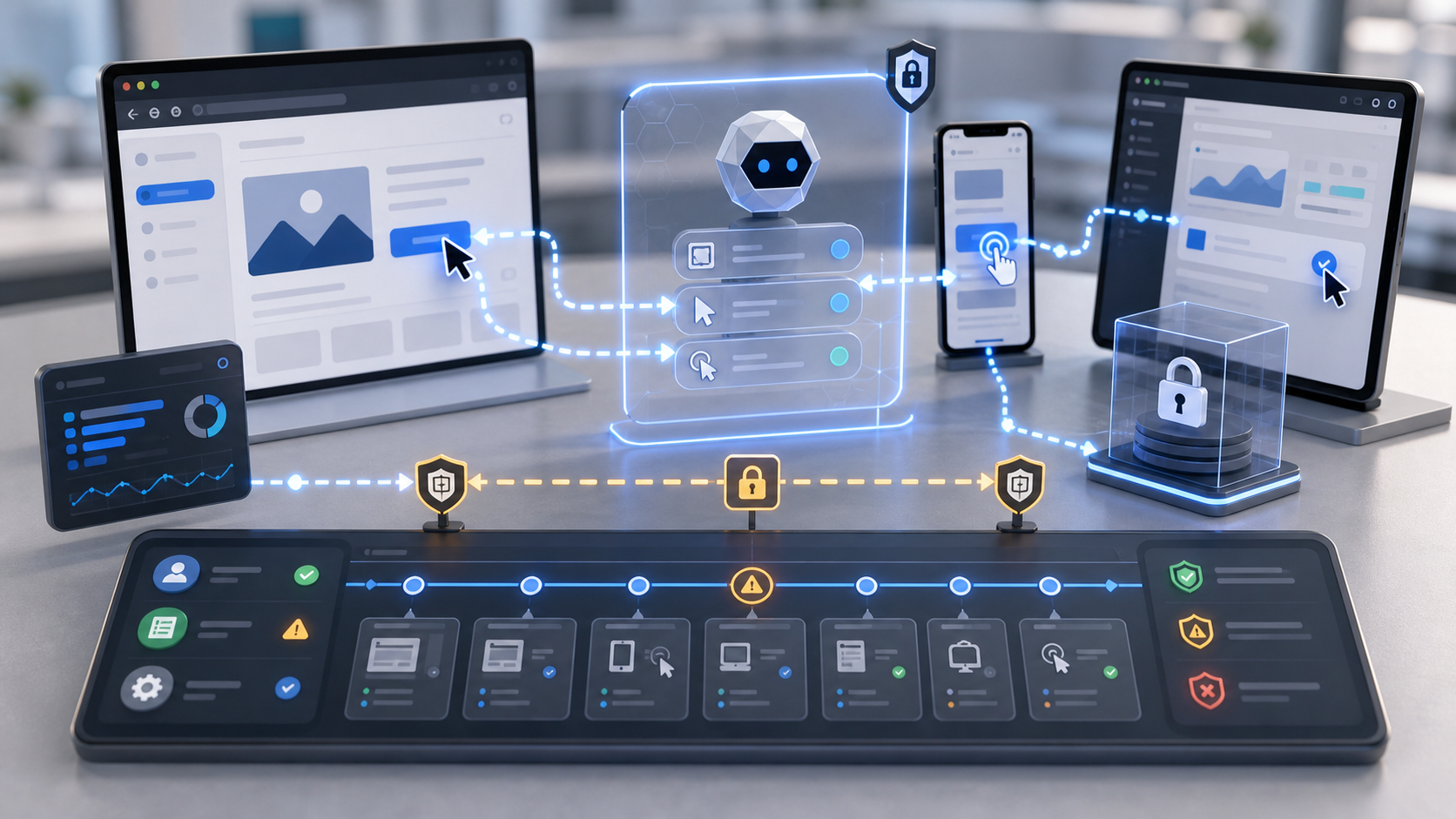
The key distinction is that computer use is not the same as a normal model function call. In a function-calling setup, the model chooses from defined API operations and structured tool contracts. In a computer-use loop, the model reads a screenshot, proposes a UI action, waits for the client to execute it, then receives the next screen state. That makes the model useful for workflows without clean APIs, but it also makes testing, rollback and observability more complex.
Google’s docs say Gemini 3.5 Flash responses can include an intent explaining why an action was chosen, and can classify an action as allowed, requiring confirmation or blocked. That should help operators review agent behavior, but the quality of the surrounding system still depends on the application code, browser automation layer, environment isolation and approval policy that a team builds around the model.
The Google DeepMind Gemini 3.5 Flash model page also lists UI-control benchmark results, including OSWorld-Verified. Those benchmark numbers are useful context for model progress, but they should not be treated as a guarantee that an agent will behave reliably inside a company’s own applications, permissions model or data environment.
What To Watch Next
The most important near-term signal will be how quickly the preview becomes stable enough for enterprise testing outside demos. Platform teams should watch for clearer controls around audit exports, policy integration, rate limits, managed sandboxes, approval routing and integrations with common testing frameworks.
There is also a procurement and governance angle. If computer-use agents become part of enterprise automation, buyers will need to evaluate not just model quality but execution controls, data handling, retention, incident response and integration with identity systems. For teams already building with prompt-engineering practices or retrieval workflows such as RAG, the new layer is operational: what the agent can do after it understands the task.
For now, the practical advice is cautious experimentation. Use the preview to test low-risk UI automation in isolated environments, measure failure modes, and decide where human review remains mandatory. The technology is moving toward more capable workplace agents, but production trust will come from engineering controls as much as from the model itself.


