


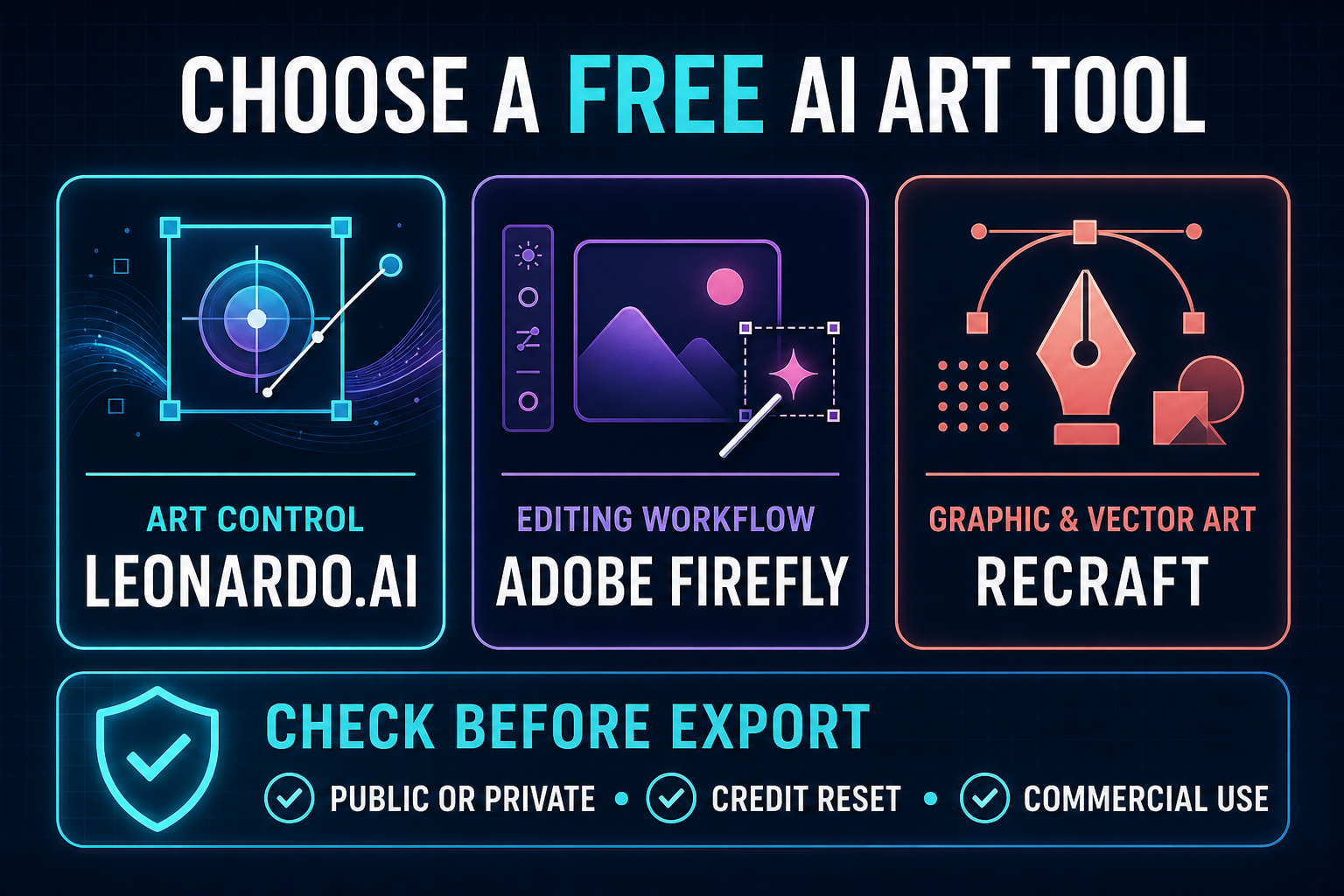
The best free AI image generators for digital art are Leonardo.Ai, Adobe Firefly, Recraft, Ideogram, NightCafe, ChatGPT Images and Gemini. Leonardo offers the strongest free mix of models and controls, while Firefly is better for editing and Recraft for graphic styles. Every free plan has a catch: public creations, variable quotas, restricted commercial use or limited credits.
“Free” does not mean unlimited or rights-cleared. Some services reset credits daily, others provide a small weekly allowance, and several publish free generations by default. This guide compares what an artist can actually make without paying, where each tool fits in a creative workflow and which licensing or privacy limitation should change the choice.
Limits and terms were checked on August 31, 2026, using US-facing product pages and help documentation. Providers can change them without notice, so confirm the allowance and license shown in your account before starting a large project.
Best free AI image generators for digital art at a glance
| Tool | Best for | Free allowance | Main limitation |
|---|---|---|---|
| Leonardo.Ai | Concept art and model control | 150 tokens daily | Free creations are public |
| Adobe Firefly | Editing and mixed-media workflows | Limited daily generations | Adobe does not publish a fixed Free count |
| Recraft | Graphic art and vectors | 30 daily credits | Free outputs are public, Recraft-owned and noncommercial |
| Ideogram | Poster art and typography | 10 slow credits weekly, up to 40 images | Free generations are public |
| NightCafe | Style exploration and community challenges | Five claimable credits daily; some models may be free | Premium models consume credits quickly |
| ChatGPT Images | Conversational art direction | Variable separate Free image limit | No durable numerical quota |
| Gemini | Reference-image remixing | Up to 100 standard images daily; up to three Pro images | Limits can change with demand |
How we selected and ranked these tools
We screened ten credible services and ranked seven. The comparison weighs style range, prompt control, reference images, inpainting or editing, composition control, export usefulness, free-plan capacity, watermarking, account requirements, privacy defaults and usage rights. Midjourney was excluded because it does not offer a standing free plan. Microsoft Designer was screened but left out of the ranking because its consumer service is documented for personal, noncommercial use and does not publish a stable free quota.
This is a documentation-based comparison, not a GravityDevOps matched-prompt benchmark. Product capabilities and limits are confirmed from vendor documentation. Independent human-preference context came from the Artificial Analysis Image Arena and a 2026 matched-prompt comparison by Digital Camera World. Those tests evaluate general image quality, not every digital-art style or every free-plan model.
1. Leonardo.Ai: best free choice for concept art and control
Leonardo.Ai is the most practical starting point for artists who want more than a single prompt box. Its creation interface supports model selection, dimensions, style choices and reference images. That makes it useful for fantasy concepts, game assets, environment studies and character ideation where composition and visual language need several iterations.
Leonardo’s official generation guide says Free users receive 150 tokens each day. The cost varies by model and settings, so 150 tokens is not the same as 150 finished images. Private Mode is paid; free creations are visible publicly. Leonardo’s plan documentation also makes clear that rights differ by subscription status, so commercial users should read the current license rather than assuming that a free download equals exclusive ownership.
Best for: concept art, fantasy scenes, game-art exploration and artists who want model-level choices.
Pros: daily reset, broad creative controls, reference support and a workflow designed around repeated visual exploration.
Cons: token costs vary, free work is public, and a generated character may drift across images without careful references and manual cleanup.
2. Adobe Firefly: best for editing and a Creative Cloud workflow
Firefly is the better fit when generation is only one stage of the artwork. Its web tools support text-to-image generation along with style and structure references. Generative fill and canvas expansion then let you edit images with AI without leaving the browser. Artists already using Photoshop or Illustrator get a clearer path from rough concept to editable composition than they do with a generator that only returns a flat image.
Adobe now describes Firefly Free as a limited number of daily generations across a curated set of models, but it does not publish a fixed Free quota. An Adobe account is required. Adobe says outputs from features that are no longer labeled beta may be used commercially; beta features can have different rules. Adobe says its Firefly models are trained on licensed content, including Adobe Stock, and public-domain content where copyright has expired; Adobe describes the models as designed to be commercially safe. Content Credentials may be attached to generated work.
Best for: collage, editorial illustration, generative fill and artists who expect to refine the result in Adobe apps.
Pros: strong editing workflow, structure and style references, vector generation options and clearer commercial-use guidance for released features.
Cons: the free quota is undisclosed and variable, premium partner models can use credits differently, and the best finishing workflow still favors paid Adobe software.
3. Recraft: best for graphic art and vector-style assets
Recraft is unusually good for artwork that must behave like design: icons, flat illustrations, poster elements, brand-adjacent graphics and scalable vectors. Its canvas and style controls make it more useful for assembling a visual system than a pure text-to-image playground.
Recraft documents 30 daily free credits, renewed every 24 hours, with no visible watermark. The decisive caveat is licensing: Recraft owns Free-plan images, displays them publicly and does not license them for commercial use. That is acceptable for private practice, classroom exercises or noncommercial ideation, but not for client delivery or merchandise.
Best for: graphic illustration, icon systems, vector experiments and layout-ready art.
Pros: art-directed output, raster and vector workflows, 30 daily credits and useful canvas tools.
Cons: the Free license is noncommercial, outputs are public, and Recraft retains ownership.
4. Ideogram: best for poster art with readable text
Ideogram remains a sensible choice when words are part of the picture: title cards, fictional signage, album-cover studies, typographic posters and illustrated quotes. Its style controls and reliable text rendering reduce the number of discarded attempts, although every important word still needs proofreading.
The Ideogram Free plan includes 10 slow credits each week, enough for up to 40 images with the least expensive model setting. Free generations are public, deletion and private generation are paid features, and an account is required. Ideogram says it does not restrict rights in generated output, while also placing responsibility for third-party rights and lawful use on the user.
Best for: posters, title art, stylized lettering and compositions in which typography matters.
Pros: strong text rendering, weekly replenishment, four-image batches and straightforward output-rights language.
Cons: a small weekly allowance, public generations and limited reference/upload features on Free.
5. NightCafe: best for learning styles through a creative community
NightCafe is closer to an AI-art club than a minimalist generator. It offers multiple model families, style presets, daily challenges and a public community. That makes it useful for beginners learning how models interpret painterly, surreal, anime or illustrative prompts—and for experienced users who want fast style exploration.
NightCafe provides five claimable credits daily; they do not accumulate automatically if a day is missed. Model costs vary, and its guide lists some models, including DreamShaper v8, as free. NightCafe’s current terms transfer applicable artwork rights to the creator and allow personal or commercial use, provided the inputs and artwork do not contain prohibited or rights-infringing material.
Best for: discovering styles, participating in challenges and comparing model aesthetics.
Pros: broad model choice, daily credits, community feedback and creator-friendly output language.
Cons: credit math differs by model, social mechanics can distract from focused work, and public sharing needs care when prompts or references are confidential.
6. ChatGPT Images: best for conversational art direction
ChatGPT Images works well when the difficult part is expressing and revising the idea. You can ask for a composition, inspect the result, then request a targeted change in ordinary language. It is especially useful for story illustrations, editorial concepts and mood studies that evolve over several turns.
The ChatGPT Free Tier FAQ confirms image creation but publishes no fixed number. Image generation has its own limit, and the app shows when access will reset. A free account is required. Treat the variable quota as suitable for occasional concepts, not a guaranteed production capacity. As with every tool here, recognizable characters, logos and living artists’ identities require legal and ethical review.
Best for: iterative briefs, story scenes and artists who prefer dialogue over complex control panels.
Pros: natural-language revisions, image editing and a low learning curve.
Cons: no durable Free quota, less granular model control than specialist studios and no guarantee that repeated characters remain identical.
7. Gemini: best for remixing reference images
Gemini is a flexible free option for combining references and making conversational edits. Google’s image workflow supports generated-image editing, uploaded-image editing and multi-image composition, which can help with color studies, costume variations and scene remixes.
Google’s current limits page lists up to 100 standard Nano Banana images per day and up to three Nano Banana Pro images for users without a Google AI plan. Google warns that high-demand limits can change frequently. Image generation requires a signed-in account, supported country and supported language. Generated images can include SynthID, Google’s invisible provenance signal.
Best for: remixing several references, fast variations and guided edits.
Pros: generous stated standard-image ceiling, multi-image input and conversational editing.
Cons: dynamic limits, fewer specialist art controls, and outputs still require a rights and accuracy review.
Which free AI art generator should you choose?
Choose by the next step in your workflow, not by a universal leaderboard:
- For concept art and model choices: start with Leonardo.Ai.
- For editing and commercial creative workflows: use Firefly, then verify the specific feature is out of beta.
- For graphic or vector practice: Recraft is excellent, but Free outputs are not licensed commercially.
- For poster text: Ideogram gives the clearest dedicated typography workflow.
- For style discovery: NightCafe’s models and community make exploration easier.
- For conversational revisions: ChatGPT Images is the simplest interface.
- For reference remixing: Gemini offers the most generous documented ceiling in this group.
If the goal is a realistic photograph, use our narrower guide to free AI image generators for realistic photos. For channel artwork, see the comparison of AI image generators for YouTube thumbnails. The broader free AI image generator guide covers general-purpose choices beyond digital art.
A safer workflow for AI-assisted digital art
- Write an art brief. Define subject, medium, composition, palette, lighting and mood. Our prompt-engineering guide explains why precise constraints improve repeatability.
- Generate rough directions, not a finished identity. Explore three or four compositions before spending credits on high-detail variations.
- Keep human authorship visible. Paint over, composite, redraw, edit color and correct anatomy. AI output is a starting layer, not proof of creative ownership.
- Record the tool and terms. Save prompts, source references, generation date, plan and license page. This matters if terms later change.
- Review rights and consent. Do not imitate a living artist deceptively, use a person’s likeness without permission or upload confidential client references to a public-generation plan.
- Disclose material AI use where required. Follow client contracts, contest rules, marketplace requirements and platform policies.
Generative image systems predict visual patterns from training data; they do not understand authorship, consent or factual accuracy. If that foundation is unfamiliar, read what generative AI is and how it works.
Free-plan privacy, copyright and commercial-use cautions
Public generation is the largest hidden cost in this category. Leonardo, Ideogram and Recraft make free work public; Recraft additionally reserves ownership and restricts commercial use. Never upload an unreleased product, private face, client sketch or confidential brand asset unless the service and plan provide appropriate privacy terms.
A vendor’s permission to use output is not a guarantee that the output is copyrightable, unique or free of third-party rights. US copyright treatment of substantially AI-generated material remains fact-specific. Check for copied logos, recognizable characters, celebrity likenesses and close stylistic imitation, then obtain legal advice for high-value commercial work.
Frequently asked questions
Is there a completely free AI art generator with no limits?
Not among the reliable hosted tools reviewed here. Free access is funded through daily or weekly limits, public generations, lower queue priority, feature restrictions or noncommercial terms. A local open-weight model can avoid per-image fees, but it requires suitable hardware and still carries model-license and rights obligations.
Which free AI image generator is best for digital art beginners?
ChatGPT Images and Gemini are easiest because revisions happen through conversation. NightCafe is better for learning model and style differences. Leonardo offers more control once a beginner is ready for a denser interface.
Can I sell art made with a free AI generator?
Sometimes, but not automatically. Adobe allows commercial use from released Firefly features, Ideogram does not restrict output rights, and NightCafe provides creator-friendly rights language. Recraft Free is explicitly noncommercial. Always verify the current plan terms, your input rights and the rules of the marketplace where the work will be sold.
Do free AI art generators add watermarks?
The seven ranked tools generally do not place a conventional visible logo across standard downloaded images, but some attach provenance metadata or invisible signals. No visible watermark does not mean the output is private, commercially licensed or free of usage restrictions.
Bottom line
Leonardo.Ai is the best free starting point for controllable concept art, Firefly is the strongest editing companion, and Recraft leads for graphic styles—provided its noncommercial Free license is acceptable. Ideogram wins for typography, NightCafe for community exploration, ChatGPT for iterative direction and Gemini for reference-based remixing. The right choice is the tool whose free allowance, privacy default and license match the artwork’s intended use.


