
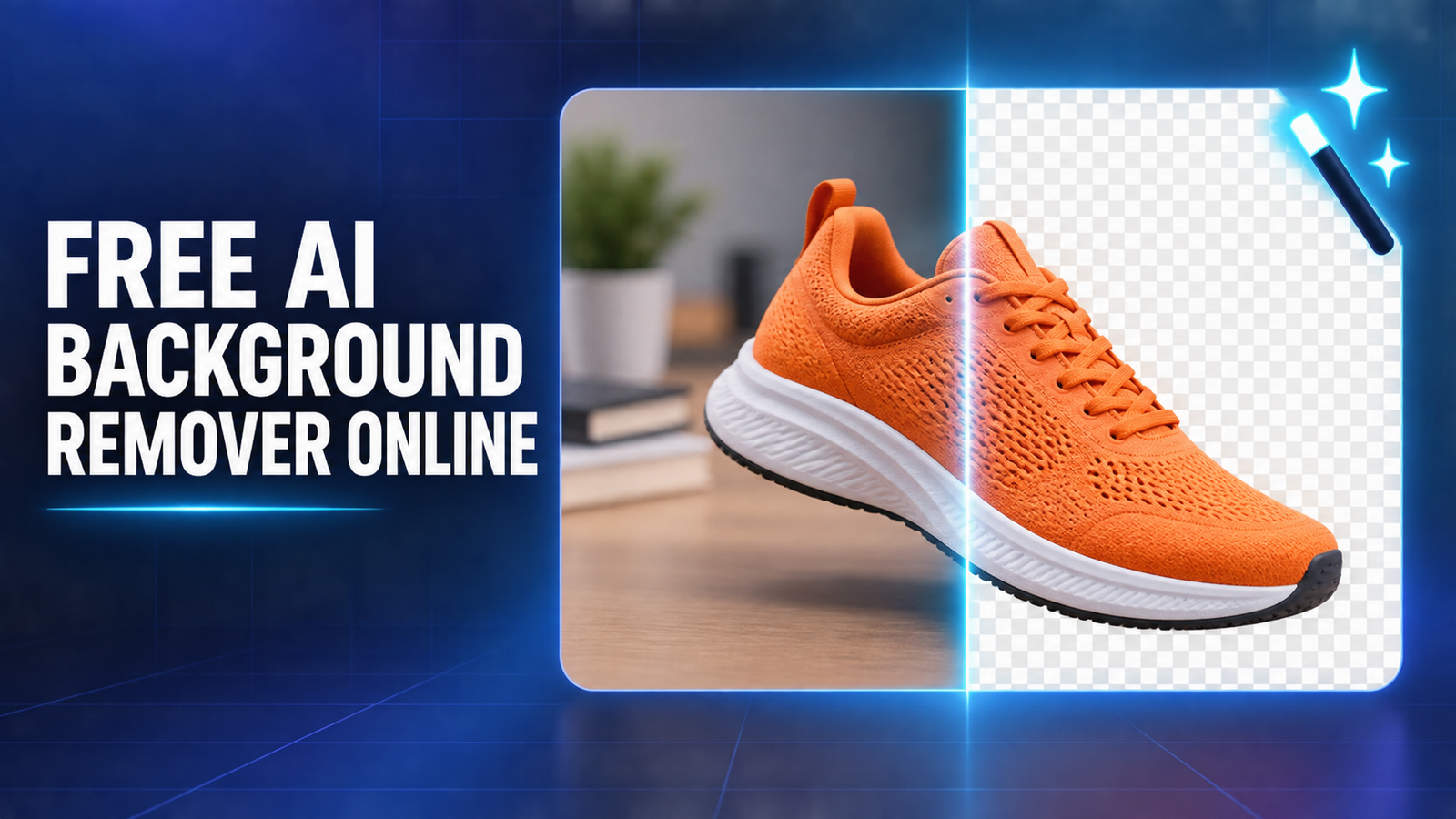

The best free AI background remover online for a quick, no-account cutout is Pixelcut, while Adobe Express is the strongest simple alternative and Microsoft Designer is better when the cutout needs to become a finished graphic. Fotor and Pixlr are useful browser options, Photoroom suits product-photo workflows, and EraseBG is the privacy-first choice because it processes images locally. Free limits and policies were checked on September 20, 2026.
“Free” is unusually slippery in this category. Some tools offer full-resolution PNG files with no account; others provide only a low-resolution preview, a small starter allowance, or a paid trial. The best choice also depends on the image: clean product edges are easier than flyaway hair, transparent glass, smoke or overlapping subjects. This guide compares documented access, export restrictions, editing control and privacy rather than pretending that one service wins every photo.
Best free AI background remover online: quick comparison
| Tool | Best for | Documented free access | Main limitation |
|---|---|---|---|
| Pixelcut | Fast HD cutouts without an account | No-sign-up HD PNG, no watermark; JPG, PNG and HEIC up to 100 MB | No durable numeric fair-use limit is published |
| Adobe Express | Simple anonymous removal | No account required to start; transparent PNG; files up to 40 MB | Full editor and some follow-on features may require sign-in |
| Fotor | Large one-off uploads | No sign-up, no watermark and HD download claimed; files up to 60 MB | No stable public usage quota is stated |
| Pixlr | Batch removal plus manual editing | Free browser tool with transparent, white or black output and ZIP batch download | Ads and premium upsells; published page does not specify a numeric allowance |
| Microsoft Designer | Turning a cutout into a design | Free background removal inside Designer | Microsoft account and monthly AI-credit model for the wider app |
| Photoroom | Product photos and marketplace graphics | Background Remover is available in the Free Space | Daily utility and monthly export limits are not published as fixed numbers |
| EraseBG | Sensitive photos and local processing | No account, watermark or credits; processing runs in the browser | Newer independent tool with limited external validation; first model download is large |
Free plans change. Recheck the provider page immediately before a large job, and test the final PNG over both light and dark backgrounds before publishing it.
How we selected these free background removers
We screened 11 current services: Pixelcut, Adobe Express, Fotor, Pixlr, Microsoft Designer, Photoroom, EraseBG, remove.bg, Erase.bg, Canva and Clipdrop. The ranking weighs useful zero-dollar access, account requirements, transparent PNG export, resolution and file limits, watermarks, edge-refinement tools, batch handling, privacy signals and whether the free path looks durable.
This is a documentation-based comparison, not a controlled image-quality benchmark. We checked official product, pricing and help pages and used an independent published comparison only as context. We did not upload the same portrait, product, glass object and animal photo to every service, so quality claims below are limited to documented capabilities and workflow fit. Vendor pages can describe their own accuracy too generously; your own difficult images are the relevant test.
1. Pixelcut: best free no-sign-up background remover
Pixelcut offers the cleanest documented free proposition in this group. Its official tool accepts JPG, PNG and HEIC files up to 100 MB and 8,000 by 8,000 pixels, then exports an HD cutout without a watermark or account. It also includes a Refine brush, which matters when automatic selection removes earrings, hair strands or product handles.
Why it ranks here: the combination of no sign-up, high-resolution input, transparent PNG output and manual edge repair is practical for occasional social graphics, profile photos and product cutouts.
Limitation: Pixelcut does not publish a durable numeric allowance for this public tool. “Completely free” describes the current page, not a contractual promise of unlimited use. Its separate API is paid, so teams should not assume the web utility can substitute for an automated catalog workflow.
2. Adobe Express: best simple alternative
Adobe’s quick action accepts JPEG, PNG and WebP files up to 40 MB, removes the background automatically and downloads a transparent PNG. Adobe says no account is required to get started. If the first mask misses a detail, opening the image in the Express editor adds erase and refinement controls.
Why it ranks here: the anonymous one-shot workflow is clear, the accepted formats and file ceiling are published, and the output can move directly into a broader design editor.
Limitation: the boundary between the quick action and the full editor is important. Continued editing, cloud storage or other premium features can prompt a sign-in or upgrade. Uploading also means agreeing to Adobe’s terms and privacy policy, so avoid sending confidential client, identity or medical images without reviewing those policies.
3. Fotor: best for a large single upload
Fotor’s official background-remover page advertises no sign-up, no watermark and a free HD download. It accepts JPG, PNG, HEIF, HEIC and WebP files up to 60 MB and 8,192 by 8,192 pixels. That makes it convenient when an iPhone HEIC photo or a large product shot would need conversion elsewhere.
Why it ranks here: broad format support and a relatively generous published upload ceiling reduce friction for one-off jobs.
Limitation: Fotor does not state a stable recurring quota on the tool page. Treat it as a useful current utility, not an assured high-volume service. Check the download itself for resolution and transparency before building a repeatable workflow around it.
4. Pixlr: best for batches and follow-up editing
Pixlr’s dedicated remover accepts common image formats, creates transparent, black or white backgrounds and supports selecting multiple images for a ZIP download. The wider Pixlr editor adds layers and manual photo-editing tools, which is helpful when an automatic mask needs a final touch.
Why it ranks here: it offers more workflow flexibility than a single upload-download box, particularly for users who need several cutouts and then want to keep editing in a browser.
Limitation: Pixlr promotes paid plans for an ad-free experience and advanced AI tools, while the remover page does not publish a numeric free allowance or guaranteed export resolution. Verify the result size and any usage prompt before processing a large batch.
5. Microsoft Designer: best for finished social graphics
Microsoft describes Designer as a free AI design and image-editing app with one-click background removal, cropping, text and resizing. This makes it more useful than a bare remover when the real task is a thumbnail, profile graphic, invitation or post rather than a standalone transparent file.
Why it ranks here: the cutout stays inside a design workflow, so a beginner can remove the background and immediately add a new scene, text or layout.
Limitation: Designer uses a Microsoft account, and the wider AI creation and editing experience uses monthly credits. Microsoft does not publish a separate durable count for background removals on the public feature page. Users who only want an anonymous transparent PNG should start with Pixelcut or Adobe Express.
6. Photoroom: best for product-photo workflows
Photoroom centers its editor on product photos, templates, marketplace sizes and reusable visual workflows. Its help center says Background Remover is available on all platforms, does not consume AI credits and counts against the plan’s export limit. The Free Space provides limited features and a monthly export allowance.
Why it ranks here: it is a sensible choice when background removal is only the first step before adding shadows, resizing a listing image or placing a product into a template.
Limitation: Photoroom no longer publishes one simple fixed number for every free user. Its help center describes a lower daily limit for free utilities and a monthly export cap, but the exact values can vary. Paid plans are positioned for high-resolution, batch and high-volume commercial work. That uncertainty keeps it below tools with a clearer anonymous free path.
7. EraseBG: best privacy-first browser option
EraseBG says its segmentation models run locally through the browser, so the photo does not leave the device. It offers full-resolution PNG, WebP or JPG export, erase and restore brushes, no account and no credits. The first visit downloads a model of roughly 44 MB to 219 MB, depending on the quality setting; current browsers with WebGPU should be fastest.
Why it ranks here: local processing materially reduces upload exposure for family, client or unpublished product photos. It is also useful when a slow connection makes repeated server uploads painful.
Limitation: this is a newer independent service, and its privacy and quality claims are primarily first-party statements. We did not independently inspect network traffic or benchmark its masks. Older hardware may process slowly, and browser memory can constrain very large photos.
What about remove.bg, Canva, Erase.bg and Clipdrop?
remove.bg is no longer a durable recommendation. It still offers free low-resolution previews up to 0.25 megapixels, but the company has announced that its standalone website will close on December 1, 2026. Consumer background removal is moving into Canva, while self-service API users are being directed to Leonardo.Ai. Its free plan is also restricted to personal use; commercial high-resolution output requires payment. Existing users should plan a migration rather than starting a new workflow there.
Canva’s status is mixed. Canva has a dedicated quick-tool page, but its help center says users must sign in and may need to upgrade after reaching an AI credit limit. Another current Canva page still describes Background Remover as a Pro feature. Because those official pages do not present one stable free allowance, Canva is better treated as a design-suite option than a clearly free remover.
Erase.bg is a starter allowance, not recurring free access. Its pricing page requires sign-up and provides three free credits for three HD images. That is useful for evaluation, but it should not be described as an unlimited or reliably recurring free plan.
Clipdrop’s current free allowance is not sufficiently clear from its own public pricing materials. A Photoroom comparison describes up to 20 removals per day, but that is a competitor’s claim, not a strong enough primary source for this ranking. We excluded it rather than turning an unverified number into advice.
How to choose the right remover
- For one transparent PNG without creating an account: start with Pixelcut, Adobe Express or Fotor.
- For hair, fur, lace, spokes or transparent products: prioritize a restore or refine brush. Automatic masks often need manual correction.
- For product listings: Photoroom or Microsoft Designer is more useful when you also need shadows, templates, text or standard marketplace dimensions.
- For private material: prefer verified local processing, or use desktop software. Do not upload passport scans, children’s photos, confidential prototypes or client work merely because a tool is free.
- For hundreds of images: evaluate a paid batch plan or API. Free web utilities can change limits, throttle use or prohibit commercial processing.
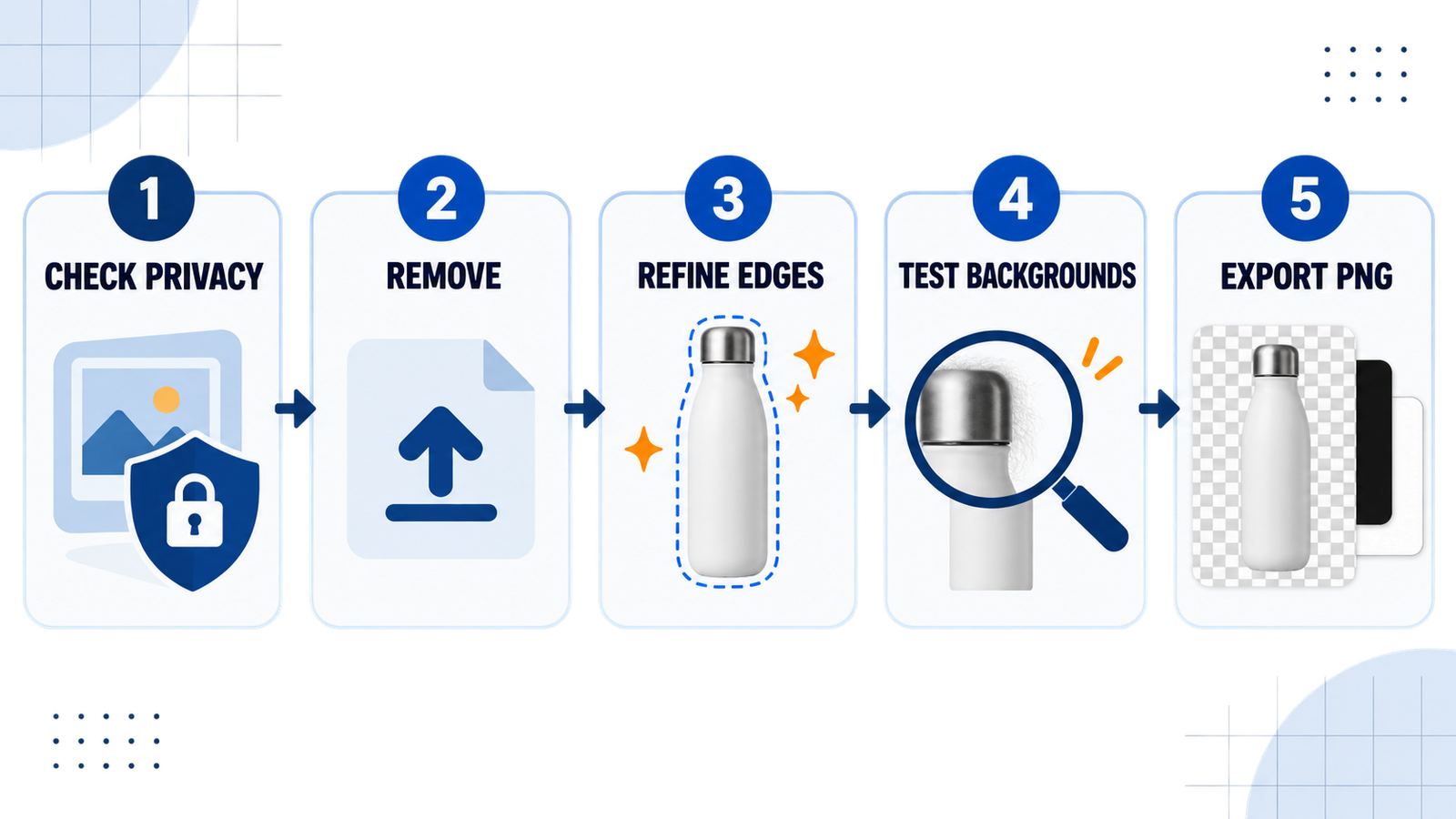
A good test set contains a portrait with loose hair, a light-colored product on a light background, a reflective or transparent object and a subject with holes or narrow gaps. View each result over black, white and a saturated color. Haloing, missing hair and semi-transparent edges are easier to spot there than on a checkerboard preview.
Privacy, copyright and commercial-use cautions
Background removal does not create rights in the source image. You still need permission to edit and publish the photo, logo, product shot or person’s likeness. Do not remove watermarks or attribution marks from content you do not own. For people, obtain consent before uploading or repurposing an identifiable photo, especially for advertising or synthetic scenes.
Cloud removers receive the image even when no account is required. Review retention, training and deletion terms before using sensitive material. Free access also does not guarantee commercial permission: remove.bg, for example, explicitly limits its free plan to personal use. When the provider’s license is unclear, use your own image and keep the original plus a record of the terms checked on the day you exported.
If the cutout is part of a larger AI-image workflow, GravityDevOps also compares free AI image generators, tools for realistic AI photos, AI image generators for product photos and free AI headshot generators.
FAQ
Can I remove an image background for free without signing up?
Yes. Pixelcut, Adobe Express and Fotor currently advertise browser-based background removal without an account. Pixelcut and Fotor also claim free HD downloads without watermarks. Limits can change, so confirm the download resolution and terms when you use the service.
Which free background remover keeps full resolution?
Pixelcut and Fotor advertise HD output, while EraseBG says it applies the mask locally and exports the original resolution, subject to browser constraints. Adobe Express publishes a 40 MB input ceiling but does not promise a specific output pixel count on the quick-action page.
Is remove.bg still free?
Its website currently offers free low-resolution personal-use previews up to 0.25 megapixels. However, remove.bg says the standalone service will close on December 1, 2026, with consumer functionality moving to Canva. It is not a sensible foundation for a new long-term workflow.
Do these tools add a watermark?
Pixelcut and Fotor explicitly advertise no-watermark output, and Adobe Express describes a direct transparent PNG download. Always inspect the downloaded file because watermarks, resolution and account prompts can differ by surface, device or plan.
Why does an AI background remover damage hair or glass?
The model must estimate which pixels belong to the foreground and how transparent each edge should be. Fine hair, fur, glass, smoke, shadows and colors similar to the background create ambiguous boundaries. Use a high-contrast source and a tool with erase-and-restore controls, then inspect the mask on multiple colors.
Bottom line: Pixelcut is the best first stop for a fast no-sign-up HD cutout; Adobe Express is the clearest alternative; and EraseBG is the most interesting option when local processing matters. For recurring business work, choose on documented commercial rights, batch capacity and privacy—not on the word “free” alone.


