
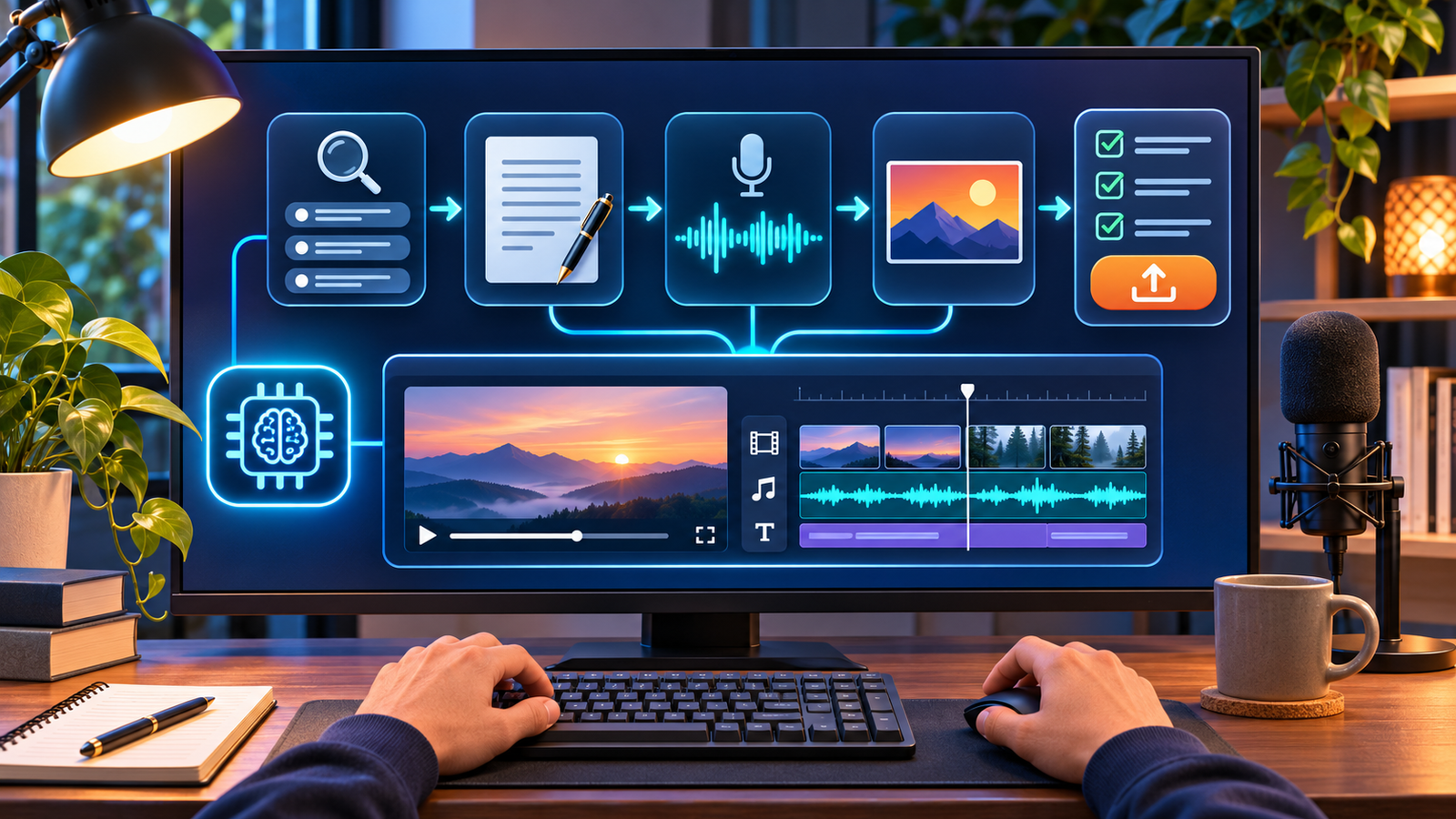

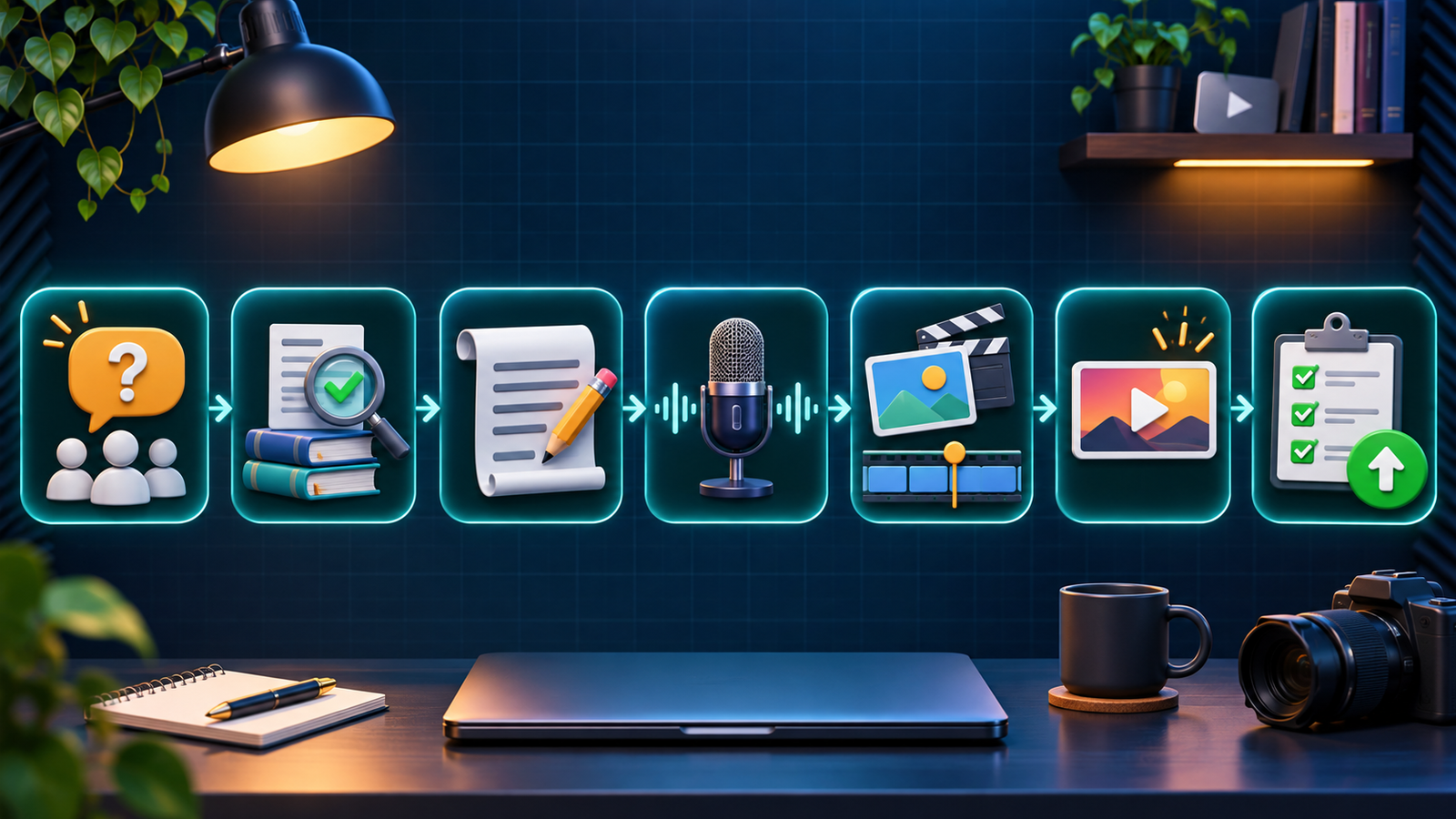
Short answer: start a faceless YouTube channel by choosing one narrow audience problem, designing a repeatable video format, and using AI for drafts—not for unattended publishing. A practical workflow is: research the question, verify sources, edit an AI-assisted script, record or license a voice, assemble original or licensed visuals, add captions, package the video honestly, and review every frame before upload.
Checked November 20, 2026 against current US-facing YouTube, FTC and US Copyright Office guidance. This is a documentation-based workflow, not a promise of views, monetization or approval.
What a faceless YouTube channel actually is
A faceless channel does not make the creator the on-camera subject. The video may use screen recordings, diagrams, licensed footage, original animation, product close-ups, narrated slides, data visualizations or hands-only demonstrations. It still needs a clear human point of view. “Faceless” is a presentation choice, not permission to scrape clips, clone a person’s voice or mass-produce interchangeable videos.
AI can speed up research organization, outlining, first-draft scripts, voice cleanup, captions, rough storyboards and asset ideation. The creator remains responsible for factual accuracy, rights, disclosure, originality and the final viewing experience. YouTube’s current channel monetization policies say monetized work should be original and authentic; generic, repetitive or mass-produced template content can be ineligible even when no single video violates copyright.
The faceless channel plan at a glance
| Stage | AI can help with | Human decision that cannot be skipped |
|---|---|---|
| Audience | Group questions and suggest angles | Choose a real problem you understand |
| Research | Summarize supplied sources | Open, verify and date every important claim |
| Script | Outline, draft and shorten | Add original analysis, examples and corrections |
| Voice | Cleanup, pacing or licensed synthesis | Confirm consent, pronunciation and usage rights |
| Visuals | Storyboard and generate supporting assets | Clear licenses and avoid misleading realism |
| Edit | Captions, silence removal and rough cuts | Control rhythm, context and accessibility |
| Publish | Title and description options | Make an accurate promise and disclose when required |
| Improve | Organize comments and analytics notes | Decide what viewers actually need next |
How to start a faceless YouTube channel with AI in 9 steps
1. Pick a narrow audience and a format you can sustain
Define the viewer before naming the channel. “Cloud tutorials for first-time DevOps engineers” is more useful than “technology.” “Ten-minute explanations of overlooked historical maps” is more useful than “history.” A narrow promise helps you decide what belongs, what does not, and what evidence each video needs.
Then choose one primary format: narrated screen recording, visual essay, diagram-led explainer, hands-only demonstration, data story or original animation. Use AI to list questions inside the niche and group them by beginner, comparison and troubleshooting intent. Do not ask it to invent demand numbers or pretend a topic is trending. Validate ideas with YouTube search suggestions, relevant communities, customer questions and your own expertise.
2. Build a recognizable channel without impersonation
Create a channel name, handle, profile image, banner and description that explain the subject without copying another creator’s identity or color system. YouTube’s channel customization guidance lets you organize a trailer, featured video, sections, profile, banner, watermark, handle, description and site links in Studio.
A faceless brand can still feel personal. State who the work is for, how topics are researched and what viewers can expect. If multiple people will manage the channel, use supported channel permissions instead of sharing a password. Avoid names, avatars or synthetic voices that imply endorsement by a real person or company.
3. Research from sources, not from an AI answer
Start each video with one viewer question and a source sheet. Prefer current primary material: official documentation, regulations, research papers, filings, direct datasets and first-party product pages. Record the page title, URL, publication or update date, and the exact claim it supports.
AI can summarize sources you provide and flag gaps, but it can also omit qualifications or fabricate citations. Open every cited page. For health, finance, law, safety or rapidly changing products, get qualified review when appropriate. If the evidence is uncertain, say so in the script instead of smoothing it into a confident claim.
4. Draft a script, then make it unmistakably yours
Give the writing assistant your audience, target length, verified notes and desired structure. Ask for an outline first. A useful explainer normally needs an answer-first opening, a reason to care, a logical sequence, concrete examples, transitions and a summary. Our comparison of free AI video script generators covers current tool options and their limits.
Do not publish the first draft. Remove generic hooks, unsupported superlatives and repeated filler. Add your own selection criteria, counterexamples, source context and judgment. Read the script aloud; a sentence that looks fine on screen can sound robotic. The final narration should offer value that would not exist if the viewer simply read the source page.
5. Choose a voice you have the right to use
Your own narration is often the simplest option, even if you clean noise or pacing with AI. A licensed synthetic voice can work when its plan permits your intended use. Check whether the service allows YouTube and commercial use, whether a free export is watermarked or credit-limited, how uploaded recordings are retained, and whether voice data may train models. Our guide to AI voice generators for YouTube compares the surrounding workflow.
Never clone someone else’s voice without explicit permission. Disclosure also does not create permission. YouTube says realistic synthetic content using another person’s face or voice may be subject to privacy or likeness action, and its likeness-claim guidance explicitly notes that an altered-content label does not authorize the use.
6. Create a visual plan before generating assets
Break the script into beats and assign a visual purpose to each one: demonstrate, compare, locate, prove, reset attention or summarize. Use original screen recordings, charts, diagrams and footage whenever possible. Licensed stock and AI-generated supporting images can fill genuine gaps, but a slideshow of generic images rarely carries a strong explanation by itself.
For generated footage, confirm aspect ratio, duration, resolution, watermark, export credits, commercial-use terms, retention and whether the output is actually downloadable on the free plan. The broad free AI video generator comparison and the narrower guide to AI video generators for YouTube document different tool-selection jobs. Use them for supporting assets—not as an excuse to automate an entire channel.
7. Edit for comprehension, rights and accessibility
Build the rough cut around the narration, then remove visuals that do not clarify the point. Add accurate captions and check names, numbers and technical terms manually. Caption files should match the spoken language and timing; burned-in captions can help short excerpts, while a separate caption track improves accessibility and lets viewers control presentation.
Keep a rights log for footage, images, fonts, music, sound effects and voices. “Royalty free” does not automatically mean free for every commercial use. The YouTube Audio Library identifies tracks and sound effects YouTube considers copyright-safe; some Creative Commons tracks still require the supplied attribution. For other libraries, save the license and receipt that applied on the download date. YouTube’s fair-use guidance also warns that credit or a “no infringement intended” disclaimer does not itself make a use fair.
8. Package and disclose the video honestly
Write a title and thumbnail that make the same promise the video delivers. A strong package is specific: the viewer, task and distinguishing result should be clear without fabricated urgency, fake interface elements or a misleading before-and-after. For visual options, see our guide to AI image generators for YouTube thumbnails.
During upload, disclose realistic AI-generated or meaningfully altered content when YouTube requires it. The current GenAI disclosure instructions say creators choose the AI-use response in Studio’s Attributes section. Production assistance such as an AI-generated outline does not by itself require the realistic-content label, but a realistic scene that did not occur or a real person made to appear to say or do something may. A disclosure label alone does not limit monetization, and it does not cure copyright, privacy or impersonation problems.
If the video includes an affiliate link, sponsorship, free product or another material connection, make a clear disclosure where viewers will notice it. The official FTC Endorsement Guides in 16 CFR Part 255 cover material connections and clear, conspicuous disclosure; platform tools can help but may not be sufficient by themselves.
9. Publish slowly enough to learn
Release a small batch around one audience promise and review what happened without declaring victory from one video. Look for where viewers leave, which questions appear in comments, whether the title matched the content and which production step consumed the most time. Use those observations to improve the next script or format.
Do not automate high-volume posting or manufacture engagement. YouTube’s spam policy now explicitly includes automated or synthetic mass-production with minimal variation. Its monetization guidance separately looks at repetitive, generic and reused content across the channel. There is no safe upload frequency that guarantees growth or monetization; consistency is useful only when each video remains useful and distinct.
A sensible starter stack
- Planning: a spreadsheet or project board for questions, sources, rights and status.
- Research: primary web sources plus your own notes; AI only as an organizer.
- Script: a writing assistant followed by source verification and human rewriting.
- Voice: your own recording or a consented, properly licensed synthetic voice.
- Visuals: original screen captures, charts and diagrams first; licensed or generated assets second.
- Edit: a timeline editor that exports the resolution and aspect ratio you need without an unacceptable watermark.
- Music: original or clearly licensed audio, with attribution where required.
- Review: a checklist for facts, rights, captions, disclosure, thumbnail accuracy and final mobile playback.
Free plans change. Before committing to a tool, verify account and card requirements, recurring versus one-time credits, upload size and duration, export resolution, watermark, caption formats, supported speech languages, storage or deletion rules, commercial rights and model-training settings. A usable preview is not the same as a usable exported video.
Mistakes that make faceless channels look automated
- Reading a lightly edited AI script over unrelated stock clips.
- Using the same scenes, voice cadence and thumbnail template with only the topic swapped.
- Presenting generated quotations, statistics or screenshots as real.
- Cloning a recognizable voice or face without consent.
- Assuming a watermark-free download includes commercial rights.
- Copying clips and calling the result fair use because credit was added.
- Hiding sponsorship or affiliate relationships in a long description.
- Uploading faster than you can fact-check, caption and review.
The US Copyright Office’s AI initiative and reports also distinguish human authorship questions from digital-replica and training issues. Keep drafts, prompts, source files and edit decisions that show your human contribution, but do not assume recordkeeping settles every copyright question.
Frequently asked questions
Can a faceless AI YouTube channel be monetized?
Using AI does not automatically disqualify a channel. Eligibility depends on the full channel and YouTube’s current program rules, including originality, authenticity, reused content, advertiser suitability and other policies. Generic, repetitive or mass-produced videos can be ineligible. No workflow guarantees approval or revenue.
Do I have to use an AI voice?
No. Faceless only means you do not appear on camera. You can use your own voice, text-led videos, an authorized narrator or a properly licensed synthetic voice. Your own narration often adds context and identity that template content lacks.
Do I need to disclose every use of AI?
No. YouTube’s disclosure rule focuses on realistic generated or meaningfully altered content. Production help such as outlines, scripts, captions or minor aesthetic edits generally does not trigger that label by itself. Disclose realistic synthetic scenes or altered depictions when the policy requires it, and separately disclose sponsorships or affiliate relationships.
Can I use movie clips, news footage or other YouTube videos?
Only when you have permission, a license, a valid copyright exception or another lawful basis. Fair use in the United States is fact-specific and ultimately decided by courts. Credit and disclaimers do not create permission. Reused-content monetization rules are also separate from copyright.
How often should a new channel upload?
Choose a pace that preserves research, originality and quality. One careful video every two weeks can teach you more than daily automated uploads. YouTube does not provide a posting cadence that guarantees distribution, monetization or income.
What is the safest first video?
Answer one narrow question you can verify and illustrate with material you own: a screen-recorded tutorial, a diagram-led explanation or a hands-only demonstration. It gives you clear evidence, low rights risk and a repeatable production baseline.
Bottom line: AI is most useful as a production assistant inside a human editorial process. Build one specific audience promise, verify the script, use voices and visuals you are allowed to use, disclose realistic synthetic content and commercial relationships when required, and make every upload meaningfully different. That is slower than one-click automation—and far more likely to produce a channel viewers can trust.


