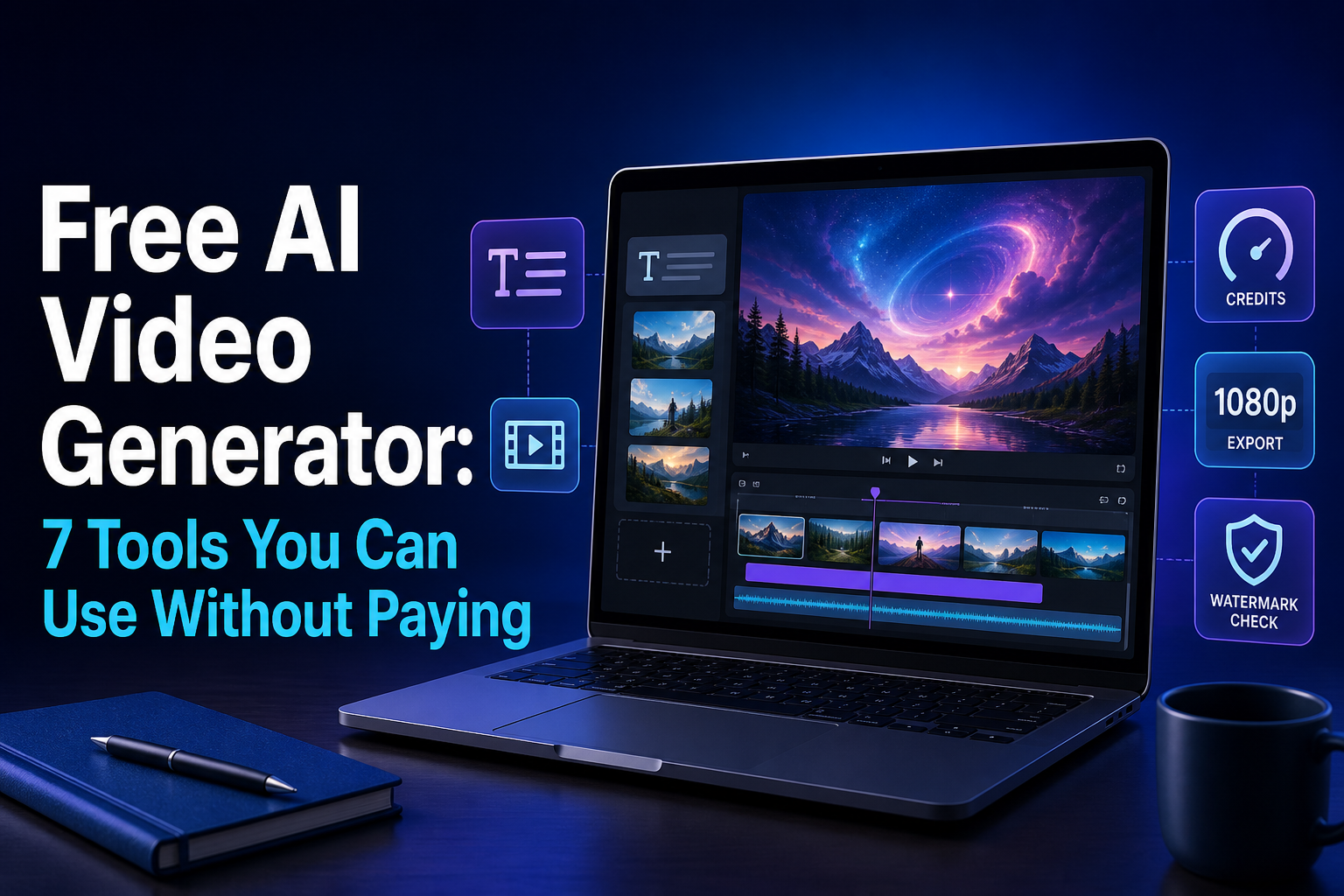

The best free AI video generator depends on the output you need. Dreamina and Google Flow provide recurring free credits for eligible accounts, Bing Video Creator keeps a free Standard queue, and Runway is better treated as a one-time trial. Other tools below are useful for a personal draft, a short evaluation, or an editor-first workflow—but “free” does not always mean watermark-free, commercially licensed, or available in every region.
This 2027 edition was checked on November 12, 2026 against current US-facing product and help pages. It reflects access available now; it does not claim future launches or a same-prompt quality test. Plan entitlements change, so confirm the model, credit quote, export button, watermark, and usage terms shown in your own account before starting important work.
Free AI video generator comparison
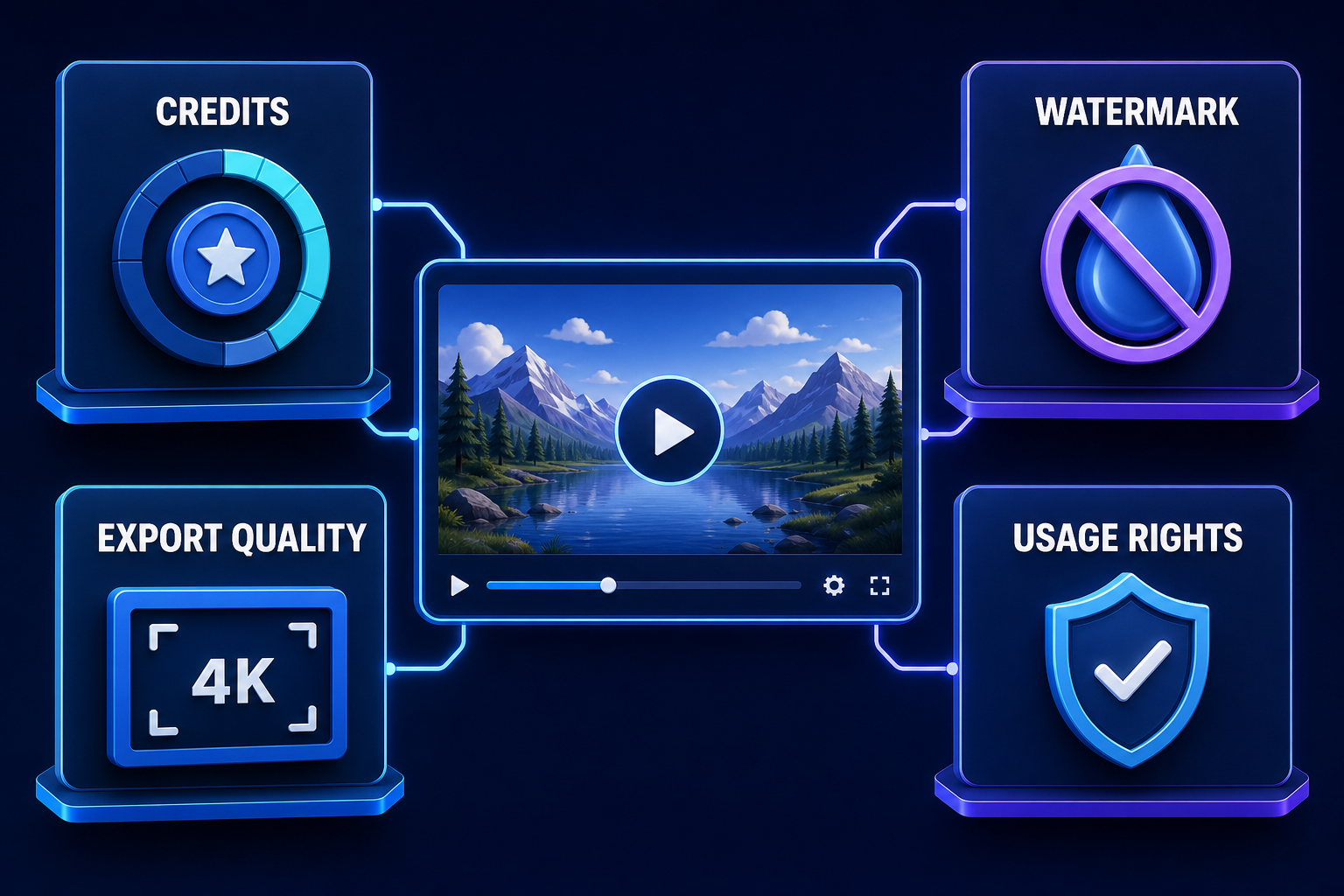
Credit numbers are not comparable across providers. One service may charge per second, another per generation, and another by model or resolution. “Recurring” is more useful than a large welcome balance if you expect to iterate over several days.
| Tool | Documented free access | Output condition | Best for |
|---|---|---|---|
| Dreamina | 120 daily credits for eligible US Free accounts; other regions vary | Model and settings determine cost; Free exports can carry a watermark | Text-to-video and animating a prepared image |
| Google Flow | 50 credits per day without a subscription in supported regions | Model costs vary; invisible SynthID is included and visible watermark rules vary by location | Short scenes and supported generated-audio workflows |
| Bing Video Creator | Free Standard generations; Fast mode uses a limited allowance or Rewards points | Personal Microsoft account required; three jobs can be queued | Simple short clips in vertical or horizontal formats |
| Runway | 125 one-time credits; included models can change | Free videos carry a Runway watermark | Evaluating a professional creative workspace |
| Luma Dream Machine | Limited Free Draft video access | Watermarked and personal, non-commercial use only | Personal motion experiments |
| Hailuo AI | New-user promotional credits may be available and expire quickly | Free downloads include a watermark; check the offer in the account | A short text- or image-led evaluation |
| VEED | Free AI credits exist only in some regions | Eligible Free generations can be up to 12 seconds; account export rules still apply | Generating a clip inside a browser editor |
What changed from the previous version: Pika is no longer in the main seven because its current Free plan lists zero monthly credits, so a free account alone does not provide a usable generation allowance. Adobe Firefly was also removed from the shortlist because current Adobe guidance routes premium video generation through paid plans or add-on credits. Both may still be useful paid products; they simply do not meet this article’s free-output test reliably enough today.
Which free AI video generator should you choose?
1. Dreamina: best recurring free starting point for US creators
Dreamina documents 120 daily credits for eligible US Free accounts, with different allowances in other regions. The balance can be used across supported image and video workflows; the number of clips depends on the model, duration, resolution, and mode shown before generation. That makes it a useful recurring route for developing a visual idea or animating a starting image without assuming a fixed number of daily videos.
Free output can include visible branding, while paid plans add watermark-free downloads. Confirm the license that applies to your region, plan, selected model, and uploaded material before commercial publication. Start at the official Dreamina Free credits guide, then read the displayed cost and export condition inside the product.
2. Google Flow: best for a recurring cinematic-scene allowance
Google Flow’s current help page gives non-subscribers 50 credits per day for basic video generation and editing in supported regions. Access requires age verification and availability varies by country. Model costs are shown in the product and can change; during peak periods, non-subscribers may not be able to generate video immediately.
Flow can generate short scenes and, on supported models, audio. Every output includes invisible SynthID. A visible watermark can be optional in some locations but is automatically applied to many non-Ultra users in India, South Korea, and Vietnam. Flow is a scene generator rather than a complete captioning workflow: add verified captions in an editor and review speech carefully before publishing.
3. Bing Video Creator: best for a simple continuing free queue
Bing Video Creator requires a personal Microsoft account. Standard creation is free, while Fast creation generally uses a limited introductory allowance or Microsoft Rewards points. Microsoft currently supports both 9:16 vertical and 16:9 horizontal output, and lets users queue up to three in-progress generations.
Microsoft’s product guidance says creations use provenance credentials and are retained for a limited period, so download anything you want to keep. Bing is a sensible low-cost route for an isolated short visual, not an unlimited production promise. Read the current creation screen for duration and model details because these have changed since the service launched.
4. Runway: best one-time trial of a professional workspace
Runway Free includes 125 one-time credits, 5GB of storage, and a changing selection of generative tools. The credits do not expire, but they do not refresh. If a model shows an upgrade prompt, it is not included in the Free plan. All videos generated on Free carry a Runway watermark.
Runway’s usage-rights guidance says users retain their rights and can use generated content commercially, including in advertising and social posts. That platform permission does not clear third-party logos, copyrighted source images, music, or a person’s likeness. Use the starter balance for one focused evaluation instead of describing it as a permanently free production tier.
5. Luma Dream Machine: best for personal draft experiments
Luma’s Free plan provides limited Draft video access. Its current plan guide says the Free route is suitable for initial exploration, while Luma’s licensing guide restricts Free generations to personal, non-commercial use and says they carry a watermark. The restriction remains attached to the generation even if you upgrade later.
Luma also states that Free-plan uploads and generations may be used to improve its services and train models. Do not upload confidential client footage or a person’s face unless you have permission and accept those data terms. For a paid or client project, generate a new asset under a qualifying commercial plan rather than reusing a Free draft.
6. Hailuo AI: best as a short welcome-credit evaluation
Hailuo provides a free service route, but its current subscription terms describe new-user credits as a one-time promotional package that expires three days after it is granted. Free downloads include a watermark. Because the promotion can change, check the credit balance and expiry shown after registration rather than relying on an old numeric allowance.
The same terms expressly grant commercial rights for content downloaded under paid subscriptions; they do not make an equally broad promise for Free output. Treat a Free generation as an evaluation unless the terms displayed for your account clearly permit the intended use. Obtain consent before animating a recognizable person, especially for advertising or synthetic spokesperson content.
7. VEED: best when the clip must go straight into an editor
VEED’s AI Video Generator is available across plans and inserts generated footage directly into its timeline. Free AI credits are available only in some regions; when present, Free users can generate clips up to 12 seconds. The editor can then trim the clip and add text or music.
That does not make every generation or export globally free. Confirm that your account actually shows AI credits, then check the export resolution, watermark, stock-asset license, and download condition before doing the work. VEED is most useful when you value the connected editor more than a large recurring generation allowance.
A practical free AI video workflow
- Define one shot. Write a brief with subject, action, setting, camera movement, lighting, duration, and aspect ratio. A short shot wastes fewer credits than asking the model to invent an entire finished video.
- Choose the input. Use text-to-video when the scene can be invented. Use image-to-video when a product, character, or composition must stay recognizable. Our prompt-engineering guide explains how constraints and examples reduce ambiguity.
- Read the quote before generating. Check the selected model, credit cost, duration, resolution, and number of outputs. A request that creates two variants may spend twice the expected amount.
- Review the complete result. Look for changed logos, impossible motion, distorted hands, unreadable text, unwanted audio, and identity drift. AI generation is a draft, not an accuracy guarantee.
- Finish in an editor. Trim the accepted shot, add licensed music, write and verify captions, and export in the required 16:9, 9:16, or square layout. A free online video editor can be more useful than spending more generation credits.
- Preserve evidence. Save the prompt, source assets, accepted export, license notes, and the plan terms that applied on the generation date.
Rights, consent, music, and disclosure
A provider allowing commercial use does not prove that every element in a video is cleared. You still need rights to uploaded images, logos, footage, voices, and music. Stock libraries can apply separate licenses, and a platform’s included music may be limited to certain channels or subscription periods. Keep the license record for any track or stock clip you publish.
Do not clone a voice or animate a recognizable person without informed permission. Avoid deceptive endorsements, impersonation, non-consensual intimate content, and misleading news footage. Platform policies and local law may require an AI-generated or altered-content label. Invisible provenance such as SynthID or C2PA is not a substitute for a viewer-facing disclosure when the context could mislead.
Privacy matters too. Prompts and uploaded references can contain faces, addresses, client material, or unreleased products. Read the provider’s retention and model-training terms before uploading sensitive content. For background on identifying generated media, see our guide to AI output watermarks and provenance.
Frequently asked questions
Is there a completely free AI video generator?
Bing offers free Standard creation, while Dreamina and Google Flow document recurring free credits for eligible accounts. None should be treated as unlimited: queues, regions, models, credit costs, watermarks, and policies can restrict the usable result.
Which free AI video generator has no watermark?
Do not assume a clean export from the word “free.” Runway, Luma, Hailuo, and many editor plans place branding on Free output. Google Flow always includes invisible SynthID and can add a visible mark depending on settings and region. Check the downloaded file as well as the plan page.
Can I use free AI-generated video commercially?
It depends on the provider and the plan used for that specific generation. Runway says its generations can be used commercially, but Luma restricts Free output to personal use. Hailuo’s broad commercial grant is written for paid subscribers. You must also clear every uploaded asset, likeness, voice, music track, and stock element.
Do these tools create captions and finished social videos?
Most scene generators create short footage, not a complete accessible video. VEED provides a connected editor, while other outputs normally need separate trimming, captions, titles, music, and factual review. Verify captions manually, especially names, technical terms, and generated speech.
Bottom line
Start with Dreamina or Google Flow when a recurring free allowance matters, Bing for a straightforward free queue, and Runway for a focused one-time trial. Use Luma only for personal drafts under its Free terms, treat Hailuo as a temporary evaluation, and choose VEED when editing is part of the job. The winning option is the one that reaches a usable, permitted export—not the one with the largest credit number.


Pingback: Free AI Video Script Generators for YouTube and TikTok: 6 Compared - GravityDevOps