


Updated for 2026 CI/CD teams using AI coding assistants, AIOps signals, and human-reviewed release workflows.
Quick Answer
AI helps CI/CD most when it acts like a fast investigation assistant, not an unattended release owner. In 2026, the strongest use cases are build failure diagnosis, flaky test detection, test selection, deployment risk scoring, security triage, and release communication. The safest pattern is simple: let AI read logs, compare historical failures, summarize risk, and suggest next actions, while humans keep approval over production changes, rollback decisions, and policy exceptions.
That distinction matters because AI-assisted development is now mainstream. Google Cloud’s DORA research on AI-assisted software development frames AI as an amplifier: it can improve throughput, but weak delivery foundations can become less stable. JetBrains made a similar point in its 2026 discussion of AI in DevOps and CI/CD: CI/CD adoption is more cautious than IDE adoption because pipeline decisions touch releases, customers, compliance, and production reliability.
This guide focuses on the practical middle ground: how to add AI to CI/CD without turning your pipeline into a black box.
Why AI in CI/CD Is Different From AI in the IDE
In an IDE, a bad AI suggestion usually becomes a code review comment, a failing unit test, or a small refactor. In CI/CD, a bad recommendation can delay a release, skip an important test, hide a security finding, approve a risky migration, or trigger a rollback at the wrong time. That is why many teams are comfortable using AI for coding but slower to let it influence delivery automation.
The value is still real. GitHub’s developer experience research has shown that developers spend painful amounts of time waiting on builds and tests, even in teams with mature DevOps practices. The 2025 Stack Overflow Developer Survey also reported broad AI adoption in development workflows. The next problem is not whether engineers will use AI. They already do. The harder question is where AI belongs inside a pipeline that must be repeatable, auditable, and boring in the best possible way.
A useful mental model is to separate CI/CD work into three layers:
- Observation: collect logs, traces, metrics, test history, dependency changes, deployment metadata, and incident records.
- Recommendation: summarize likely causes, rank test priority, flag risky changes, and suggest remediation options.
- Execution: merge, deploy, roll back, suppress alerts, change infrastructure, or bypass policy.
AI is safest in the first two layers. Execution should stay behind explicit controls until the team has strong evidence, rollback design, and audit trails.
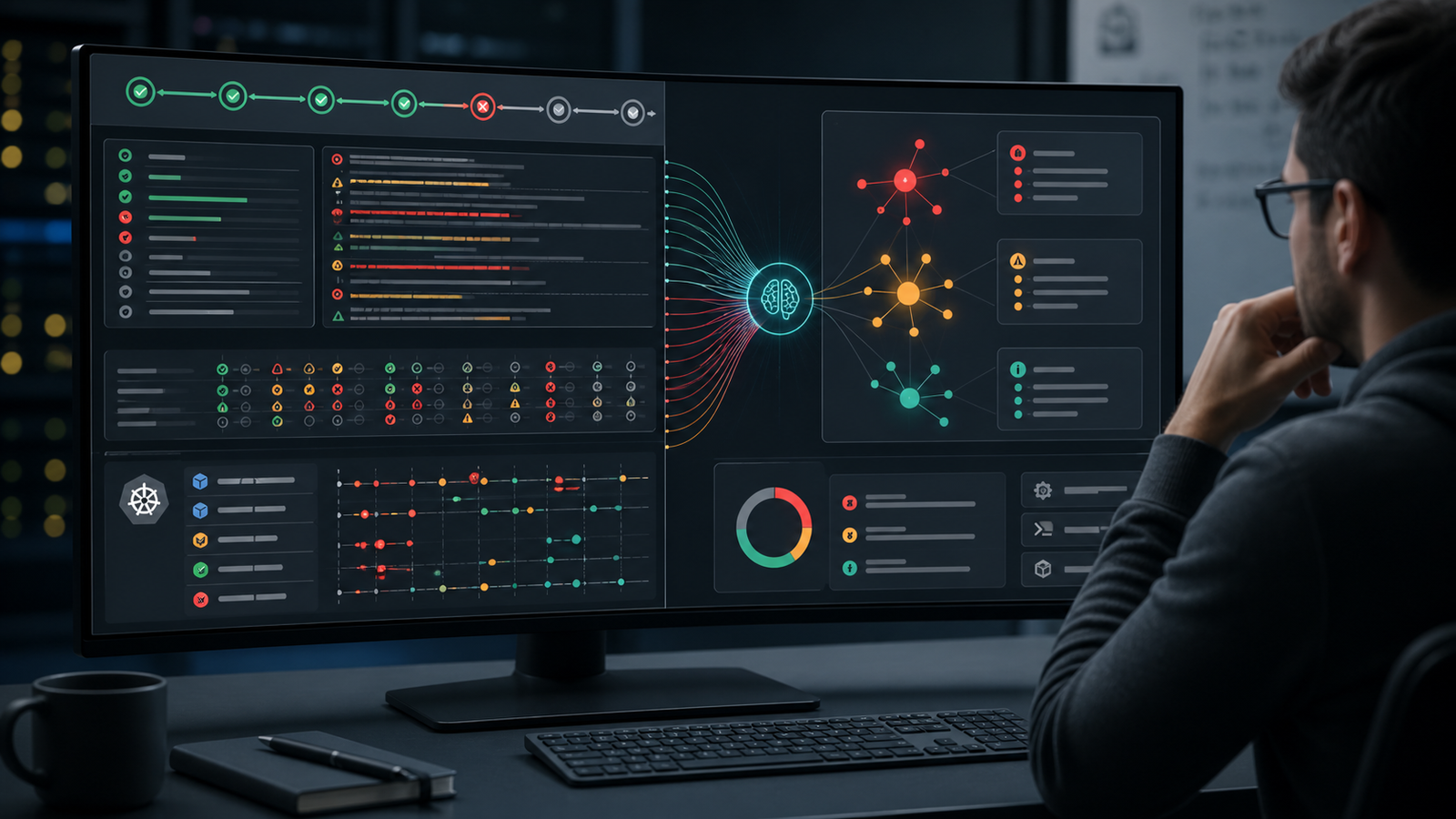
Use Case 1: Build Failure Diagnosis
The best first AI use case is failed build explanation. It is low-risk because the build has already failed, and the AI is not deciding whether to release. It is simply helping engineers understand what happened faster.
A practical setup looks like this:
- Send failed job logs, commit metadata, changed files, dependency updates, and environment details to an AI analysis step.
- Ask for a short failure summary, likely root cause, confidence level, and links to the exact log lines or artifacts.
- Compare the failure against recent builds to detect repeated patterns.
- Post the explanation as a pull request comment or pipeline annotation.
The prompt should force evidence. Avoid vague questions like “why did this fail?” A better prompt is:
You are analyzing a failed CI job.
Return:
1. the most likely root cause,
2. the exact log evidence,
3. whether this looks new or recurring,
4. the safest next action,
5. what you are uncertain about.
Do not recommend a code change unless the logs support it.
This works especially well for dependency conflicts, missing environment variables, test container startup issues, package lock changes, infrastructure timeouts, and repeated compiler errors. It works less well when the logs are incomplete, secrets are redacted too aggressively, or the failure depends on hidden state outside the pipeline.
Use Case 2: Flaky Test Detection and Test Selection
AI can reduce CI time, but this is where teams need discipline. Test selection should not mean “run fewer tests because the model says so.” It should mean “run the most relevant fast checks first, then keep the full release gate where risk demands it.”
For example, a monorepo team might use AI or ML-assisted heuristics to rank tests by changed files, dependency graph, recent failures, ownership, and service impact. The pipeline can run a fast targeted suite early, give developers feedback quickly, and still run broader regression tests before merge or deployment.
Flaky test detection is often easier to adopt. Feed the model test names, run history, failure messages, duration spikes, environment details, and retry outcomes. The output should classify likely categories:
| Signal | Likely Meaning | Action |
|---|---|---|
| Fails only on shared runners | Environment or resource contention | Check CPU, memory, network, and service dependencies |
| Fails around time boundaries | Clock, timezone, or async timing issue | Freeze time in tests and remove sleeps |
| Passes on retry without code change | Possible nondeterminism | Quarantine with owner and expiry date |
| Fails after dependency update | Real regression or compatibility issue | Run affected package tests and inspect changelog |
The important policy is that quarantine is not a trash bin. Every quarantined test needs an owner, reason, issue link, and deadline. Otherwise AI just helps teams hide quality problems faster.
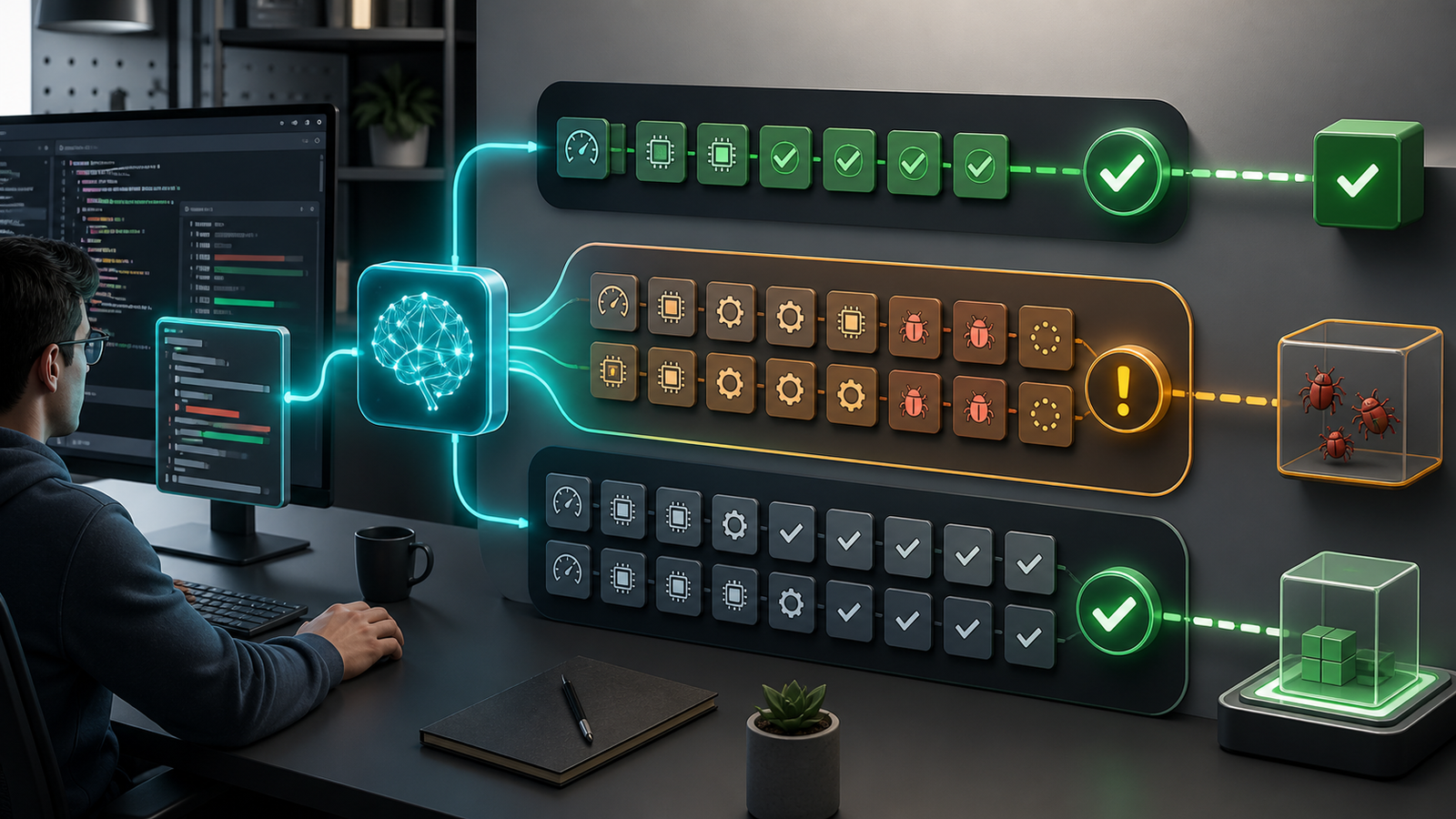
Use Case 3: Deployment Risk Scoring
Deployment risk scoring is a strong second-phase use case once failure diagnosis is working. The goal is not to let AI approve production. The goal is to make risk visible before a human approves the release.
A useful risk model can inspect:
- services touched by the change
- database migration presence and reversibility
- configuration or infrastructure changes
- security-sensitive files
- recent incident history for the same service
- test coverage and failed retry patterns
- change size, dependency updates, and ownership
- rollback readiness and feature flag coverage
The output should be plain and reviewable: low, medium, or high risk; top reasons; missing evidence; recommended rollout pattern; rollback notes. If the model cannot see production telemetry or migration details, it should say so instead of guessing.
Here is a simple GitHub Actions-style pattern for teams starting small:
name: release-risk-check
on:
  pull_request:
    branches: [main]

jobs:
  risk-summary:
    runs-on: ubuntu-latest
    steps:
      - uses: actions/checkout@v4
      - name: Collect release context
        run: |
          git diff --name-only origin/main...HEAD > changed-files.txt
          git log --oneline -20 > recent-commits.txt
      - name: Generate AI risk summary
        run: |
          ./scripts/ai-risk-summary             --changed-files changed-files.txt             --commits recent-commits.txt             --output risk-summary.md
      - name: Require human review for high risk
        run: |
          grep -q "risk: high" risk-summary.md && exit 1 || exit 0
In production, replace the placeholder script with a controlled service that logs inputs, stores outputs, strips secrets, and uses allowlisted context. The failed job can require a release manager, SRE, or service owner to review the summary and approve the release path.
Where AI Should Not Be Autonomous Yet
Most teams should avoid fully autonomous AI in these areas unless they have mature controls:
- Production rollbacks: rollback can be risky when database migrations, queues, caches, or external contracts changed.
- Security exception handling: AI can summarize findings, but exception approval needs policy ownership.
- Infrastructure mutation: Terraform, Kubernetes, and cloud permissions can create expensive or unstable changes quickly.
- Alert suppression: reducing noise is useful; hiding a real incident is expensive.
- Test deletion: AI may identify noisy tests, but humans should decide whether a test is obsolete.
A good rule: AI may recommend, annotate, prioritize, and draft. Humans approve anything that changes production state, compliance posture, or customer risk.
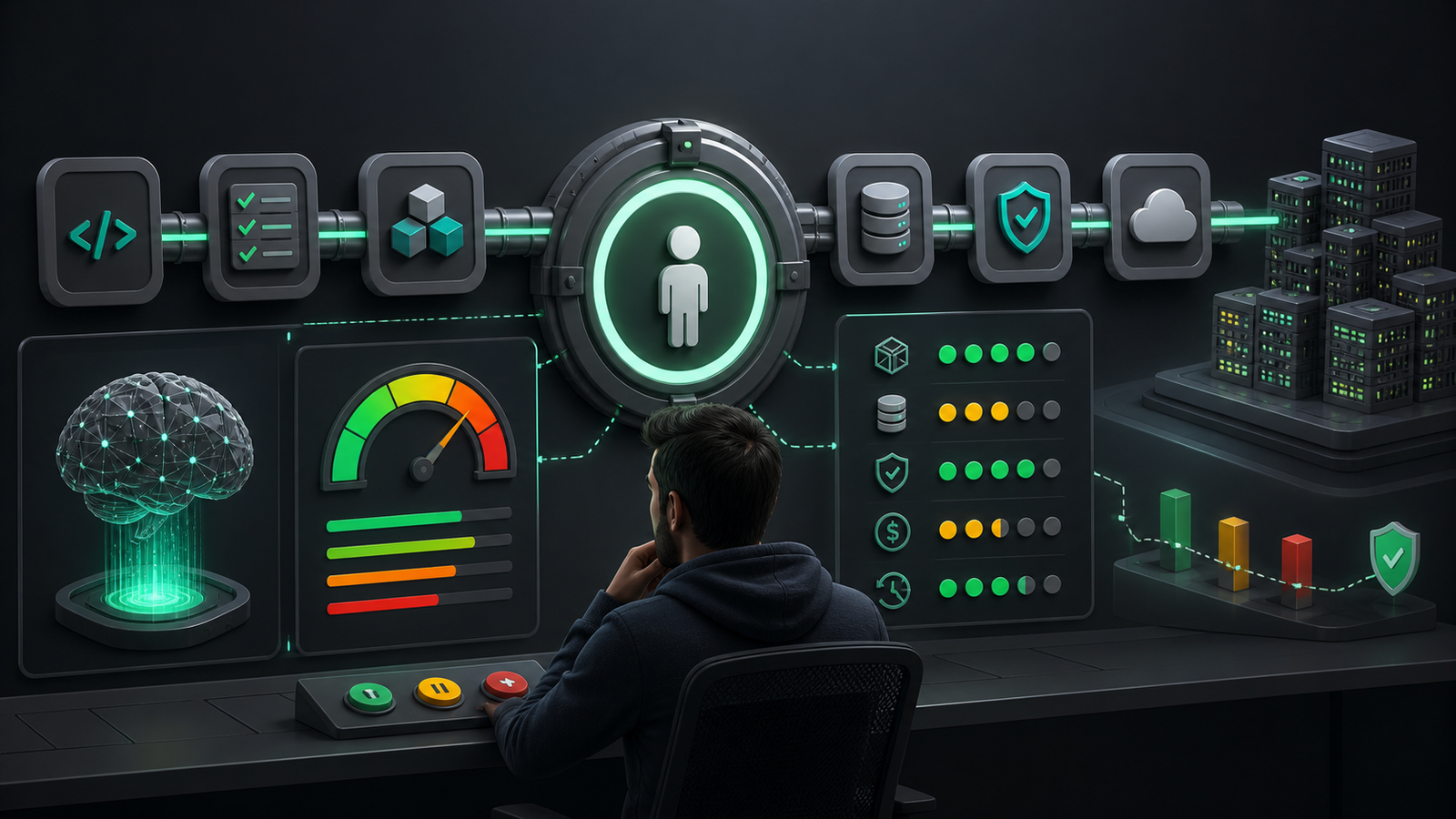
Tool Selection Criteria for AI CI/CD
There is no single best AI CI/CD tool for every team. Some teams will use features inside GitHub, GitLab, Azure DevOps, Jenkins, TeamCity, Harness, or CircleCI. Others will build a small internal assistant around existing logs and deployment metadata. The right choice depends less on branding and more on control.
| Criterion | Why It Matters | What to Ask Vendors or Platform Owners |
|---|---|---|
| Evidence linking | Engineers need to verify AI claims | Can every recommendation link back to logs, tests, diffs, or telemetry? |
| Secret handling | CI logs often contain sensitive context | How are secrets redacted before model calls? |
| Audit trail | Release decisions need accountability | Are prompts, inputs, outputs, and approvals retained? |
| Policy controls | AI should not bypass governance | Can high-risk actions require human approval? |
| Context quality | Bad data creates bad recommendations | Does the tool read test history, ownership, incidents, and deployment metadata? |
| Pricing model | CI volume can create surprise costs | Is pricing per seat, build minute, token, runner, or platform tier? |
Pricing deserves special attention. AI analysis on every commit, every job, and every log file can become expensive. Start with failed pipelines only, then expand to pull requests touching critical services. If the value is clear, add deployment risk summaries and release notes later.
A Beginner-Friendly Rollout Plan
If you are learning DevOps or improving a small team pipeline, do not start with autonomous remediation. Start with observability and feedback.
- Clean your logs. Make sure build, test, and deployment logs are structured enough for humans and machines to read.
- Collect test history. Store pass/fail status, duration, retry count, branch, runner type, and failure message.
- Add failure summaries. Generate AI explanations only when jobs fail. Post them to the pull request.
- Track accuracy. Let engineers mark summaries as useful, wrong, incomplete, or duplicate.
- Quarantine carefully. Identify flaky tests, but require owners and deadlines.
- Add risk scoring. Begin with database migrations, infrastructure changes, security-sensitive files, and high-incident services.
- Keep gates human. Use AI to prepare the decision, not to own it.
For the foundation, read GravityDevOps guides on what generative AI is, the best CI/CD tools for 2026, the AI DevOps roadmap, and AI agent observability for DevOps. Those posts give the broader learning path; this article focuses on the CI/CD implementation layer.
Common Mistakes
The most common mistake is using AI to compensate for messy pipelines. If tests are unreliable, ownership is unclear, environments drift, and deployment metadata is missing, AI will mostly produce confident summaries of confusion.
The second mistake is hiding uncertainty. A useful CI/CD assistant should say “I do not have enough evidence” when logs are incomplete. That sentence is better than a fake root cause.
The third mistake is skipping measurement. Track mean time to identify failed builds, build retry rate, flaky test count, change failure rate, deployment lead time, and engineer feedback. If AI saves five minutes per failed build but increases bad releases, the system is not better.
FAQ
What is an AI-powered CI/CD pipeline?
An AI-powered CI/CD pipeline uses AI to analyze delivery signals such as logs, tests, code changes, deployment metadata, security findings, and incident history. The AI usually summarizes failures, ranks risk, suggests next actions, or drafts release notes. It should not automatically replace review, testing, or production approval.
Can AI fix failed builds automatically?
Sometimes, but automatic fixes should be limited. AI can safely suggest a patch for a dependency mismatch or configuration mistake, but the change should still go through review and tests. Fully automatic commits to production branches are risky unless the scope is narrow and rollback is well proven.
How does AI help with flaky tests?
AI can compare failure history, retry behavior, timing, runner type, and error messages to identify tests that behave inconsistently. It can group similar failures and recommend owners. The team still needs to fix or remove the underlying cause instead of letting quarantine become permanent.
Should AI decide whether to deploy?
For most teams, no. AI can create a deployment risk summary and recommend canary, blue-green, or delayed rollout patterns. Humans should approve production changes, especially when databases, infrastructure, security controls, or customer-facing systems are involved.
What should beginners learn before adding AI to CI/CD?
Beginners should first understand Git, CI jobs, test stages, artifacts, environment variables, secrets, deployment strategies, monitoring, and rollback basics. AI is much more useful when the pipeline already has clear stages and reliable data.
Schema-Ready FAQ Structure
Use the FAQ section above as the page’s FAQ schema source: each question is written as an H3 heading followed by a direct answer paragraph. If you use Rank Math or another SEO plugin, convert those five FAQ pairs into the plugin’s FAQ block so the structured data matches the visible content.
Final Takeaway
AI-powered CI/CD is not about handing production to a model. It is about giving engineers faster context at the exact moments where delivery slows down: failed builds, flaky tests, risky changes, noisy security findings, and release handoffs. Start with read-only analysis, measure whether it helps, and expand only when the evidence is strong. The teams that win with AI in CI/CD will be the teams that combine automation with reviewable evidence and clear human responsibility.


