

Direct answer: A free AI video generator can create short clips without a subscription, but every credible option limits something: speed, credits, resolution, models, export rights or watermarks. For most people, Bing Video Creator is the simplest recurring free option, while Pika is the clearest free choice for watermark-free 480p clips. Always confirm the export terms before publishing.
Free does not mean unlimited. It usually means a renewable allowance, a one-time test balance or a slow generation queue. This guide compares seven practical tools using their official US-facing product, pricing and help pages. It was checked on August 26, 2026; free plans can change without notice.
If you are new to the underlying technology, start with our beginner’s guide to generative AI. Then use the options below to make a test clip before deciding whether a paid workflow is justified.
Free AI video generator comparison
| Tool | What is free | Watermark | Account | Best for | Main limitation |
|---|---|---|---|---|---|
| Bing Video Creator | Standard-speed generation; 8-second videos with audio | Microsoft does not clearly promise a clean, provenance-free file | Personal Microsoft account | Ongoing no-cost text-to-video experiments | Standard queue can take hours |
| Pika | 80 video credits each month; 480p Pika 2.5 access | No visible watermark, per pricing page | Yes | Short, downloadable social clips | Low resolution and small monthly allowance |
| Adobe Firefly / Express | Two lifetime five-second video generations | Content Credentials may be attached | Yes | Testing text- or image-to-video for commercial design work | A trial-sized allowance, not a lasting free plan |
| Runway | 125 one-time credits and limited models | Yes | Yes | Trying a mature creative-video workspace | Credits do not renew |
| InVideo AI | Limited weekly credits; no card required | Free exports carry branding | Yes | Prompt-to-video assembly and image animation | Exact quota and model cost vary in the dashboard |
| Luma Dream Machine | Limited draft-resolution exploration | Yes | Yes | Personal experiments with cinematic motion | Free output is non-commercial |
| VEED | AI credits in supported regions; clips up to 12 seconds | Yes; 720p free export | Yes | Generating and editing in one browser workspace | Free AI credits are region-dependent |
Methodology: We screened 11 commonly surfaced services—Bing Video Creator, Pika, Adobe Firefly, Runway, InVideo, Luma Dream Machine, VEED, CapCut, Canva, Kling and Hailuo. We prioritized a real zero-dollar path, current official documentation, US access, a downloadable result and clear limits. We compared allowance, watermark, account requirement, export quality, editing control and usage rights. This is a documentation-based review; we did not create accounts or claim hands-on output-quality tests. CapCut, Canva, Kling and Hailuo were not primary recommendations because current public documentation did not provide a sufficiently consistent, complete free-video allowance for a US user.
Which free AI video generator should you choose?
1. Bing Video Creator: best for recurring free generations
Bing Video Creator has the most straightforward ongoing no-cash path in this group. Microsoft says standard-speed creation is free, while fast creation normally uses Microsoft Rewards points. It generates eight-second videos with audio and lets you queue up to three jobs at once.
The tradeoff is time. Microsoft warns that standard jobs can take much longer than fast jobs, and the interface currently estimates several hours in some cases. A personal Microsoft account is required; work or school Entra accounts are not supported. Microsoft’s terms do not claim ownership of your creations, but they also do not guarantee uniqueness or freedom from third-party rights. Treat the output as a draft, not automatic legal clearance.
Pros: renewable free standard mode, audio included, horizontal and vertical formats, no card required.
Cons: slow queue, sign-in required, usage rights still require your own review, and provenance signals must not be removed.
2. Pika: best for watermark-free short clips
Pika’s Basic plan is unusually explicit. It includes 80 monthly video credits, access to Pika 2.5 at 480p, downloads without a visible watermark and commercial use. A five-second 480p text-to-video or image-to-video generation costs 12 credits at the time of review, so the allowance is enough for roughly six such clips if every attempt succeeds.
The resolution ceiling matters. A clean 480p file can be useful for a concept, a small social insert or a storyboard, but it is weak for full-screen desktop playback. More advanced effects can consume most or all of the monthly balance in one generation. Pika is the clearest answer when a visible watermark is unacceptable and low resolution is acceptable.
Pros: monthly refresh, transparent credit costs, watermark-free downloads, commercial use stated on the plan page.
Cons: 480p on the free tier, very short clips, and little room for failed prompts or iteration.
3. Adobe Firefly and Express: best for two polished test clips
Adobe Express’s current plan comparison lists two lifetime five-second video generations for free users. That makes Firefly a genuine zero-dollar test, not a sustainable free production plan. Adobe positions Firefly features as designed for commercial safety, and its current guidance says non-beta Firefly outputs may be used in commercial projects.
There are still caveats. Adobe applies Content Credentials to help identify AI-assisted media, outputs may not be unique and “designed to be commercially safe” is not a warranty that every result is risk-free. Avoid trademarks, recognizable people and copyrighted characters unless you have the necessary rights and consent.
Pros: text-to-video and image-to-video, strong connection to an editor, clear five-second allowance, commercially oriented model documentation.
Cons: only two lifetime generations, account required, and not every partner model or beta feature has identical rights.
4. Runway: best for evaluating a professional creative workspace
Runway’s free plan includes 125 one-time credits, 5 GB of storage and access to a limited set of generative tools. The balance does not expire, but it also does not renew. Available free models change, so the dashboard is the source of truth at the moment you generate.
Every free-plan video carries a Runway watermark. On the positive side, Runway states that users on every plan retain their rights and may use generations commercially. That makes it a useful evaluation environment for creators who can tolerate branding during the test.
Pros: established editing environment, commercial use allowed, credits do not expire.
Cons: one-time balance, changing model access, watermark on every free video.
5. InVideo AI: best for turning a prompt into an assembled video
InVideo says its free plan requires no card and supplies limited credits that reset weekly on Monday at midnight UTC. The service can animate an uploaded image and can assemble longer videos with scripts, stock media, voice and captions. That is different from generating every pixel with a video model, so decide which workflow you actually need.
InVideo’s precise free allocation and per-model cost are shown in the account dashboard rather than consistently on its public help page. Free exports include InVideo branding; a paid plan is required to turn that branding off. This is a good option for producing a rough explainer, but not for promising a clean client deliverable.
Pros: no credit card, weekly reset, script and editing workflow, image-to-video support.
Cons: watermarked export, variable credit cost, and stock-assembled video is not the same as fully generated footage.
6. Luma Dream Machine: best for personal motion experiments
Luma’s free Dream Machine tier offers limited, draft-resolution access for exploring its video tools. Its public guide does not state a stable numerical free allowance, so check the balance shown after sign-in instead of trusting an old list.
The licensing boundary is more important than the credit count. Luma restricts Free and Lite generations to personal, non-commercial use and says they include a watermark. Upgrading later does not retroactively remove those restrictions from an asset created while on the free tier.
Pros: useful for testing motion and shot ideas, no payment needed for initial exploration.
Cons: watermark, draft quality, unspecified public allowance and no commercial use.
7. VEED: best when you also need a browser editor
VEED makes its AI Video Generator available across plans, but free AI credits exist only in some regions. Where enabled, free users can generate clips up to 12 seconds. VEED then provides a timeline, captions and common editing tools in the same browser workspace.
The free export is limited to 720p and carries a VEED watermark. Because VEED does not promise that every free account receives AI credits, treat it as a conditional option: create the account, inspect the balance and leave if the generator is locked. Do not start a full edit before checking export restrictions.
Pros: generation and editing in one place, longer possible clips than many rivals, usable basic editor.
Cons: region-dependent AI allowance, account required, 720p watermark.
How to create a video online without paying
- Define one short shot. Free tiers are poor places to generate an entire movie. Ask for a single five- to eight-second scene with one subject and one camera move.
- Pick the constraint you can accept. Choose Bing if waiting is fine, Pika if 480p is fine, Adobe if two tests are enough or Runway if a watermark is acceptable.
- Write a concrete prompt. Specify subject, action, setting, camera, lighting and aspect ratio. Our prompt-engineering guide explains why clear constraints outperform vague requests.
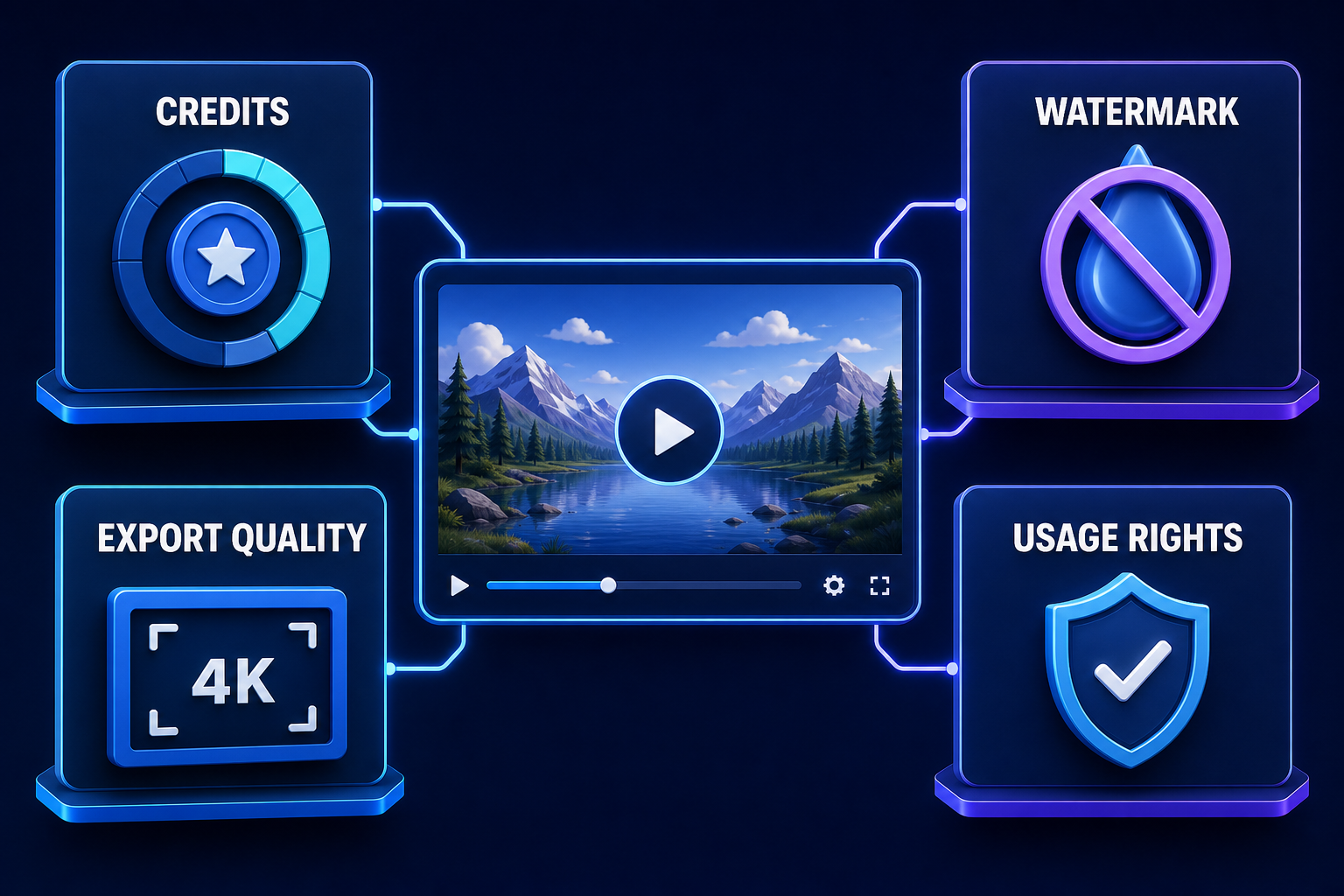
- Check the final export screen first. Confirm credits, watermark, resolution and any card or trial prompt before spending time editing.
- Review every frame. Look for distorted hands, changing faces, broken text, unsafe imagery and accidental brand marks. Generated video can appear plausible while changing important details between frames.
- Document consent and rights. Use your own media or properly licensed inputs. Do not clone a person’s face or voice, imitate a living artist deceptively or present synthetic footage as a real event.
What “free” does not guarantee
A no-cost export is not automatically free of legal or operational risk. The service’s commercial-use statement does not clear a trademark, copyrighted character, private location or person’s likeness in your prompt. It also does not make an output unique. For a deeper look at how provenance affects media pipelines, see our coverage of AI output watermarks across APIs and platforms.
Privacy varies too. Assume prompts and uploads may be stored or reviewed unless the provider’s current policy and your plan explicitly say otherwise. Do not upload confidential product footage, unreleased campaigns, children’s images or biometric media to a consumer free tier without an approved data review.
Finally, “AI video generator” covers two different products. A generative model synthesizes new frames. An AI video maker may instead write a script, select stock clips, add a voice and assemble an edit. InVideo and similar tools can be faster for explainers; Pika, Runway and Luma are closer to shot generation. Recent developer-facing media models are also changing quickly, as our report on Gemini media models in production pipelines shows.
Frequently asked questions
Is there a completely free AI video generator?
Yes, but not an unlimited one. Bing Video Creator offers free standard-speed generation, and Pika provides renewable monthly credits. Other products mostly offer trials, one-time credits, watermarked exports or region-dependent allowances.
Can I generate AI videos for free without signing up?
None of the options in this verified list provides a dependable, fully featured no-sign-up workflow. Accounts are used to track credits, moderate abuse and store jobs. Be skeptical of sites that request an upload before revealing their sign-in or export paywall.
Which free AI video generator has no watermark?
Pika’s current Basic plan explicitly includes watermark-free downloads at 480p. CapCut can export some manually edited projects without a watermark, but its own support pages show that AI tools, advanced templates and some clean exports may require credits or Pro access, so it was not treated as a consistent free-generation promise here.
Can I use a free AI-generated video commercially?
It depends on the provider and the asset. Pika and Runway state commercial use on their current plan or rights pages. Luma restricts free output to personal use. Adobe allows commercial use for eligible non-beta Firefly features but does not guarantee an output is free of third-party claims. Always recheck the terms for the specific model and plan used.
Bottom line
Start with Bing Video Creator if you want recurring free generation and can wait. Choose Pika when a watermark-free download matters more than resolution. Use Adobe Firefly or Runway to evaluate a professional workflow, not as a source of unlimited free footage. Whatever you choose, verify the account dashboard and export screen on the day you create—the free allowance is a moving target.


