
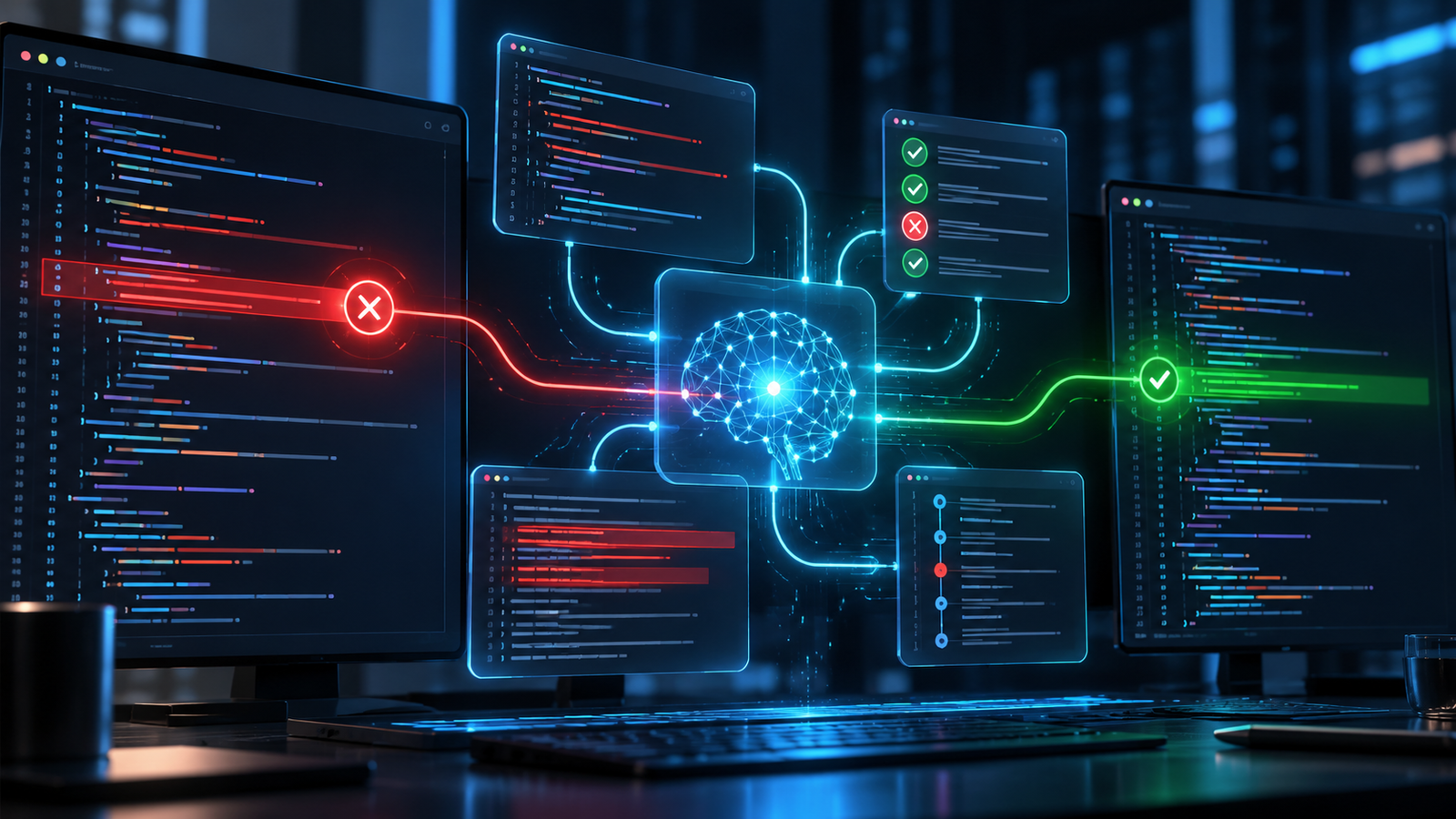

AI debugging tools are most useful as evidence-guided assistants, not automatic truth machines. Give them a reproducible failure, the smallest relevant code path, trustworthy logs, and a test that defines correct behavior. They can then explain unfamiliar code, form hypotheses, inspect related files, propose a narrow patch, and run checks. They are much less reliable when asked to “find the bug” with incomplete context or when allowed to change production systems without review.
For most developers, the best starting point is the AI assistant already connected to the editor and test runner. Add an observability-aware tool only when the failure exists in production and depends on traces, logs, releases, or runtime state. The goal is not the longest tool list; it is the shortest path from symptom to verified cause.
What AI debugging tools actually do
“AI debugger” describes several different capabilities. A chat assistant can interpret a stack trace or explain a suspicious function. An editor agent can search a repository, edit multiple files, and run a targeted test. A production investigation agent can correlate an exception with traces, logs, deployments, and source code. Those are different data and permission boundaries, so they should not be evaluated as one category.
The useful pattern is a loop: collect evidence, propose competing causes, design a discriminating check, make the smallest change, and rerun the check. AI can accelerate each step, but the test result, debugger state, trace, or reproducible observation remains the authority. A plausible explanation without confirming evidence is still only a hypothesis.
This guide complements the broader AI coding tools guide. If the issue is specifically a failed build or deployment gate, use the narrower AI-powered CI/CD failure-diagnosis workflow. For cluster incidents, follow the Kubernetes troubleshooting guide, where live-system access and rollback deserve stricter controls.
Best AI debugging tools by job
There is no universal winner. Choose based on where the strongest evidence lives and how much authority the tool needs.
| Debugging job | Useful tool type | Representative options | Keep human-controlled |
|---|---|---|---|
| Understand a local error | Editor chat or focused assistant | GitHub Copilot in VS Code, Cursor, JetBrains AI Assistant | What code and logs enter the prompt |
| Repair a reproducible bug | Repository-aware coding agent | VS Code agents, Claude Code, Cursor Agent | Commands, diff, tests, and merge |
| Investigate a failing test | Agent connected to the project test runner | VS Code agents, terminal coding agents | Expected behavior and assertion quality |
| Diagnose a production exception | Observability-aware investigation agent | Sentry Seer, Datadog Bits Investigation | Data access, conclusion, remediation, rollout |
| Find a regression before merge | Code review plus deterministic analysis | AI review paired with tests, linters, SAST, and dependency scanning | Severity, exploitability, and acceptance |
Editor and repository agents
These tools are strongest when the bug can be reproduced locally and the repository already has useful tests. Microsoft’s current VS Code debugging guide documents Copilot-assisted debug configuration, starting a debugging session, and suggesting fixes. Its broader agent workflow can inspect related files, edit code, and run checks. Cursor, Claude Code, and similar agents follow the same general pattern, but their context selection, command permissions, and execution environment differ.
For a one-function defect, start with chat or a focused edit. Use an agent only when the diagnosis needs repository search, multi-file changes, or repeated test runs. More autonomy is not inherently better: it increases the number of commands and files you must audit.
Test-failure assistants
A failing test provides a valuable oracle, but only if the assertion expresses the intended behavior. The official VS Code testing workflow recommends establishing a baseline, running the smallest relevant test set, and separating setup problems, incorrect expectations, and implementation bugs. That distinction matters because an agent may “fix” a red test by weakening the assertion or changing expected output.
Production investigation agents
Production bugs often cannot be diagnosed from source alone. Sentry Seer can use issue details, traces, logs, profiles, and linked source to form a root-cause analysis and propose a patch. Datadog Bits Investigation analyzes an Error Tracking issue, its stack trace, related telemetry, and optionally source code; it can mark the result inconclusive when evidence is insufficient. Datadog’s documentation also makes clear that repository write access is needed to generate fixes and that generated diffs should be reviewed and tested.
These tools can reduce the time spent gathering context, but correlation is not causation. Confirm the suspected cause with a trace query, controlled reproduction, feature-flag comparison, or targeted test before deploying a patch.
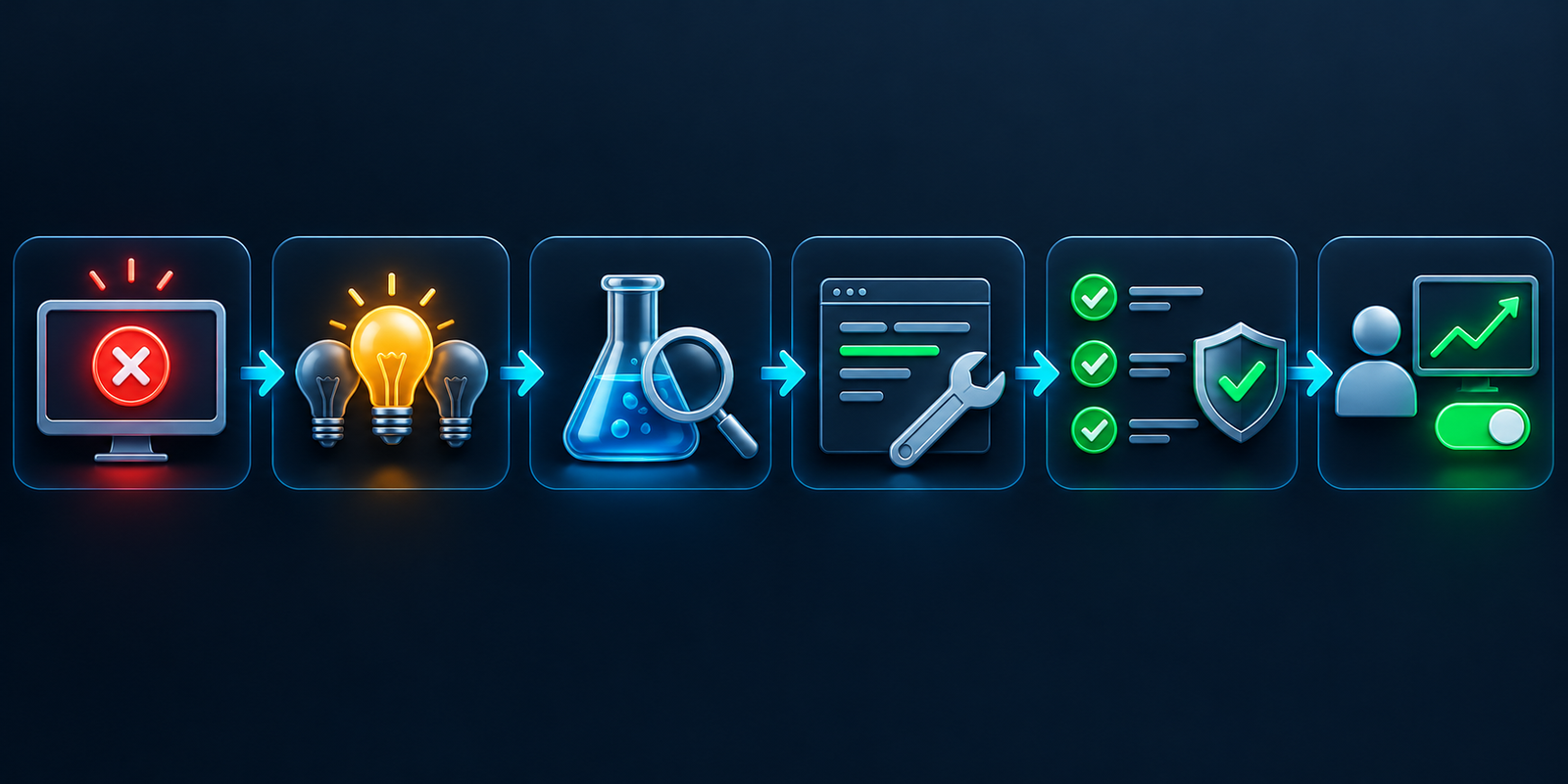
An evidence-first AI debugging workflow
- Freeze the symptom. Record the exact error, failing test, input, environment, version, and expected versus actual result. Redact secrets and personal data before sharing context.
- Reproduce before editing. Prefer a deterministic test or minimal reproduction. For intermittent failures, preserve timestamps, correlation IDs, traces, and relevant resource conditions.
- Limit context to what matters. Provide the failing path, neighboring tests, configuration, recent diff, and sanitized logs. Whole-repository access may be useful, but it should be deliberate.
- Ask for hypotheses, not a patch. Require the tool to rank likely causes, cite the evidence for each, state uncertainty, and propose a check that could disprove the leading explanation.
- Run a discriminating check. Add temporary instrumentation, inspect a variable at a breakpoint, bisect the change, or write a focused regression test. Do not let the model treat its own explanation as proof.
- Make the smallest fix. Avoid drive-by refactors and new dependencies unless they are necessary. A small diff is easier to understand, test, and revert.
- Validate independently. Rerun the reproduction, related unit and integration tests, linting, static analysis, dependency checks, and secret scanning. Review changed assertions carefully.
- Review and roll out safely. Use a human reviewer, normal branch protection, a staged deployment, monitoring, and a rollback plan. For a deeper release gate, use the production-readiness checklist for AI-generated code.
A practical prompt template
A strong debugging request separates facts from assumptions and prevents premature edits:
Investigate this failure without editing files yet. Expected behavior: [brief contract]. Actual behavior: [exact symptom]. Reproduction: [command or steps]. Relevant evidence: [sanitized error, stack trace, failing test, recent diff]. Identify up to three hypotheses, cite the evidence for each, and propose the smallest check that would distinguish them. State what context is missing. After I confirm the cause, propose the narrowest patch and the tests that should fail before it and pass after it.
If an agent can execute commands, add boundaries: use the existing dependency lockfile, do not install packages, do not access the network or secrets, do not alter test expectations, and stop before destructive or production commands. Ask it to report every command, changed file, and check result.
Security, privacy, and agent risks
Debugging context is unusually sensitive. Logs and crash reports can contain tokens, request bodies, email addresses, database identifiers, internal hostnames, proprietary source, and customer data. Apply collection and retention rules before sending that context to a hosted model. Prefer redaction, representative samples, scoped repository access, and enterprise controls that match your organization’s policy.
Repository agents add execution risk. An issue, test fixture, dependency file, or documentation page can contain instructions that attempt to redirect the agent. Treat repository content and tool output as untrusted data. Use least-privilege credentials, isolate the workspace, block unnecessary network access, keep production credentials out of the environment, and require approval for commands and writes.
GitHub’s responsible-use documentation for agents describes constrained repository and branch access, permission prompts, security scanning, and human review, while also warning that generated fixes can be inaccurate or insecure. Built-in controls reduce risk; they do not replace review, tests, or organizational policy. The NIST Secure Software Development Framework remains a useful baseline for protecting software, producing well-secured releases, and responding to vulnerabilities.
How to evaluate an AI debugger
Run the same five to ten previously resolved defects through each candidate. Include a simple local bug, an incorrect test, a cross-file regression, a dependency or configuration failure, and a production issue with telemetry. Do not use unresolved incidents as the benchmark because you cannot score the diagnosis reliably.
Measure evidence quality rather than confident prose:
- Did it reproduce the failure before changing code?
- Did it separate observations, assumptions, and hypotheses?
- Did it identify the real cause rather than only suppress the symptom?
- Was the patch narrow, readable, and consistent with project conventions?
- Did the regression test fail before the fix and pass after it?
- Did it preserve existing assertions, security checks, and dependency policy?
- Could reviewers reconstruct which context, commands, and files influenced the result?
- Did the data path, retention, permissions, and cost fit the team’s constraints?
Track false diagnoses, unsafe commands, unnecessary edits, and reviewer time. A tool that produces fewer but better-supported hypotheses can be more valuable than one that generates a patch immediately.
Frequently asked questions
Can AI find bugs automatically?
Sometimes, especially when a failure is reproducible and the tool can inspect relevant code and run tests. It can also miss the real cause or invent one. Treat its conclusion as a hypothesis until independent evidence confirms it.
What is the best AI debugging tool?
For local application bugs, start with the assistant already integrated with your editor and test runner. For production exceptions, an observability-aware tool such as Sentry Seer or Datadog Bits can use telemetry that a general coding assistant cannot see. Choose by evidence access, permissions, privacy, and validation—not brand alone.
Should an AI agent be allowed to edit tests?
Only under close review. A test may be wrong, but changing its expected result can hide a real defect. Ask the agent to explain whether the failure comes from setup, expectation, or implementation, and require explicit approval before it alters assertions.
Is it safe to paste logs into an AI tool?
Not by default. Logs may contain credentials, personal data, or internal infrastructure details. Sanitize them, minimize the sample, confirm the provider’s data controls and retention, and follow your organization’s approved tooling policy.
Can AI replace a debugger?
No. AI can suggest where to look and help configure or interpret a debugging session. Breakpoints, variable state, traces, tests, and reproducible observations provide the evidence that confirms what the program actually did.

