


The best GitHub Copilot alternative is the one that fixes the specific limitation making you consider a switch. Cursor is the clearest choice for an AI-native editor; Claude Code and Aider suit terminal-first work; Cline and Continue offer more model choice; JetBrains Junie fits teams already standardized on JetBrains IDEs; Devin Desktop is aimed at parallel agent work; and Tabnine emphasizes private enterprise deployment. There is no universal winner.
This guide compares eight current alternatives by workflow, context, execution authority, model and deployment flexibility, cost structure, and team controls. It does not claim hands-on benchmarks. Product behavior and access change quickly, so confirm plan details and data terms with each vendor before rollout.
The short answer: choose by the reason you are leaving Copilot
- You want an AI-native editor: start with Cursor.
- You want a terminal agent with explicit permissions: evaluate Claude Code.
- You want open tooling and your own model provider: compare Continue, Cline and Aider.
- You live in IntelliJ IDEA, PyCharm or another JetBrains IDE: test Junie before changing editors.
- You want several agents working in parallel: consider Devin Desktop, with strict repository and cloud-execution boundaries.
- You need private, VPC, on-premises or air-gapped deployment: put Tabnine on the enterprise shortlist.
GitHub Copilot remains a broad platform spanning IDE assistance, command-line use, GitHub workflows and coding agents. A replacement therefore does not need to copy every surface. It needs to outperform Copilot on the workflow that matters to your team without creating worse security, cost or review problems.
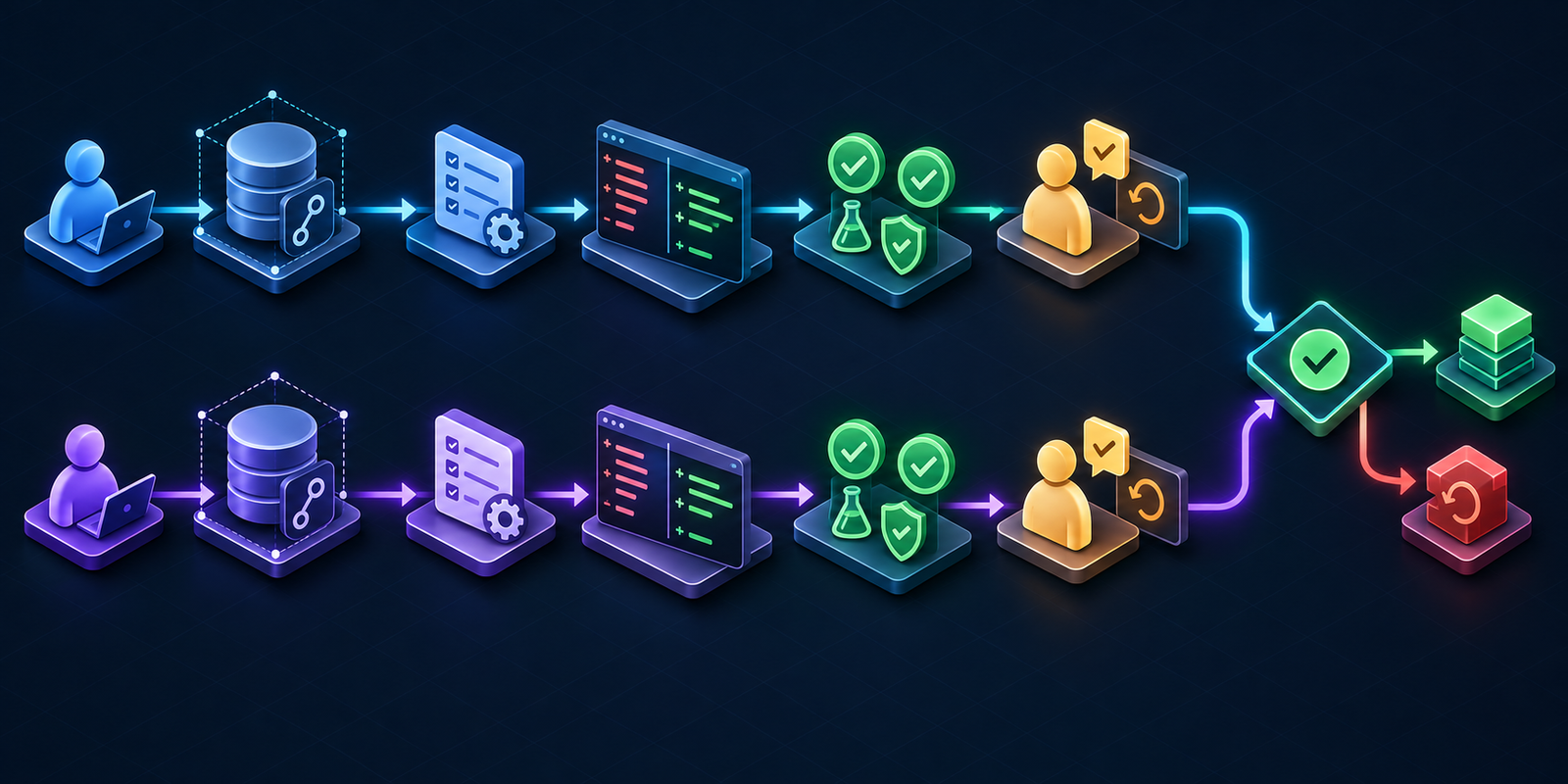
GitHub Copilot alternatives compared
| Alternative | Best fit | Main interface | Access and cost model | Important trade-off |
|---|---|---|---|---|
| Cursor | AI-native editor workflow | Desktop editor, agents, cloud features | Limited free access and paid subscriptions; usage varies by model and plan | Changing editors and accepting a separate vendor platform |
| Claude Code | Terminal-first repository work | CLI plus IDE integrations | Claude subscription, API billing or supported enterprise cloud platforms | Powerful shell access requires careful permission policy |
| JetBrains Junie | JetBrains-heavy teams | JetBrains IDEs and CLI | Free entry options, paid AI plans, or supported bring-your-own-key paths | Best value is concentrated in the JetBrains ecosystem |
| Devin Desktop | Parallel local and cloud agents | Desktop command center | Account and plan-dependent access | More moving parts, execution locations and governance decisions |
| Cline | Visible tool calls and model choice | VS Code-family extension and runtime | Bring your own API key, credits or local models | Variable provider bills and configuration burden |
| Continue | Customizable open IDE workflow | VS Code and JetBrains extensions | Open tooling with configurable model providers | Quality depends heavily on model, context and configuration |
| Aider | Git-aware terminal editing | CLI | Open-source client plus chosen model/API cost | Less turnkey administration than a managed enterprise suite |
| Tabnine | Private enterprise deployment | IDEs, terminal and agent platform | Commercial per-seat and enterprise deployment options | Higher procurement overhead and fewer reasons for solo developers to choose it |
“Free” needs careful interpretation. A client can be free while the selected model incurs API charges; a subscription may include only a usage pool; and a local model still consumes developer time and hardware. Compare the expected monthly cost of your actual tasks, not the entry price alone.
Eight alternatives worth evaluating
1. Cursor: best for an AI-native editor
Cursor is the most direct alternative when the problem is not Copilot’s model quality but the surrounding editor experience. Its workflow is built around repository-aware chat, multi-file edits and agents inside a dedicated editor rather than an assistant added to several IDEs. Current official pricing describes limited free access and paid tiers with different usage pools and access to agent and cloud capabilities.
Choose Cursor if your team is willing to standardize on a new editor and wants one cohesive AI workflow. Avoid treating the move as a simple extension swap: verify extension compatibility, remote-development support, model routing, usage accounting, retention settings and administrative controls. For a deeper two-product decision, see our Cursor vs GitHub Copilot comparison. Source: Cursor pricing and feature comparison.
2. Claude Code: best for terminal-first work
Claude Code is a strong fit for developers who prefer operating from a repository terminal and want granular control over file changes and commands. Anthropic supports authentication through eligible Claude plans, API billing, and enterprise routes through Amazon Bedrock or Google Vertex AI. That flexibility matters for organizations already governing model access through a cloud platform.
The main risk is also its strength: a terminal agent can touch files, execute commands and call tools. Begin with read-only or narrowly approved actions, deny secrets and deployment credentials, restrict network access, and require review of every diff. Our Claude Code vs GitHub Copilot guide examines those boundaries in detail. Sources: Claude Code setup and authentication and Claude Code permissions.
3. JetBrains Junie: best for JetBrains IDE users
Junie is designed for multi-step coding tasks in the JetBrains environment. It can plan changes, edit a project and run tests or terminal commands while using IDE context. That makes it more attractive than an editor migration for teams deeply invested in IntelliJ IDEA, PyCharm, WebStorm or other JetBrains tools.
JetBrains currently offers a free AI entry tier, paid credit-based plans and supported paths for using provider keys. Confirm which capabilities, agents and credits are included for your IDE and organization. Also review which service provider receives code context for the model you select. Sources: Junie documentation and JetBrains AI plans.
4. Devin Desktop: best for parallel agent coordination
Devin Desktop—formerly Windsurf—targets a different operating model: coordinating multiple local and cloud coding agents from one desktop environment. It can be useful when a team wants to delegate several bounded tasks rather than run one interactive assistant session at a time.
Evaluate local and cloud execution separately. Document which repositories, branches, credentials, networks and external tools each agent can access. A multi-agent interface does not remove the need for human ownership, CI checks or rollback. Our Cursor vs Windsurf/Devin Desktop comparison explains the current product transition. Sources: Devin Desktop and Devin Local documentation.
5. Cline: best for visible tool calls and provider choice
Cline is appealing when developers want an agent that exposes proposed file, shell and browser actions and lets them choose the model provider. It supports direct API keys, provider credits and local models. Its cost display helps, but the final bill is still determined by provider pricing, prompts, context size and caching.
Cline’s flexibility transfers more responsibility to the user or platform team. Lock down auto-approval, avoid placing production credentials in the workspace, and test provider-specific privacy behavior. Local inference can reduce code leaving the machine, but it does not automatically provide cloud-model quality or centralized governance. Sources: Cline task and cost documentation and Cline runtime and tool approvals.
6. Continue: best for a customizable open IDE stack
Continue provides open, configurable extensions for VS Code and JetBrains IDEs. Teams can connect supported model providers, define context sources and use chat, edit or agent workflows. It is a sensible candidate when avoiding a single bundled model/vendor relationship matters more than having a turnkey service.
The trade-off is configuration variance. An agent mode depends on a model that supports tool use, and results can change with the provider, context policy and repository rules. Standardize a supported configuration and test it as a product, not as a collection of individual developer preferences. Sources: Continue Agent quick start and model capability documentation.
7. Aider: best for Git-aware terminal editing
Aider is an open-source terminal tool built around editing a Git repository with a chosen language model. Its repository map can give the model a compact view of relevant symbols, while Git makes the proposed changes easy to inspect and revert. It is a practical choice for developers who want a lightweight CLI instead of a new editor.
The client being open source does not make the model free or private. Data handling follows the provider and configuration you choose. Keep commits small, review diffs before accepting them, and run tests independently. Source: Aider documentation and its repository-map FAQ.
8. Tabnine: best for controlled enterprise deployment
Tabnine belongs on the shortlist when deployment and governance requirements dominate. Its commercial platform advertises SaaS, VPC, on-premises and air-gapped options, IDE and terminal access, administrative controls, and no-retention/no-training commitments for customer code under its stated configuration.
Those capabilities come with enterprise pricing and implementation work. Validate the exact data path for each enabled model, whether repository indexing occurs, how audit data is stored, and which features work in a private deployment. Sources: Tabnine plans and deployment options and Tabnine privacy documentation.
How to choose without running an eight-tool bake-off
- Name the replacement job. Examples: better multi-file editing, terminal automation, local models, JetBrains integration, parallel agents or private deployment.
- Set non-negotiable controls. Define allowed repositories, data regions, retention, training terms, identity, audit logs, command approval, network access and secret boundaries.
- Shortlist two tools. Use the operating-model table above. Testing eight products creates noise and weakens evaluation quality.
- Use identical tasks. Pick one contained feature, one bug, one refactor and one test task from a representative repository.
- Measure outcomes that matter. Track accepted diffs, review corrections, test failures, security findings, time spent supervising, model/API spend and rollback frequency.
If you have not yet defined the broader categories, start with the AI coding tools pillar. Developers who must stay in Microsoft’s editor should also compare the best AI coding tools for VS Code.
A safe Copilot replacement pilot
Run the pilot in a non-production repository or an isolated branch. Give the candidate tool only the permissions required for the selected tasks. Remove production secrets, disable automatic deployment, and require confirmation before shell commands, package installation, network calls or external tool use.
Treat every generated change as untrusted. Review the diff, inspect new dependencies and licenses, run formatting and static analysis, execute unit and integration tests, scan for secrets and vulnerabilities, and have a human approve the merge. Prompt injection can enter through repository files, issues, documentation and tool output, so do not assume that trusted source code makes every instruction inside the repository safe.
Keep Copilot available during the test if licensing permits. A reversible pilot reveals migration friction—editor compatibility, repository rules, billing variance and governance gaps—without forcing a premature organization-wide switch.
Frequently asked questions
What is the best free GitHub Copilot alternative?
Continue, Cline and Aider have open or free client paths, and Cursor and JetBrains offer limited free entry options. However, a free client may still require paid model API usage. Compare the total cost of the model, hosting, setup and supervision.
Which alternative is best for privacy?
There is no single answer. A properly configured local model can keep inference local, while an enterprise platform such as Tabnine offers private deployment options. Privacy depends on the full data path: extension, index, model provider, telemetry, retention, subprocesses and connected tools.
Can these tools replace GitHub Copilot for a team?
Yes, if the chosen tool covers the team’s required surfaces and controls. Confirm IDE and language support, identity, centralized policy, auditability, billing, retention, model-training terms, repository exclusions and support before changing the default.
Should we replace Copilot with one tool or several?
Most teams should begin with one default and a documented exception path. Multiple tools can serve distinct IDE, terminal or private-deployment needs, but they also multiply data flows, costs, policies and support work.
Product access, pricing and terms were checked against official sources on October 23, 2026. Reconfirm them before purchase because AI coding products change frequently.

