
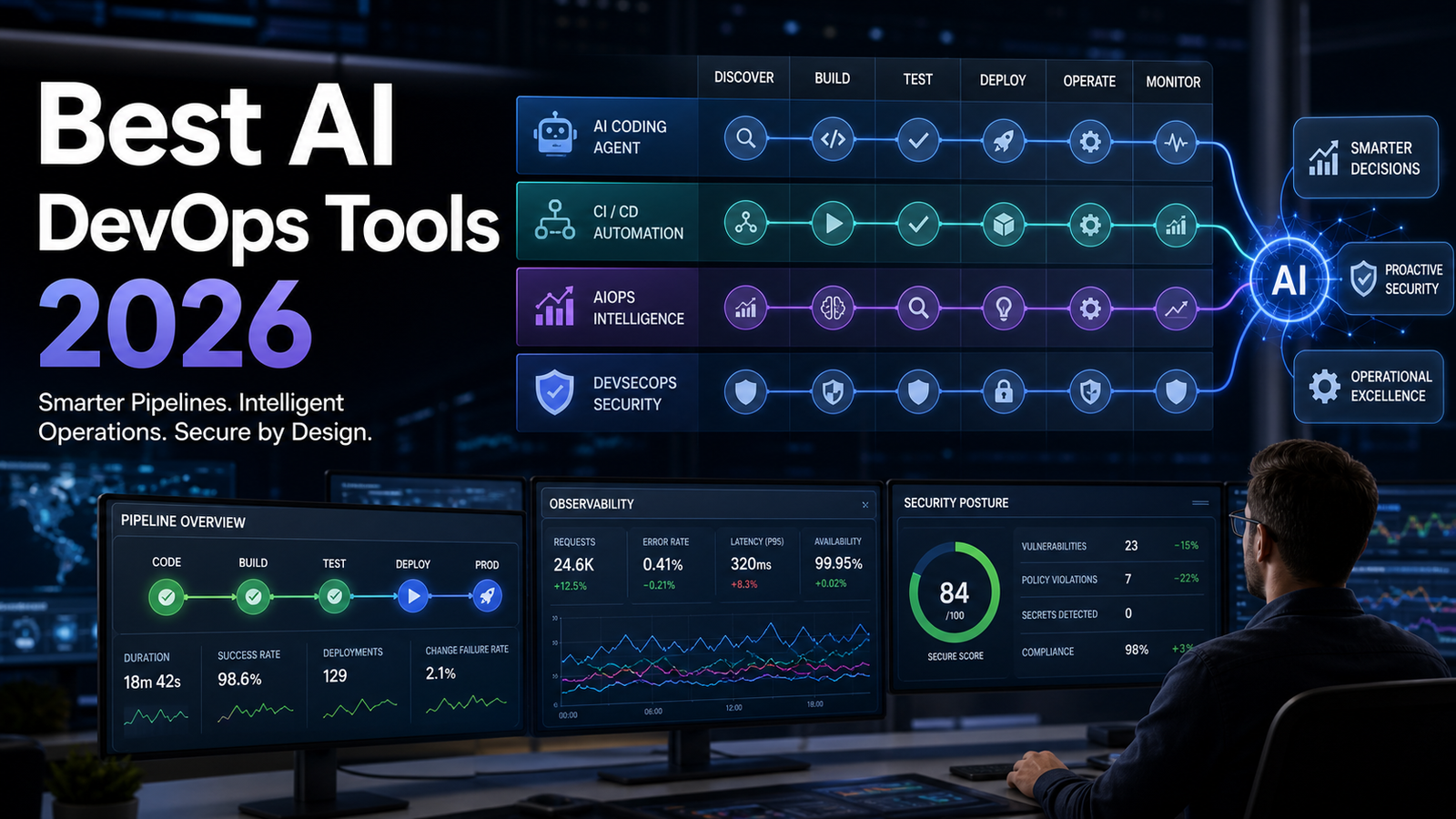

Quick answer: The best AI tool for a DevOps or cloud team depends on the system it must understand and the authority it should receive. GitHub Copilot fits GitHub-centered code and pull-request work; Claude Code is strong for terminal-first repository tasks; Cursor suits teams that want an AI-native editor; GitLab Duo Agent Platform fits GitLab-native delivery; Pulumi Neo adds live infrastructure context and policy-aware change workflows; and Datadog Bits AI focuses on observability, incident and security operations. None should receive production access merely because it writes convincing code.
This guide compares those tools using current US-facing product documentation as of October 24, 2026. It does not claim hands-on benchmarks. Features, quotas and pricing change quickly, so verify the linked vendor pages before purchasing. For the broader developer landscape, start with the AI coding tools guide.
AI DevOps tools: a practical shortlist
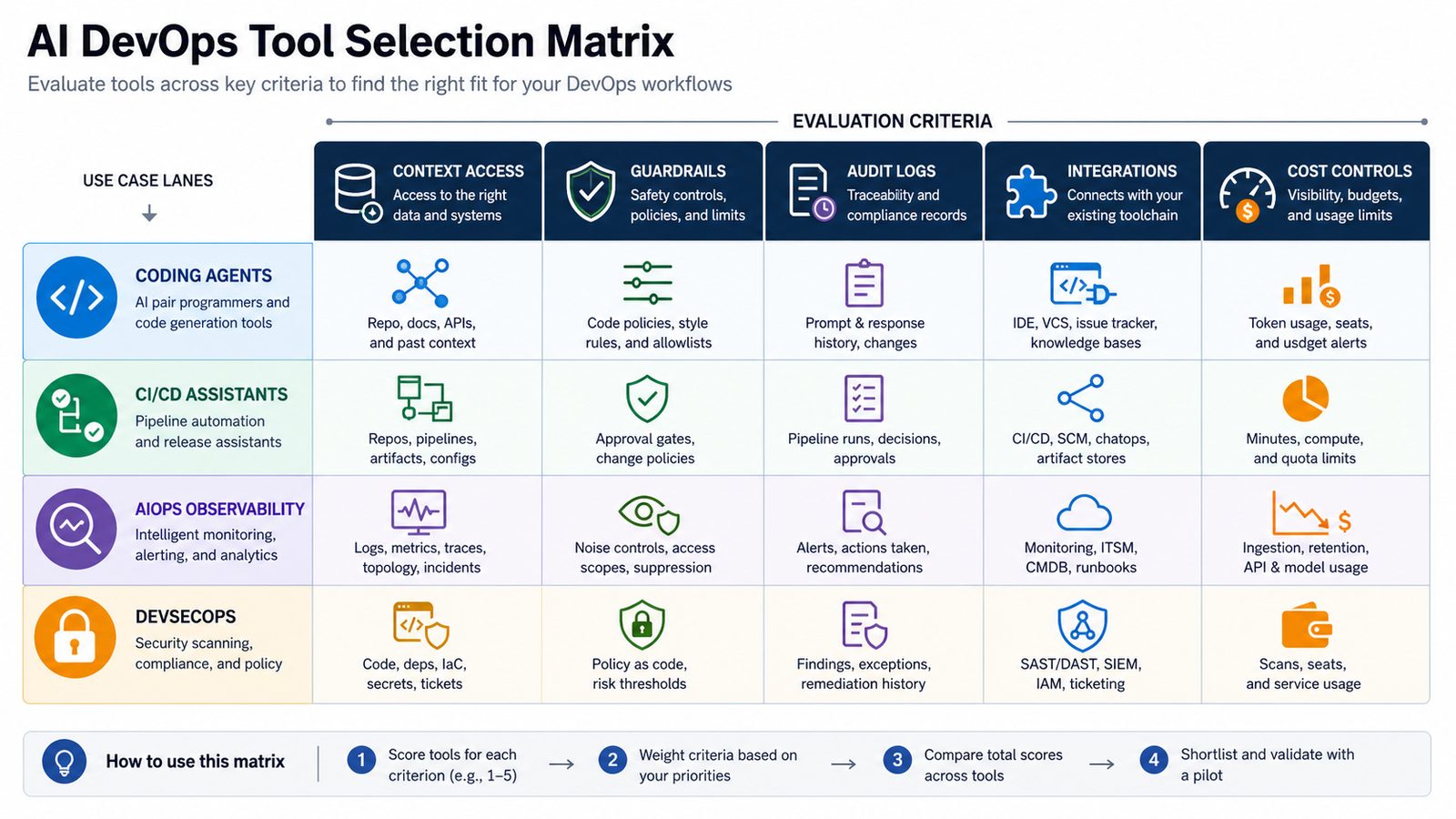
“AI DevOps tool” is a broad label. A repository agent, infrastructure agent and incident investigator do not compete on the same job. The useful comparison is not which model sounds smartest; it is which tool has the right context, execution boundary, approval path and cost model for the workflow.
| Tool | Best fit | Execution and context | Access and cost model | Main caution |
|---|---|---|---|---|
| GitHub Copilot | GitHub repositories, pull requests and Actions-centered delivery | IDE, CLI, GitHub and remote cloud-agent work; repository instructions and GitHub context | Free individual access plus paid individual, Business and Enterprise licenses; agent and review work can also consume AI credits and Actions minutes | Remote work can spend CI capacity and must remain behind branch protection and review |
| Claude Code | Terminal-first code, scripts, CI files and infrastructure-as-code | Runs from the developer environment while model processing uses Anthropic or an enterprise cloud provider; granular allowed and denied tools | Claude subscriptions, Anthropic Console/API billing, or supported Bedrock and Vertex AI deployments | Shell, filesystem, network and credential access must be scoped deliberately |
| Cursor | AI-native editing across application and infrastructure repositories | Foreground editor agents plus optional remote background agents in isolated cloud VMs | Limited free plan, paid individual tiers and team/enterprise plans; some usage is metered | Remote agents have network access and auto-run commands, increasing prompt-injection and exfiltration risk |
| GitLab Duo Agent Platform | GitLab-native software delivery, CI repair, review and governance | Agents and flows across the IDE, GitLab UI and CI/CD runners; GitLab.com, Self-Managed and Dedicated options | Plan eligibility plus GitLab Credits for generally available agentic features; temporary evaluation credits are available through sales | Credit use and runner execution need budget caps, project scoping and audit review |
| Pulumi Neo | Cloud infrastructure, Pulumi state, previews, policy and governed changes | Uses live Pulumi Cloud context; can investigate, edit IaC, open pull requests, run previews and, with permission, deploy | Included in paid Pulumi Cloud editions rather than Free; usage limits and enterprise model-provider options are available | Read-only mode limits Pulumi Cloud writes but does not automatically remove every downstream cloud or secret path |
| Datadog Bits AI | Telemetry-backed incident, security and operational investigation | Queries Datadog logs, metrics, traces, events and supported source context | Datadog product access with AI-credit pricing; availability can vary by Datadog site and feature | Weak telemetry, broad integrations or unreviewed remediation can produce confident but incomplete action |
Which tool fits which DevOps workflow?
GitHub Copilot: best for a GitHub-centered workflow
Copilot is the most natural starting point when code, issues, pull requests and CI already live in GitHub. Its cloud agent can research a repository, work on a branch and return a pull request for human review. GitHub says cloud-agent work consumes GitHub Actions minutes and AI credits, so the purchase decision is not only a seat price. Check the current Copilot plans and cloud-agent usage model together.
It fits application code, tests, documentation, workflow files and routine repository maintenance. It is less compelling when the decisive context lives outside GitHub—in cloud state, Kubernetes telemetry or an observability platform. Keep Actions workflows on agent-authored pull requests subject to approval, especially when they can access secrets or deployment identities.
Claude Code: best for terminal-first, cross-tool work
Claude Code works from the terminal, which makes it useful for mixed repositories containing application code, Dockerfiles, Helm charts, Terraform, scripts and CI configuration. Anthropic documents permission modes plus allowed and denied tool lists, so teams can permit read-only inspection or narrow commands without granting unrestricted shell execution. The CLI reference also supports non-interactive output for controlled automation.
Access is flexible: users can authenticate through eligible Claude plans, use Anthropic Console/API billing, or run through supported enterprise services such as Amazon Bedrock and Google Vertex AI. That flexibility creates different data paths. Anthropic’s commercial retention documentation says API inputs and outputs are normally deleted within 30 days, subject to exceptions and contracts; approved zero-data-retention arrangements apply only to specified API use. Confirm the actual account, provider, retention and training terms before sending private code, logs or runbooks.
Cursor: best for an AI-native editor
Cursor is a strong fit when engineers want completions, chat, multi-file edits and agents in one editor. It can cover Python, JavaScript, Go, YAML, Terraform and other text-based DevOps work because the workflow is repository-centric rather than tied to one language. Compare it with other editor choices in the AI tools for VS Code guide or review the broader Copilot alternatives.
Cursor’s foreground and remote modes have different risk profiles. Its documentation says background agents run in isolated cloud VMs with internet access and auto-run commands; that is productive, but it increases exposure to malicious repository instructions, dependency scripts and outbound data transfer. Cursor also documents privacy modes and notes that requests route through its backend. Review current privacy terms, background-agent security and pricing as one decision.
GitLab Duo Agent Platform: best for GitLab-native delivery
GitLab Duo Agent Platform is attractive when merge requests, CI/CD, security scanning and governance already sit in GitLab. Current documentation lists agentic chat, code suggestions, code review, CI/CD conversion and failed-pipeline repair, plus custom and external agents. Flows may execute locally from an IDE or in CI/CD runners, so data, credentials and network boundaries vary by launch surface.
The platform is available across GitLab.com, Self-Managed and Dedicated, with feature eligibility varying by tier. Generally available agentic functions consume GitLab Credits, and a single user request may trigger multiple model calls. Read the current Agent Platform matrix and credit billing rules before projecting cost.
Pulumi Neo: best for infrastructure-aware changes
A general coding agent can edit infrastructure-as-code, but it does not automatically understand live stacks, policy results or deployment state. Pulumi Neo is narrower and more infrastructure-aware: Pulumi says it can answer questions from live state, propose code changes, open pull requests, run previews and perform actions allowed by the user’s Pulumi permissions. It can work from Pulumi Cloud, the terminal, supported editors, pull requests and connected tools.
Neo is included in paid Essentials, Pro and Enterprise editions, not the Free edition. Its read-only mode removes direct Pulumi Cloud writes, but Pulumi warns that accessible environments, secrets and downstream cloud credentials still require separate scrutiny. Review the official Neo capability overview and permission model before enabling deployment actions.
Datadog Bits AI: best for telemetry-backed operations
Bits AI is not primarily a code generator. It is useful when the problem is diagnosing alerts, correlating logs, metrics and traces, investigating security signals or proposing operational remediation inside Datadog. Its investigation documentation says the system should return an evidence-backed conclusion or mark an investigation inconclusive when the data does not support one. That is a healthier operating model than treating every AI summary as a root cause.
It makes sense for teams already invested in Datadog data and workflows. It makes less sense as a first purchase for a small team with sparse telemetry. Check the current Bits AI feature and availability page; AI-credit pricing and site support can differ.
How to choose: six criteria that matter
- Start with one bottleneck. Choose failed CI diagnosis, Terraform review, incident triage or test generation—not a vague goal to “add AI.”
- Map required context. Repository agents need code, issues and tests. Infrastructure agents need desired and live state. Incident agents need reliable telemetry, service ownership and deployment events.
- Map execution authority. Record whether the tool can only suggest, edit a working tree, run local commands, open a pull request, use a cloud runner or write to production systems.
- Verify the data path. Confirm where prompts, source, logs, embeddings and tool output travel; how long they are retained; whether they can train models; and which subprocessors or cloud regions apply.
- Test governance. Look for SSO, role-based access, audit logs, repository controls, network restrictions, policy checks, approval gates, budget caps and offboarding.
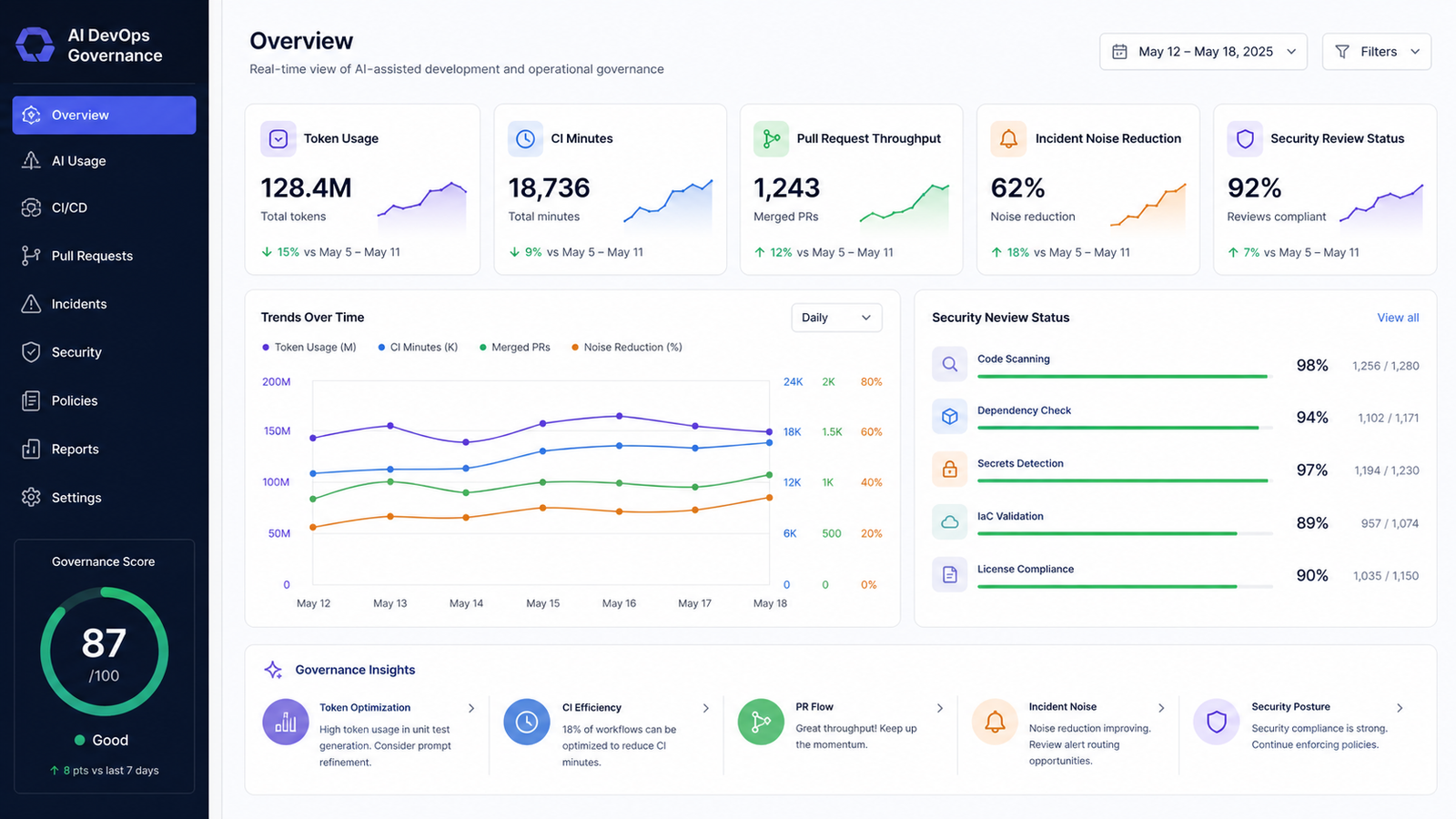
- Model total cost. Include seats, tokens or credits, CI minutes, cloud runners, data ingestion, retention, premium connectors and the human review time needed to accept or repair output.
Security controls for production-facing AI
Treat agent output and repository instructions as untrusted input. A pull request, issue, log line or dependency script can contain prompt injection that tries to change the agent’s goal or exfiltrate data. The guardrail is not a stronger prompt. It is a restricted environment with least privilege, limited outbound network access, short-lived credentials and independent verification.
- Exclude production secrets, customer data and unrestricted kubeconfigs from the agent workspace.
- Give the agent read access first; add narrow write tools only after the workflow proves useful.
- Require review for dependency, IAM, network, CI/CD and infrastructure changes.
- Run formatting, compilation, unit and integration tests, IaC validation, policy-as-code, SAST, dependency and container scans outside the agent’s own reasoning loop.
- Use protected branches and separate deployment identities so an agent-authored change cannot approve or deploy itself.
- Keep a tested rollback path and audit the prompt, model, tool calls, diff, checks and approver.
For a deeper security workflow, use the AI DevSecOps pipeline guide.
A controlled 30-day evaluation
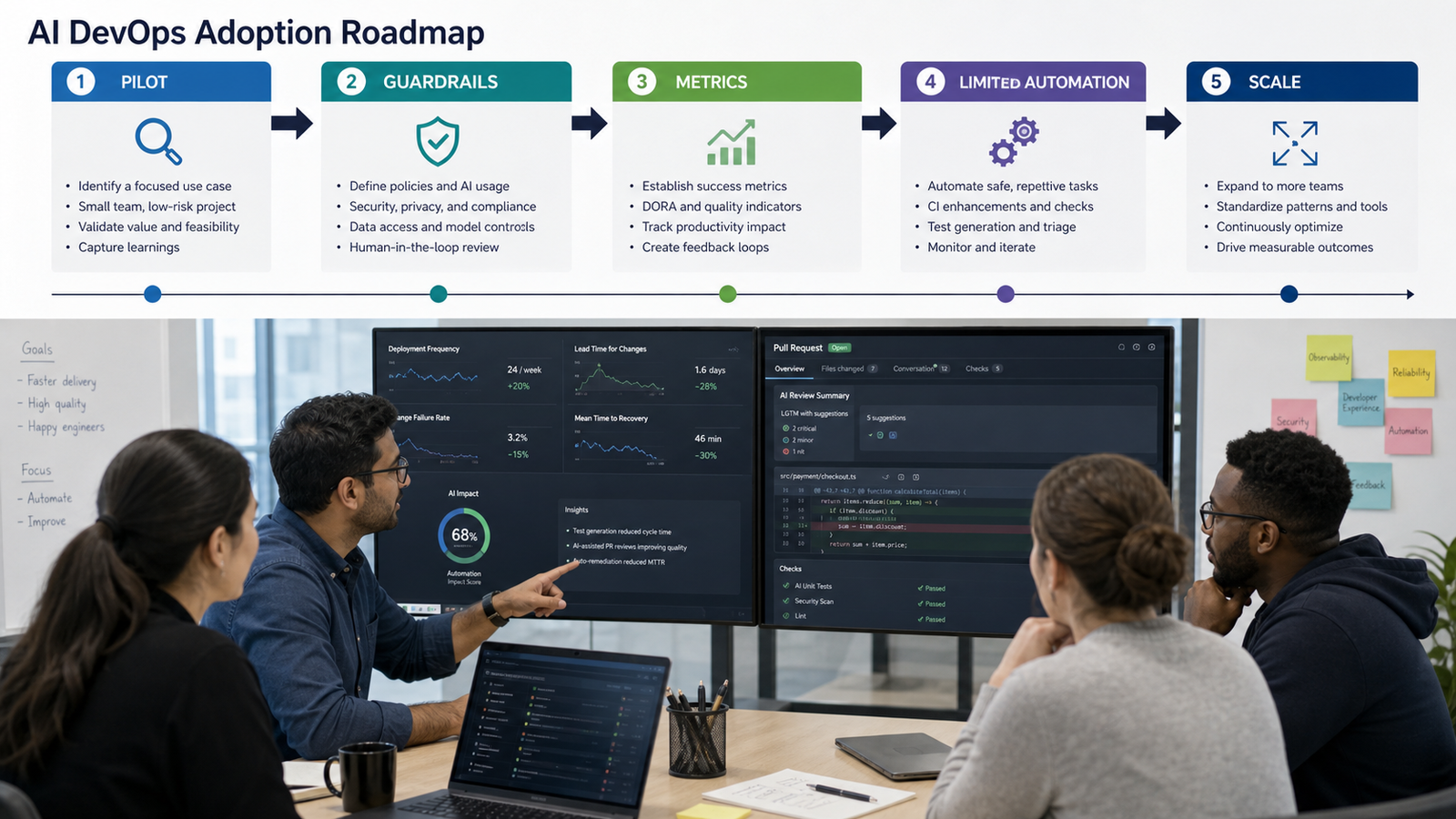
Week 1: establish the baseline. Select one low-risk repository and two repeatable tasks. Record current completion time, review time, CI failures, security findings and rework. Define forbidden actions and the exact commands the tool may run.
Week 2: run equal tasks. Give each shortlisted tool the same repository snapshot, acceptance criteria and validation commands. Do not compare marketing demos. Capture successful drafts, corrections, unnecessary changes, failed checks, token or credit use and engineer review effort.
Week 3: test failure modes. Add an ambiguous requirement, a malicious instruction in an untrusted file, a dependency update and an infrastructure permission change. Confirm that controls—not model judgment—prevent unsafe execution.
Week 4: decide. Keep the tool only if it reduces total cycle time without increasing escaped defects, security risk or review burden. Expand from suggestions to pull requests before considering low-risk automation. Production changes should remain human-approved and independently validated.
Pricing, licensing and operational cost
Plan names and quotas are volatile, so a static seat-price table becomes misleading quickly. Use current vendor pricing pages and build a workload model: developers, repositories, agent sessions, model calls, CI minutes, runner hours, telemetry volume, retention and expected review time. Verify whether a “free” option is a durable tier, a limited allowance or a trial.
Also check code and artifact licensing. Generated output may resemble public code or introduce dependencies with incompatible licenses. Use code-reference features when available, scan dependencies and preserve software-composition analysis. The organization—not the model vendor—still owns the decision to merge, deploy and distribute the result.
Final verdict
For most teams, the best first AI DevOps tool is the one already adjacent to the workflow: Copilot for GitHub, GitLab Duo for GitLab, Claude Code for terminal-centered cross-tool work, Cursor for an AI-native editor, Pulumi Neo for governed Pulumi infrastructure, or Bits AI for Datadog-centered operations. Do not buy all six. Pick one bottleneck, constrain authority, measure total review effort and expand only after the evidence is positive.
Frequently asked questions
What is the best AI coding tool for DevOps engineers?
GitHub Copilot is a practical starting point for GitHub-heavy teams, Claude Code for terminal and infrastructure repositories, Cursor for an AI-native editor, and GitLab Duo for GitLab-native delivery. The best choice depends more on context and execution controls than on language support.
Can AI tools safely edit Terraform, Kubernetes or CI/CD files?
They can propose useful edits, but the output is not production-ready by default. Validate syntax and plans, scan dependencies and images, enforce policy, review permission and network changes, and require human approval before merge or deployment.
Should an AI agent receive cloud credentials?
Only when a narrow task requires them, and then use short-lived, least-privilege credentials in an isolated environment. Prefer read-only access and preview or plan operations. Keep production write access behind a separate approval boundary.
Are free AI DevOps tools enough for a team?
Free tiers can support evaluation, but team deployment often needs SSO, audit logs, policy controls, shared billing and predictable usage limits. Include those controls and human review time when comparing total cost.
What should a DevOps team measure during a pilot?
Measure time to a useful draft, review time, accepted versus reverted changes, CI pass rate, security findings, incident accuracy, agent spend and engineer satisfaction. Do not use generated lines of code as the primary success metric.


Pingback: AI Tools for Kubernetes and Infrastructure Automation in 2026 - GravityDevOps